
Desiweminer is a miner management application designed for Bitcoin miners. It provides tools and features to manage mining operations efficiently, including monitoring hash rates, temperatures, and power consumption of miners. The application typically supports various mining algorithms and allows users to optimize their Mining MAchines(Servers).
Overall Application Grade: C-
User Interface(6/10): Aesthetic is vintage. I don’t mind it, but it’s just not as user friendly as some of the other IP scanner’s I’ve utilized. The tabs in the application make it hard to identify what you’re actually doing. For example, “Scan” and “Monitor” are two different tabs but they sound similar.
Interface Syntax (4/10): Had to point this out on the account that the wording for clicking on each tab can be awkward, quite frankly. Basically, the applications syntax makes it hard to navigate the program.
Features(8/10): Once you get passed the awkward syntax, the scanning works well enough and you can even sort through different categories such as error codes or IP addresses to find the machine you want to get access to.
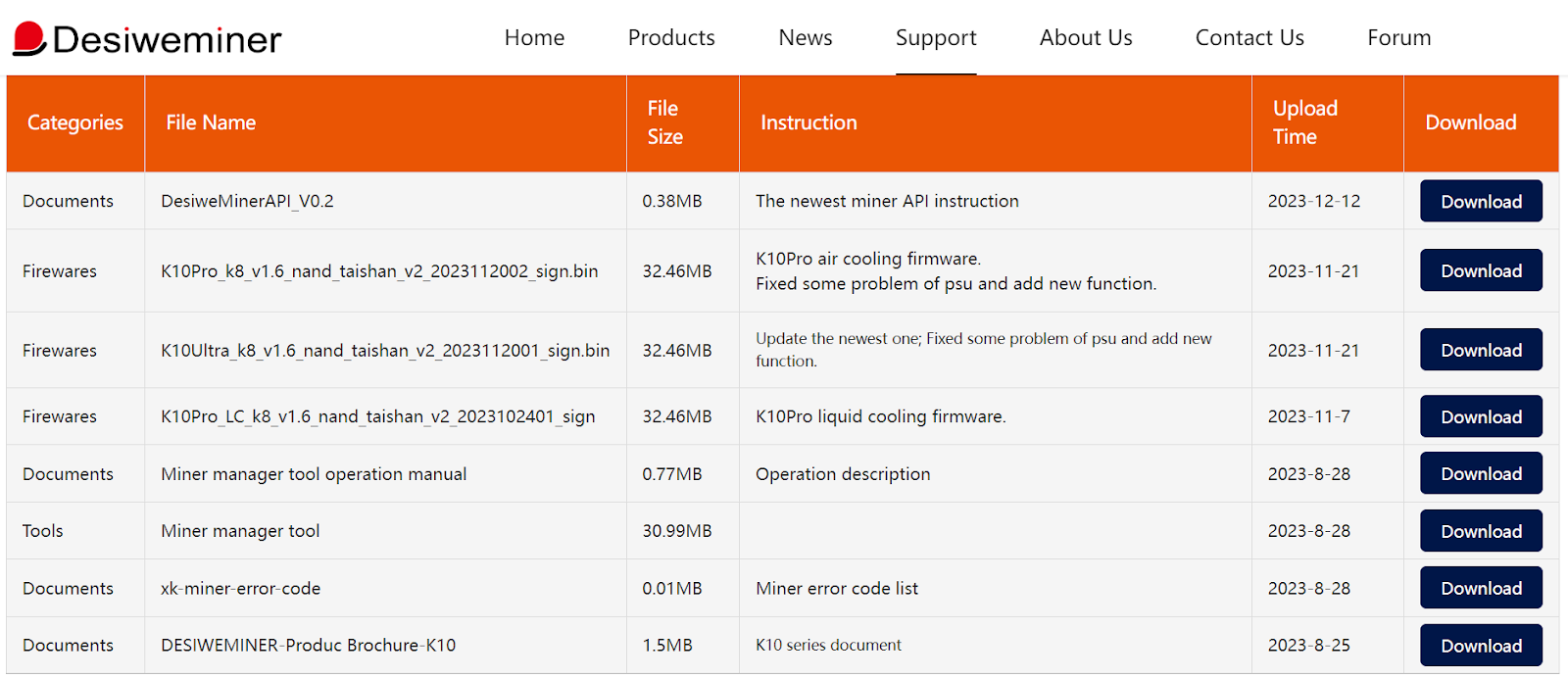
Step 1 – Open the Desiweminer miner-management application. The download can be found on their support page.

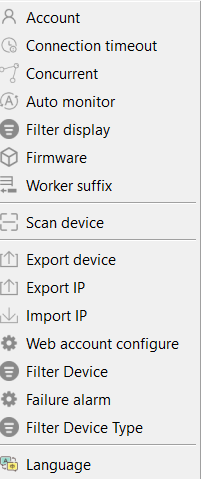
Step 2 – click on the setting tab

Step 3 – click on scan device

Step 4 – Now you need to Add the IP range in the 1st, 2nd, 3rd, and 4th octet.
A container has a set number of IP addresses but they change frequently (DHCP protocol)
The last section – IP end section – needs to be 0~255.

Step 5 – After you insert IP range. Click Apply at the bottom right hand corner.

Step 6 – A “configure Ok” prompt will pop up. Select Ok to Continue.

Step 7 – Click on the scan terminal and
7a. Select Start
7b. Then Select Show All IP


Step 8 – After you select Show All IP you will see the list of machines in the IP range.

Step 9 – Click on the Monitor tab to show machine error codes

Step 10 – Sort through the error codes by selecting the PSU Error Code or the Miner Error Code Tab. Sorting the Error Code will help you quickly find the machines that need immediate attention.

 Bitcoin Versus
Leave a comment