
The ‘tracert’ command, short for ‘Trace Route,’ is a network diagnostic tool that tracks the path data packets take from your device to a specified IP address or domain.
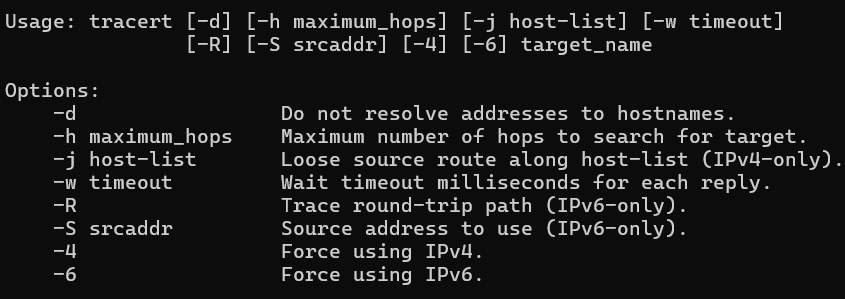
By listing each hop and measuring the time it takes to travel between them, ‘tracert’ helps identify delays or connection issues along the route.
For instance, executing ‘tracert example.com’ reveals the complete path packets follow to reach the ‘example.com’ server, aiding in troubleshooting network bottlenecks and routing problems.

 Bitcoin Versus
Leave a comment