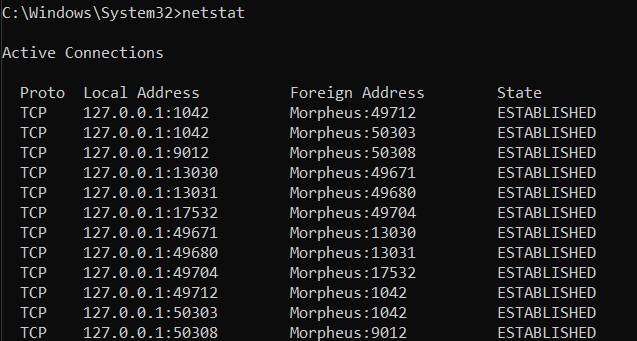
The netstat command provides statistics on current network connections and listening ports, offering insight into which applications are communicating over the network.
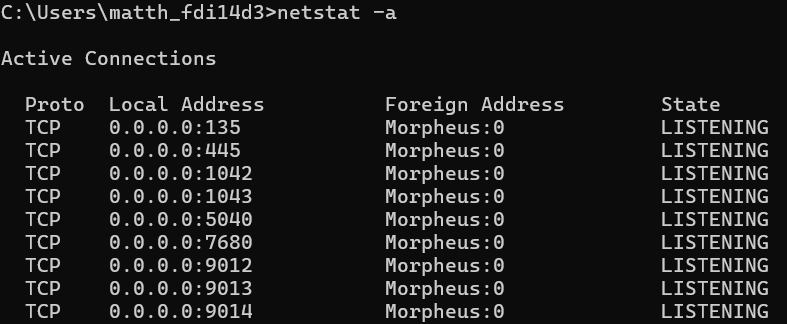
Running netstat -a displays all active connections and ports.
Netstat -b reveals the applications associated with each connection, valuable for security assessments (you need admin privileges for the “netstat -b” command).
This command is used to detect suspicious network activity and manage active connections.

BitcoinVersus.Tech Editor’s Note:
We volunteer daily to ensure the credibility of the information on this platform is Verifiably True.If you would like to support to help further secure the integrity of our research initiatives, please donate here.

 Bitcoin Versus
Leave a comment