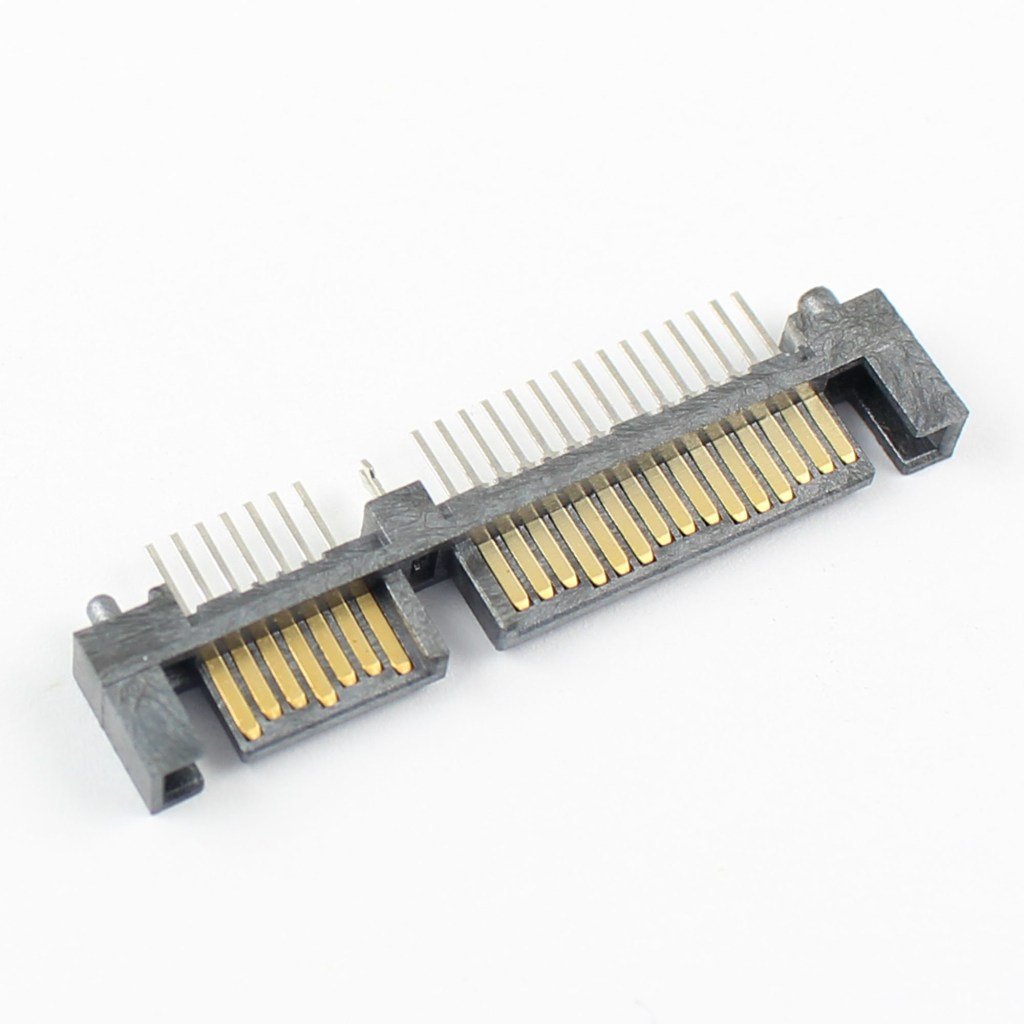
SATA (Serial ATA) hard drives are widely used for internal storage in desktops and laptops, offering a balance of performance and cost for general computing tasks. Introduced as a replacement for older PATA (Parallel ATA) drives, SATA provides faster data transfer speeds and thinner cables for improved airflow within the system chassis.
The most common version, SATA III, supports speeds up to 6 Gb/s (roughly 600 MB/s), though mechanical hard drives (HDDs) typically operate well below that due to physical spinning limitations.
SATA interfaces are also used by SATA SSDs, which take advantage of the interface’s bandwidth limits but still outperform mechanical drives significantly in speed and durability.
SATA hard drives remain a reliable choice for mass storage due to their large capacities—often exceeding 1 TB to 16 TB per drive—and affordability per gigabyte.
They’re commonly used for file servers, data archiving, backups, and extended multimedia storage. For CompTIA A+ candidates, understanding the role of SATA hard drives includes recognizing their connectors (15-pin power and 7-pin data), installation procedures, and performance limitations.
Technicians must also be aware of BIOS/UEFI drive detection, formatting standards (NTFS, exFAT), and how to differentiate SATA from faster storage interfaces like NVMe.
BitcoinVersus.Tech Editor’s Note:
We volunteer daily to ensure the credibility of the information on this platform is Verifiably True. If you would like to support to help further secure the integrity of our research initiatives, please donate here
BitcoinVersus.tech is not a financial advisor. This media platform reports on financial subjects purely for informational purposes.
 Bitcoin Versus
Leave a comment