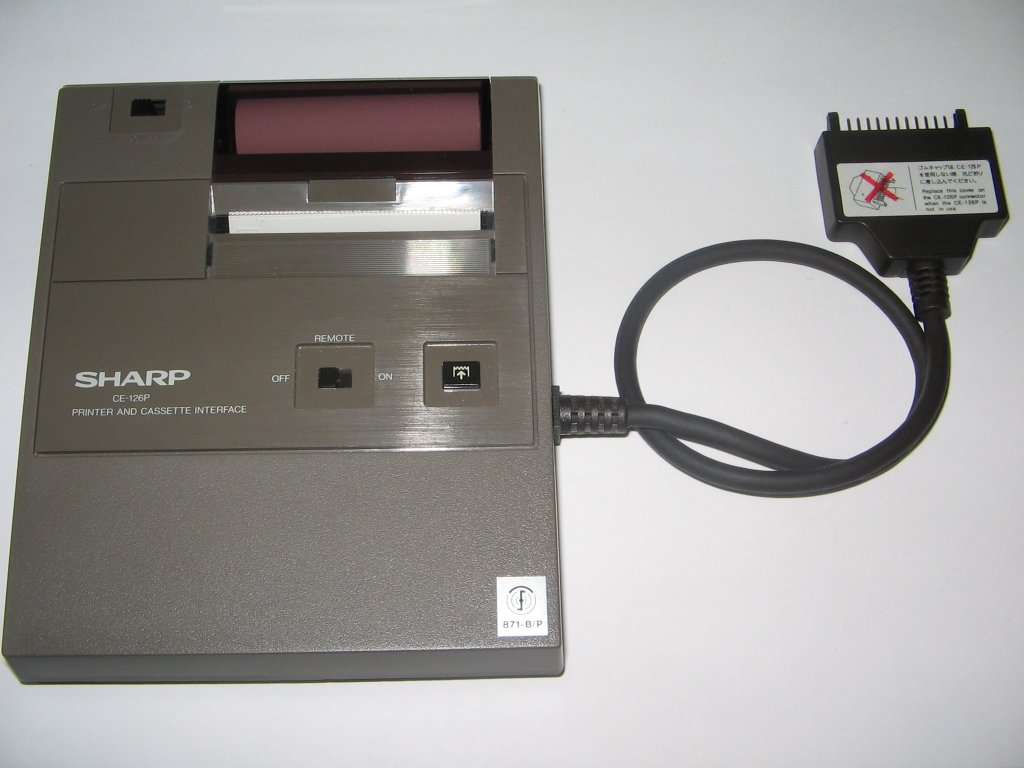
Thermal printers use heat-sensitive paper and a heated print head to produce images or text, making them ideal for quiet, low-maintenance printing in point-of-sale systems, kiosks, and receipt printers.
Unlike inkjet or laser printers, they require no ink or toner, only specially coated thermal paper that darkens when exposed to heat.
Because they have fewer moving parts and consumables, they’re generally more reliable and cost-effective for high-volume, short-term print jobs.
However, their output can fade over time and is not suitable for archival purposes. Troubleshooting typically involves checking for paper jams, feed errors, or faded prints due to low-quality thermal paper or a dirty print head.
Despite their efficiency, thermal printers come with limitations. The prints can fade when exposed to heat, light, or friction, making them unsuitable for long-term documentation. The paper itself can be sensitive to environmental conditions, which can result in unclear or incomplete prints.
Routine maintenance includes cleaning the thermal print head and replacing worn rollers or feeding mechanisms. Common issues include faded prints (often caused by low-quality paper or a dirty head), paper feed errors, and misaligned receipts.
Thermal printers are typically connected via USB, Serial, or network interfaces, and may require proprietary drivers depending on the manufacturer.
BitcoinVersus.Tech Editor’s Note:
We volunteer daily to ensure the credibility of the information on this platform is Verifiably True. If you would like to support to help further secure the integrity of our research initiatives, please donate here
BitcoinVersus.tech is not a financial advisor. This media platform reports on financial subjects purely for informational purposes.
 Bitcoin Versus
Leave a comment