Esptool.py is a Python-based utility created by Espressif for flashing firmware onto ESP8266 and ESP32 chips. It operates cross-platform—working on Windows, Linux, and macOS—and is executed from the command line using Python. Although its name ends in .py, users interact with it using simple terminal commands, not actual Python code.
The command-line arguments passed to esptool.py are Python-native in origin but are structured for use in standard shell environments, making them platform-agnostic.
As long as Python is installed and the correct USB drivers are present, the same flashing commands can be run on any OS.
Bitaxetool, on the other hand, is a simplified wrapper built around esptool.py, designed specifically for open-source Bitcoin mining boards like the Bitaxe and NerdAxe. It abstracts away low-level details such as flash offsets and chip configurations, streamlining the flashing process with minimal input.
Under the hood, it still relies on esptool.py to perform the actual data transmission and flashing. When you run a command like bitaxetool -p COM6 -f firmware.bin, you’re essentially instructing a Python script to call specific esptool.py functions with preconfigured parameters suitable for devices like the ESP32-S3.
Flashing The Machine:
Before initiating serial communication with a Bitaxe or NerdAxe machine using a USB connection, you must ensure that a few essential packages and drivers are installed. First, install Python (preferably version 3.7 or higher) from the official Python website, making sure to check the box to add Python to your system PATH.
Next, install the esptool Python package by running:
pip install esptool
Which enables direct flashing and communication with ESP32 chips.
For Windows users, it’s also necessary to install the Silicon Labs CP210x USB to UART Bridge VCP Driver or the CH340 driver (Likely the CH340), depending on your board’s USB interface.
Once all drivers and tools are installed, you’ll be able to access and flash the device via serial ports such as COM6 using tools like esptool.py or bitaxetool.
To flash the NerdAxe firmware onto an ESP32-S3-based device, connect the microcontroller to your machine using a known working USB cable. Identify the correct COM port, and then run the following command from your terminal:

bitaxetool -p COM6 -f C:\Users\matth_fdi14d3\Downloads\esp-miner-factory-nerd101–v2.1.5.bin
In this command:
-p COM6specifies the serial port connected to the ESP32-S3.-fdefines the full path to the compiled firmware.binfile.
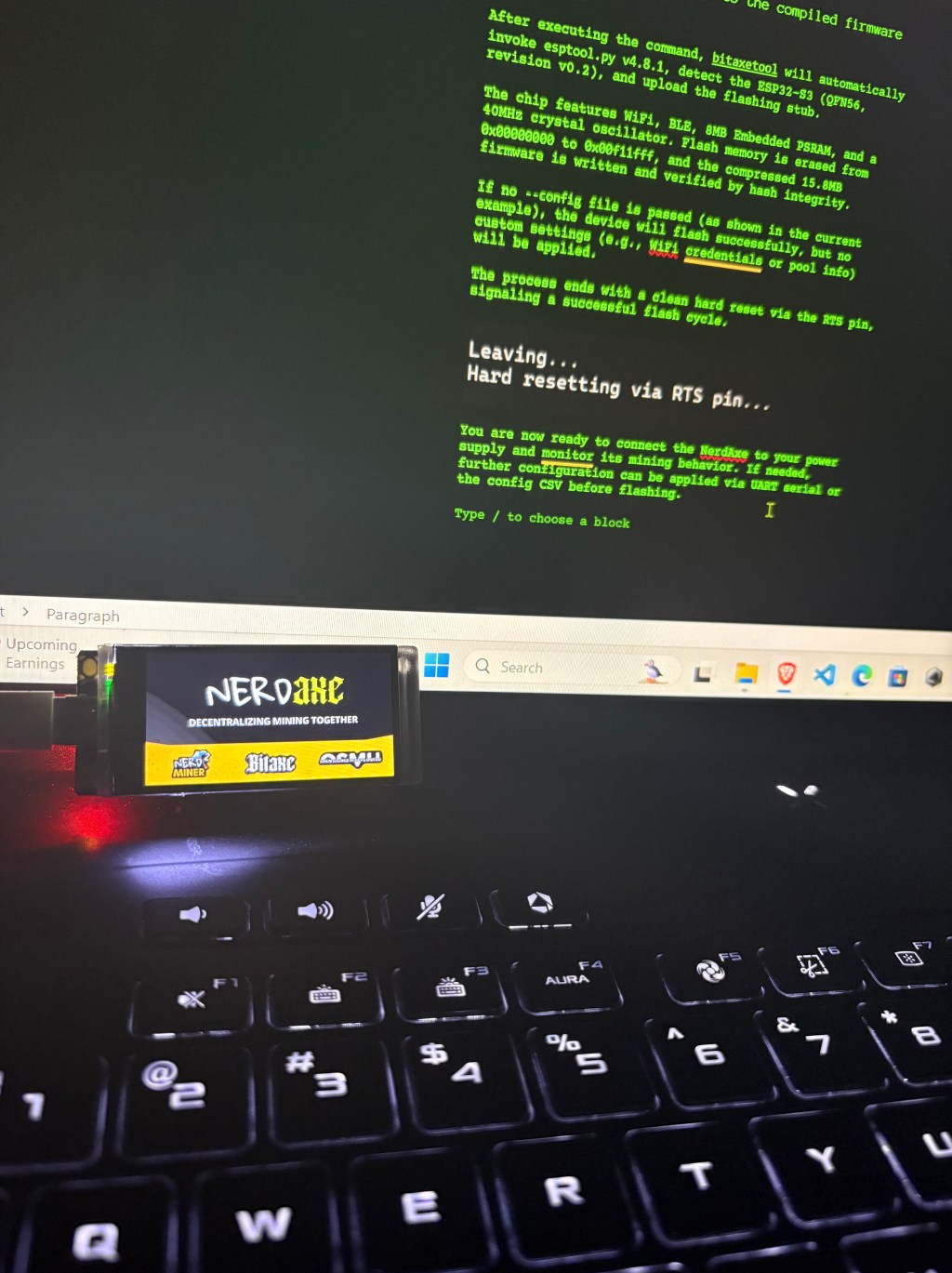
After executing the command, bitaxetool will automatically invoke esptool.py v4.8.1, detect the ESP32-S3 (QFN56, revision v0.2), and upload the flashing stub.

The chip features WiFi, BLE, 8MB Embedded PSRAM, and a 40MHz crystal oscillator. Flash memory is erased from 0x00000000 to 0x00f11fff, and the compressed 15.8MB firmware is written and verified by hash integrity.

The process ends with a clean hard reset via the RTS pin, signaling a successful flash cycle.

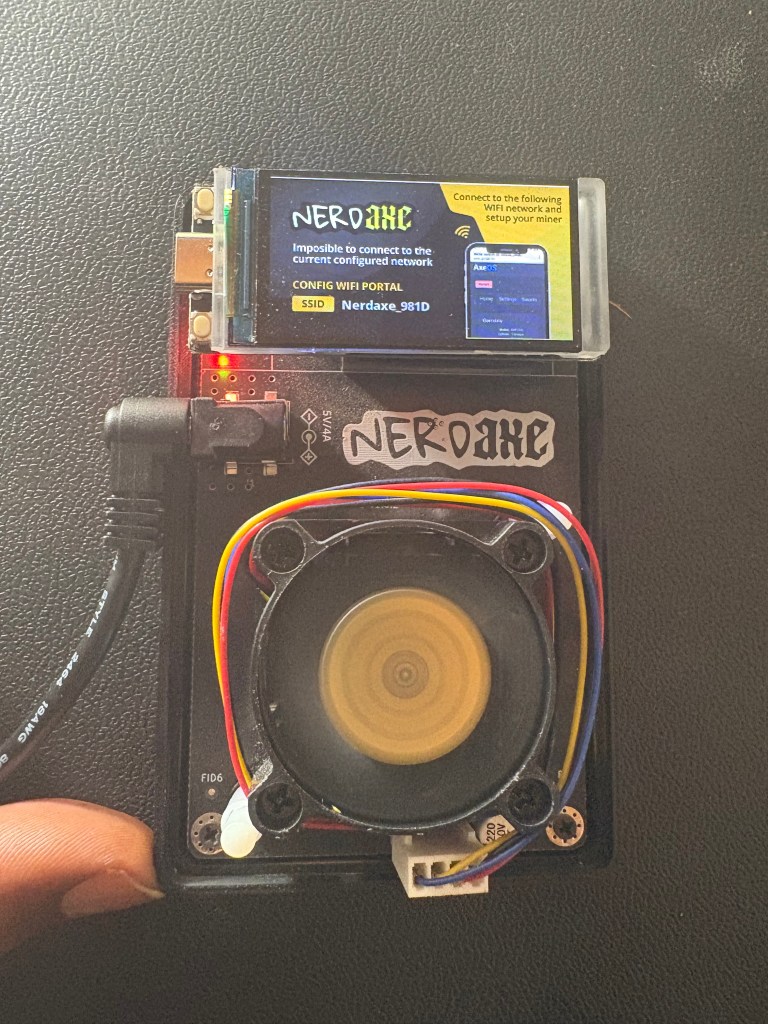
Congratulations! You are now ready to connect the NerdAxe to your power supply and configure the setting.
If needed, further configuration can be applied via UART serial or the config CSV before flashing.
BitcoinVersus.Tech Editor’s Note:
We volunteer daily to ensure the credibility of the information on this platform is Verifiably True. If you would like to support to help further secure the integrity of our research initiatives, please donate here
BitcoinVersus.tech is not a financial advisor. This media platform reports on financial subjects purely for informational purposes.
 Bitcoin Versus
Leave a comment