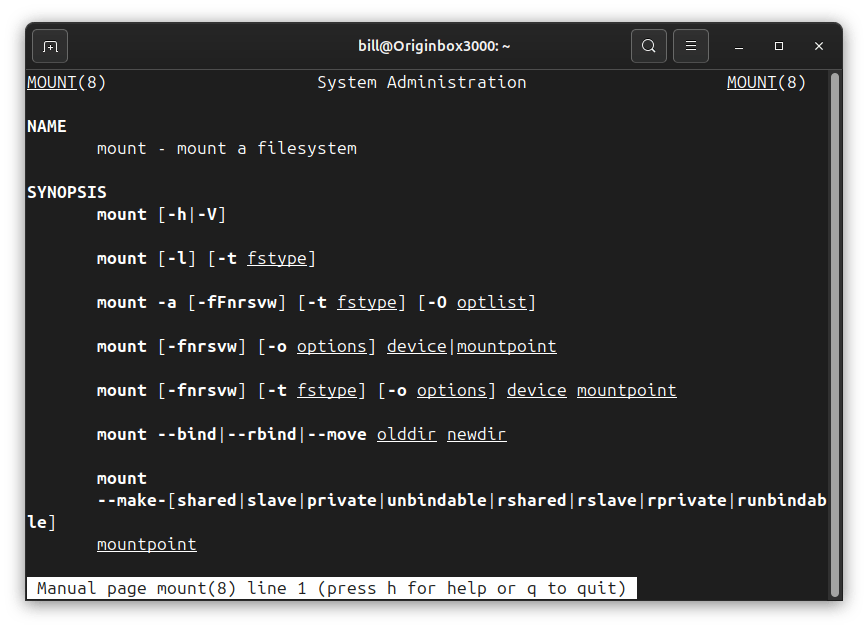
In Linux, mount refers to the process of attaching a storage device or partition—such as a hard drive, USB stick, or network share—to the system’s directory tree so that its contents become accessible.
Unlike operating systems that assign drive letters, Linux integrates storage into a single hierarchical file system. When a device is mounted, it is mapped to a directory known as a mount point (e.g., /mnt, /media/usb, or a custom path). The mount command handles this operation, requiring the device path and the mount point:
sudo mount /dev/sdX1 /mnt
Once mounted, users can navigate and interact with the files as if they were native to the system.
The reverse of mounting is called unmounting, done with the umount command, which detaches the device from the directory tree.
Mounting can also be automated at boot using /etc/fstab, a configuration file that references devices by UUID, label, or path to ensure consistent mapping.
Linux supports mounting different file systems like ext4, vfat, ntfs, and even encrypted or remote file systems. Whether temporary or persistent, mounting is essential for accessing external and internal storage in a secure and controlled manner.
BitcoinVersus.Tech Editor’s Note:
We volunteer daily to ensure the credibility of the information on this platform is Verifiably True. If you would like to support to help further secure the integrity of our research initiatives, please donate here
BitcoinVersus.tech is not a financial advisor. This media platform reports on financial subjects purely for informational purposes.
 Bitcoin Versus
Leave a comment