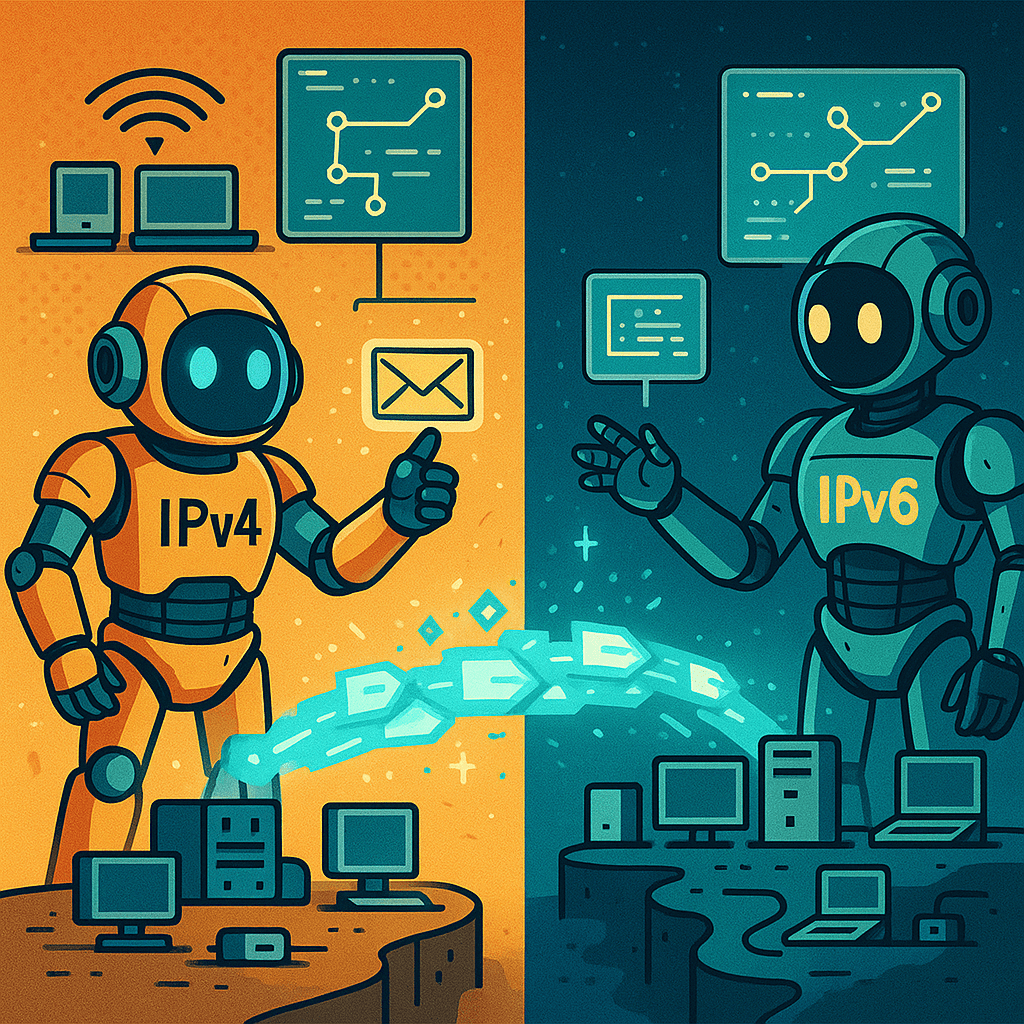
An IP address is a unique identifier assigned to devices on a network to enable communication. There are two main versions: IPv4, a 32-bit address format (e.g., 192.168.1.1), and IPv6, a 128-bit format (e.g., 2001:0db8:85a3::8a2e:0370:7334), created to handle the growing number of connected devices.
IPv4 supports around 4.3 billion addresses and uses dot-decimal notation. It’s still widely used in LANs, home networks, and small office setups.
IPv6 uses hexadecimal and colons, offering a virtually unlimited pool of addresses and built-in features like simplified routing and better security through IPsec.
Why It Matters for Technicians
A+ techs must understand how IP addresses are assigned manually (static) or automatically via DHCP, and how subnetting works to divide networks. Troubleshooting often includes verifying IP configurations using commands like ipconfig (Windows) or ifconfig/ip a (Linux).
Knowing how to read IP addresses, determine subnet masks, and identify default gateways helps isolate issues with DNS, routing, and connectivity. It also enables better management of printers, routers, and networked devices across both IPv4 and IPv6 environments.
 Bitcoin Versus
Leave a comment