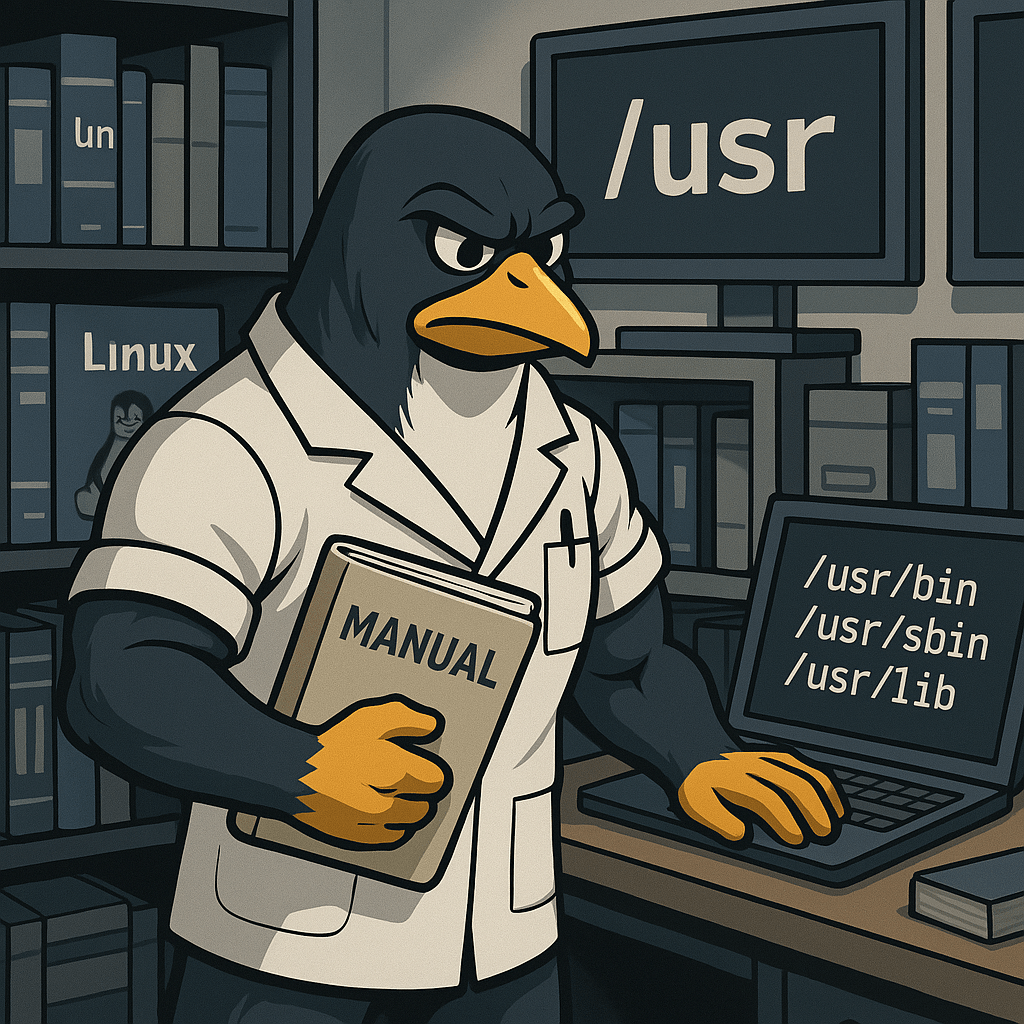
The /usr directory in Linux holds the majority of user-level applications, libraries, documentation, and system utilities that are not required during the initial stages of booting.
While its name might suggest it’s for user files, it’s actually more like a shared, read-only part of the system for application files and binaries.
Subdirectories like /usr/bin, /usr/sbin, and /usr/lib store essential programs and libraries used once the system is fully up and running.
For instance, nano, python3, and many user-accessible commands are located in /usr/bin.
The /usr/share directory contains icons, documentation, and other shared files, while /usr/local is reserved for locally compiled software to avoid conflicts with package-managed system files.
The screenshot below shows a terminal session where the user lists the contents of the /usr/bin/ directory using the ls command, revealing a large number of installed executable programs.
The error in the first command occurs because /usr/bin/ is a directory, and trying to execute it directly without ls or another command causes Bash to return an error.

On the Linux+ exam, understanding /usr is important because it helps clarify how Linux separates system-critical startup tools (found in /bin, /sbin) from everyday programs that live in /usr.
BitcoinVersus.Tech Editor’s Note:
We volunteer daily to ensure the credibility of the information on this platform is Verifiably True. If you would like to support to help further secure the integrity of our research initiatives, please donate here
BitcoinVersus.tech is not a financial advisor. This media platform reports on financial subjects purely for informational purposes.
 Bitcoin Versus
Leave a comment