If your SupraHex unit is not appearing on your mining pool dashboard, it’s likely due to outdated or incompatible firmware.
To resolve this issue:
Check for the latest firmware release by clicking the Check in the settings section of your miners graphical user interface (GUI).

After the Download of the “esp-miner.bin” and “www.bin” files upload the files in their respective section:
esp-miner.binunder the Update Firmware section

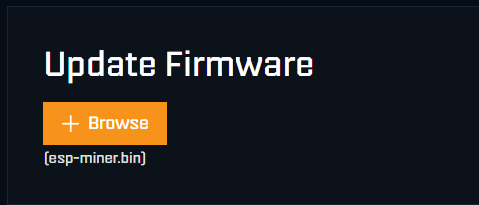
www.binunder the Update Website section


Make sure you’re using the TinyChipHub firmware, as the message (written in red) indicates that Hex and SupraHex models should not use OSMU firmware at this time.
Once updated, your miner should reappear in your pool’s device list shortly after reboot.
BitcoinVersus.Tech Editor’s Note:
We volunteer daily to ensure the credibility of the information on this platform is Verifiably True. If you would like to support to help further secure the integrity of our research initiatives, please donate here
BitcoinVersus.tech is not a financial advisor. This media platform reports on financial subjects purely for informational purposes.
 Bitcoin Versus
Leave a comment