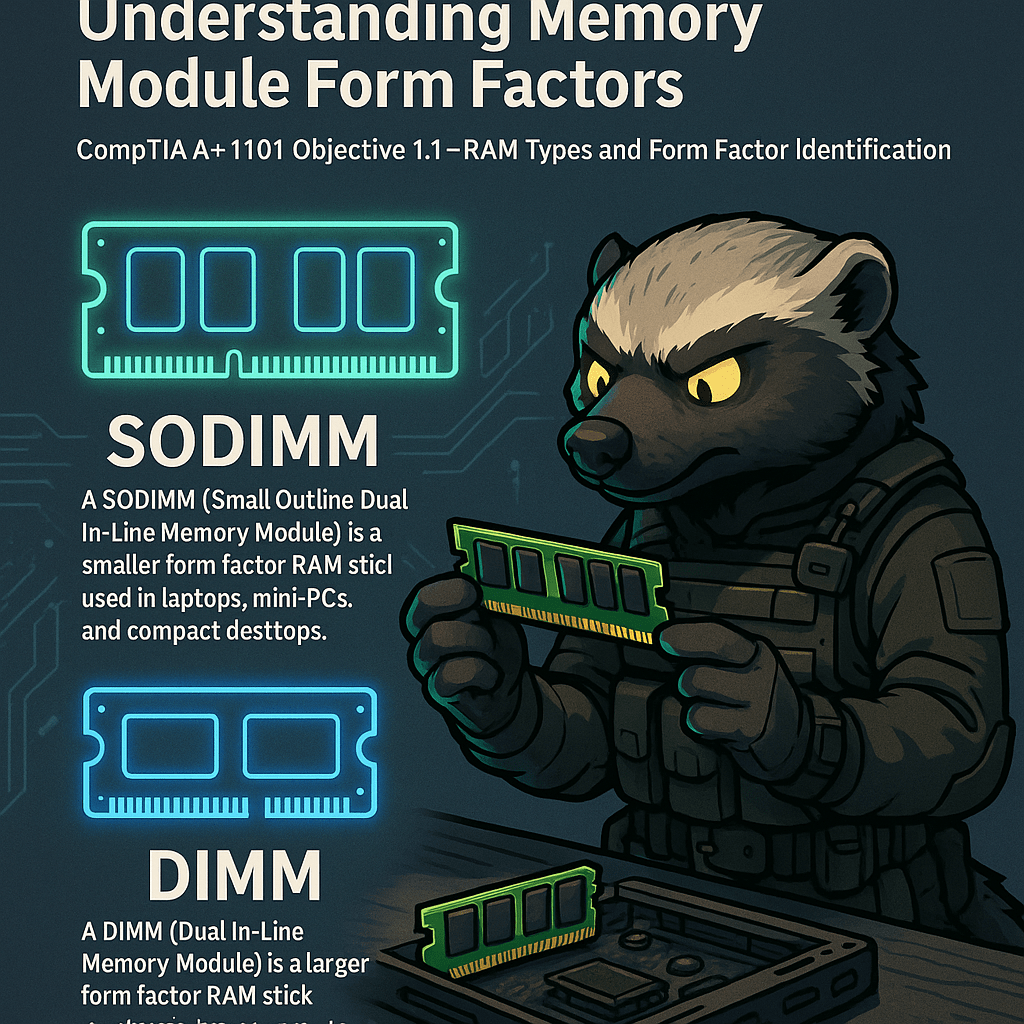
Memory modules come in different physical sizes depending on the device they’re intended for. DIMM (Dual Inline Memory Module) is the standard memory format used in desktop computers, while SODIMM (Small Outline DIMM) is the compact version used in laptops, mini-PCs, and some all-in-one systems.
Both types serve the same function—providing volatile memory that supports system performance—but differ in pin count, size, and layout.
A typical DIMM module is approximately 133mm long, with 240 pins (DDR3) or 288 pins (DDR4/DDR5). It installs vertically into full-size motherboard slots and often includes integrated heatsinks for high-performance builds.
SODIMM modules, in contrast, measure roughly 67mm in length and have 204 pins (DDR3) or 260 pins (DDR4/DDR5). They install horizontally in compact slots and are secured with retention clips on either side.
Technicians preparing for the A+ exam must be able to visually identify DIMM vs SODIMM, match them to compatible systems, and properly install them while observing electrostatic discharge (ESD) precautions. Installing the wrong module will either prevent system boot or physically not fit.
Speed, generation (DDR3, DDR4, DDR5), and voltage must also match the motherboard’s specifications for stable operation.
We volunteer daily to ensure the credibility of the information on this platform is Verifiably True. If you would like to support to help further secure the integrity of our research initiatives, please donate here
BitcoinVersus.Tech Editor’s Note:We volunteer daily to ensure the credibility of the information on this platform is Verifiably True. If you would like to support to help further secure the integrity of our research initiatives, please donate here
 Bitcoin Versus
Leave a comment