Command #5 – Netstat (Windows OS)
-
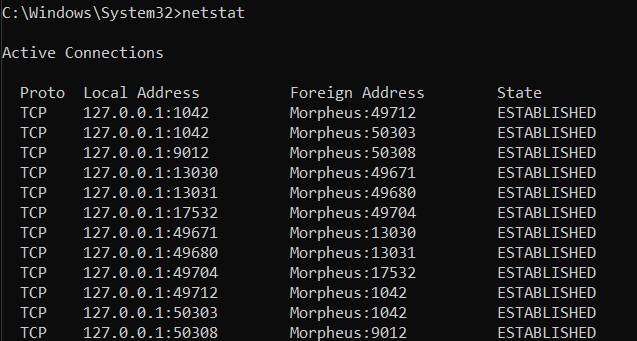
The netstat command provides statistics on current network connections and listening ports, offering insight into which applications are communicating over the network. Running netstat -a displays all active connections and ports. Netstat -b reveals the applications associated with each connection, valuable for security assessments (you need admin privileges for the “netstat -b” command). This command is used to detect suspicious…
 Bitcoin Versus