SSD installation
-
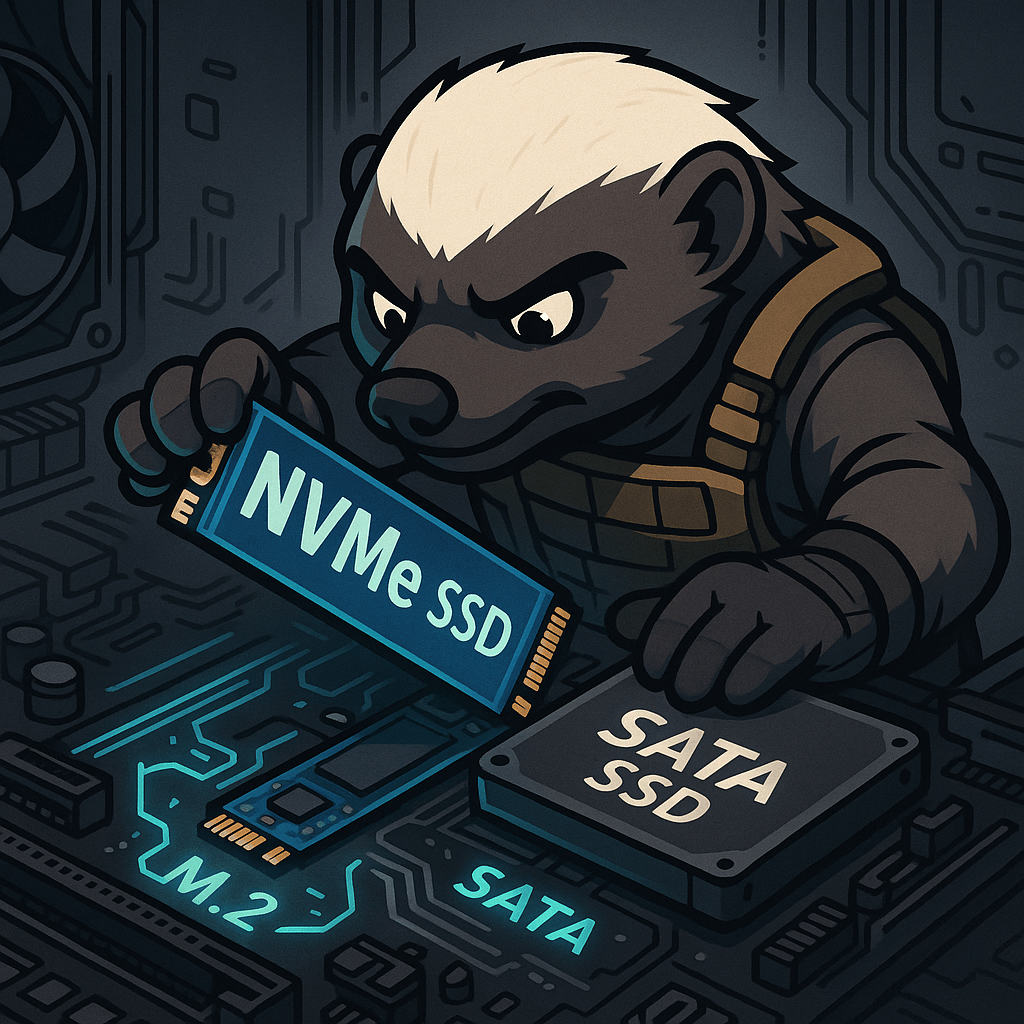
Modern systems now rely heavily on Solid-State Drives (SSDs) for fast data access, but not all SSDs are built the same. Two common types—NVMe (Non-Volatile Memory Express) and SATA (Serial ATA)—differ dramatically in speed, interface, and performance. SATA SSDs use the older SATA interface, originally designed for hard drives. They’re limited to a theoretical maximum…
-
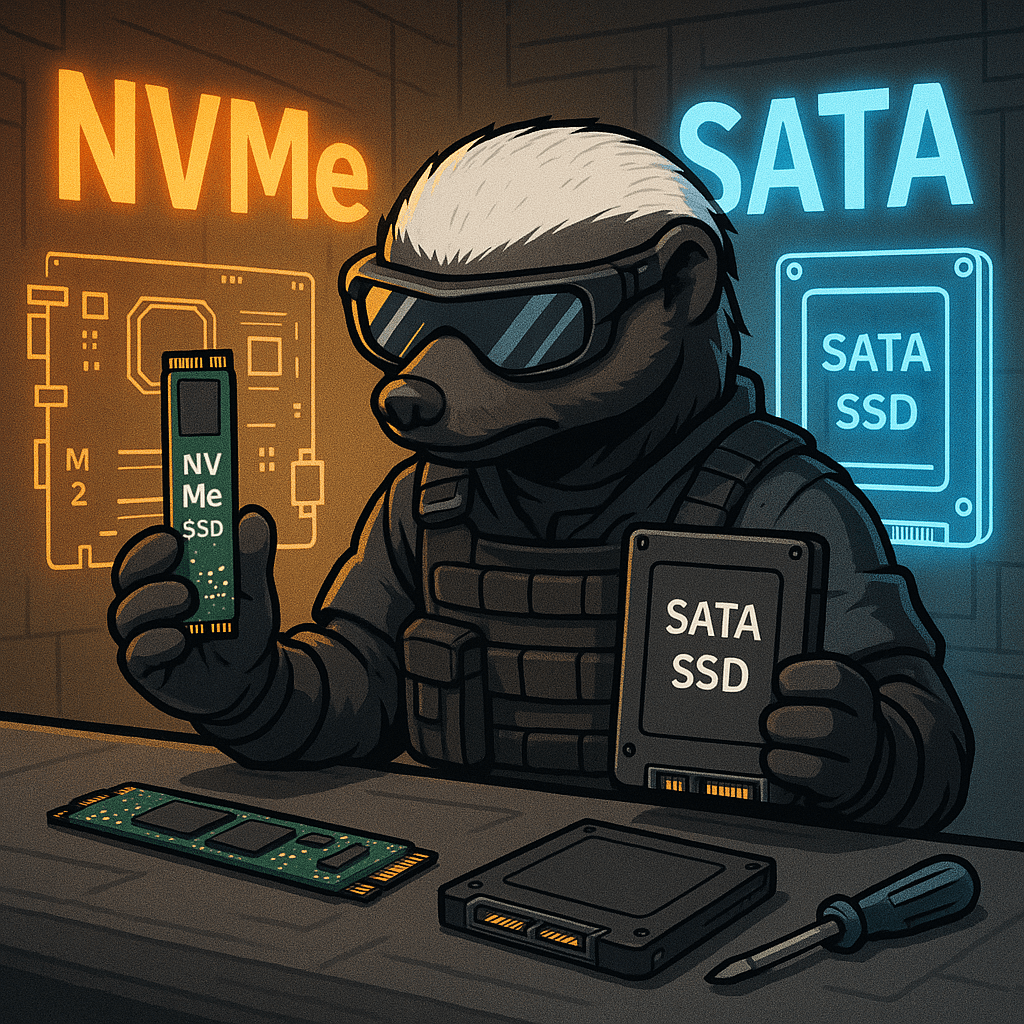
In modern computing, Solid State Drives (SSDs) have largely replaced traditional spinning hard drives due to their superior speed and reliability. Among SSD types, two interfaces dominate: SATA SSDs and NVMe SSDs. Both offer fast performance compared to HDDs, but the underlying technology and connection methods set them apart significantly. SATA SSDs use the Serial…
-

Installing and configuring laptop hardware involves replacing or upgrading essential components such as memory (RAM), storage drives, and batteries. When upgrading RAM, the laptop must be powered off, and the correct type and size of memory modules must be installed in the designated slots. Storage upgrades often involve swapping out traditional hard disk drives (HDDs)…

