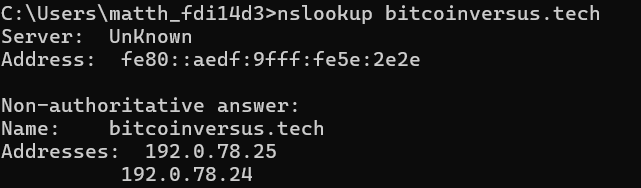
Nslookup (Name Server Lookup) is a command-line tool for querying Domain Name System (DNS) servers.
It allows users to obtain the IP address associated with a domain name, or vice versa, helping in diagnosing DNS-related issues.

For instance, nslookup google.com will show the IP addresses linked to bitcoinversus.tech
This command is useful for troubleshooting DNS settings, checking if a domain resolves correctly, and verifying DNS configurations.
BitcoinVersus.Tech Editor’s Note:
We volunteer daily to ensure the credibility of the information on this platform is Verifiably True. If you would like to support to help further secure the integrity of our research initiatives, please donate here
BitcoinVersus.tech is not a financial advisor. This media platform reports on financial subjects purely for informational purposes


Leave a Reply