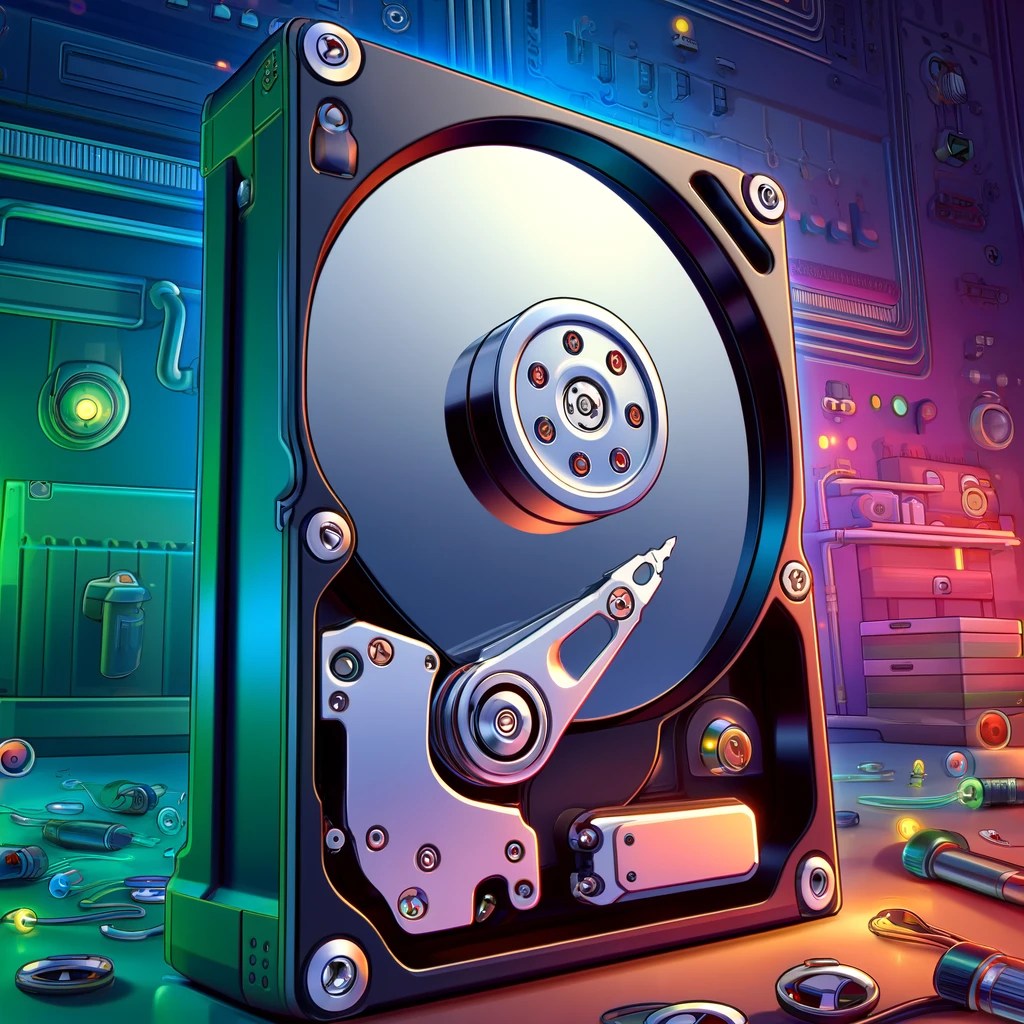
Storage devices are critical components in computing, used to retain digital information permanently or temporarily.
The two most common types of internal storage are Hard Disk Drives (HDDs) and Solid-State Drives (SSDs).
HDDs use spinning magnetic platters and read/write heads to store data and are valued for their high storage capacities at lower cost per gigabyte.
However, because they rely on moving parts, HDDs are more prone to mechanical failure and slower in performance compared to solid-state technology.
SSDs, on the other hand, use NAND flash memory and have no moving parts, resulting in faster boot times, quicker file access, and improved durability, especially in portable devices like laptops.
External storage options include USB flash drives, external HDDs or SSDs, SD cards, and network-attached storage (NAS). These devices are often used for backups, file transfers, or expanding available capacity without opening a system.
Flash drives and SD cards are compact and convenient, but generally have lower capacities and slower performance than internal SSDs.
NAS units are storage systems connected to a network, allowing multiple users or devices to access files remotely.
These are useful in environments requiring shared access or centralized backup solutions. Most external storage devices connect via USB, Thunderbolt, or eSATA interfaces, which affect data transfer speeds and compatibility.
When installing a storage device, it’s important to choose the correct form factor and interface. SATA is the most common interface for both HDDs and older SSDs, offering compatibility across a wide range of systems.
Newer SSDs may use NVMe technology via an M.2 or PCIe connection, delivering significantly faster read/write speeds ideal for gaming, professional content creation, or operating systems.
In enterprise environments, storage configurations may also include RAID arrays for redundancy and performance or cloud-based storage for scalability and remote access.
Understanding the differences in speed, cost, reliability, and capacity helps technicians select the appropriate storage solution for a given scenario.
BitcoinVersus.Tech Editor’s Note:
We volunteer daily to ensure the credibility of the information on this platform is Verifiably True. If you would like to support to help further secure the integrity of our research initiatives, please donate here
BitcoinVersus.tech is not a financial advisor. This media platform reports on financial subjects purely for informational purposes.

 Bitcoin Versus
Leave a reply to Custom PC Build Guide for Family Use and High-End Gaming – Bitcoin Versus Cancel reply