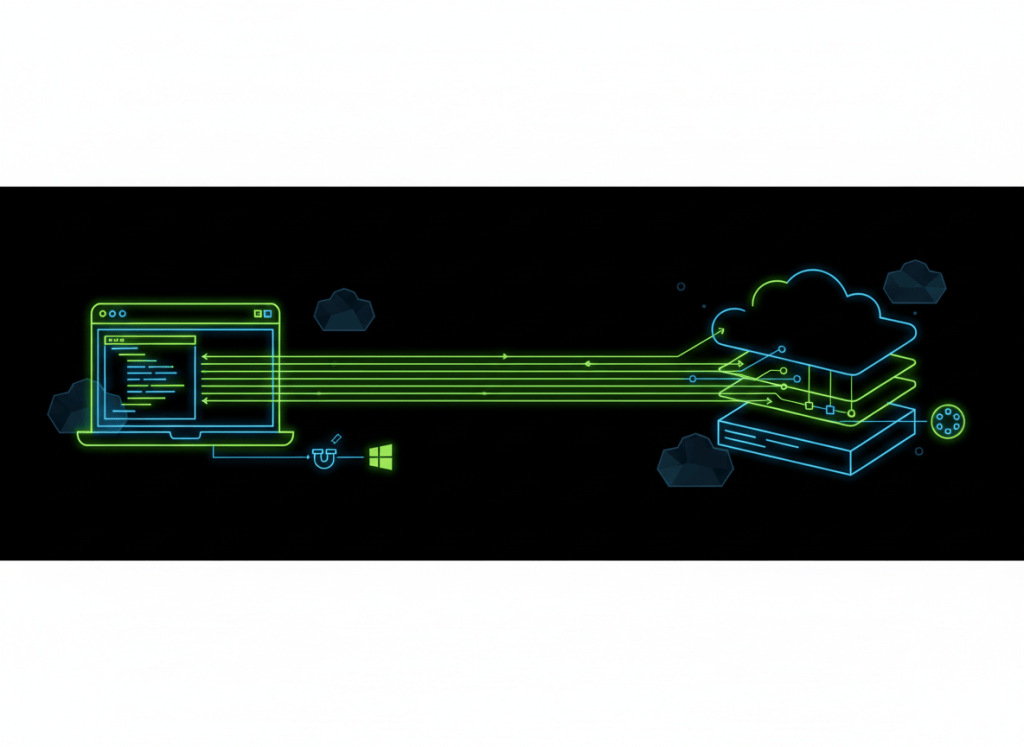
Microsoft’s Azure Developer CLI just had a dense September. Four releases—1.33.0, 1.34.0, 1.34.1 and 1.34.2—pushed azd toward safer extension management, more structured multi-service deployments and tighter control over how cloud work runs in parallel.
According to Microsoft’s September release roundup, the open-source CLI now understands extension dependencies, supports top-level infrastructure and service layers in azure.yaml, adds per-phase concurrency limits and lets external authentication hosts communicate through Unix domain sockets or Windows named pipes.
Why azd Is Different From the Azure CLI
The Azure Developer CLI is built around an application lifecycle rather than individual cloud-resource commands. Its workflow maps local source code, infrastructure-as-code and environment configuration into commands such as azd init, azd provision, azd deploy and azd up.
Microsoft originally introduced that code-to-cloud approach in an official Azure SDK announcement. September’s changes make the same model more useful for projects that have outgrown a single service and a simple deployment graph.
Extension Uninstall Now Understands Dependencies
The biggest maintenance change is dependency-aware extension removal. azd extension uninstall can distinguish an extension installed directly by the user from one pulled in as another extension’s dependency. It blocks removal when another installed extension still needs the package, unless the operator deliberately uses --force.
The command can also offer to remove dependencies that are no longer required, while --no-dependencies keeps them in place. Meanwhile, azd extension show now exposes ownership, compatibility, dependencies and installed dependents. That is a substantial improvement over treating extensions as isolated plug-ins.
Layered Projects Get More Explicit
September also expands the structure available in azure.yaml. Top-level infrastructure and service layers can break a large project into deployment units instead of forcing every component into one flat configuration.
That matters for applications with separate networking, data, compute and application layers. Dependency relationships can determine ordering, while per-phase concurrency limits control parallel work during package, provision, publish and deploy operations. Independent technical coverage of the release notes an important caveat: layered provisioning remains beta, so production users should review current schema behavior and teardown semantics carefully.
Windows Named Pipes Join the Authentication Path
External authentication hosts can now connect through Unix domain sockets or Windows named pipes by configuring AZD_AUTH_ENDPOINT. The change creates a local inter-process communication path for authentication brokers without requiring the CLI and authentication host to communicate through an ordinary network listener.
For Windows-heavy engineering teams, named-pipe support is particularly useful because it fits native local IPC patterns. For Linux and Unix environments, domain sockets serve the equivalent role.
Deployment Failures Should Be Easier to Diagnose
Several less glamorous changes may save more operator time than the headline features. Azure Container Registry log streaming now recovers when a remote build replaces or truncates its log. If ACR rejects remote task scheduling, azd can fall back to a local container build. Remote-build failures also expose more stable structured diagnostics while retaining build logs.
Project-level predeploy and postdeploy hook output is now visible during azd up, invalid azure.yaml returns a validation error rather than stopping unexpectedly, and disabled services have their condition values evaluated before initialization.
AI Coding Agents Are Now Part of CLI Environment Detection
The CLI has also been refining how it recognizes automated coding environments. September fixes prevent stale or empty agent markers from making an ordinary interactive terminal behave as though an AI coding agent is controlling it. Active Codex and Cursor sessions receive priority, while the Cursor desktop application itself is no longer automatically classified as an agent session.
That change reflects a larger trend covered in BitcoinVersus.Tech’s look at modular coding-agent skill repositories: developer tooling increasingly has to distinguish between a human at a terminal and software acting on the human’s behalf.
The Bundled Toolchain Moved Too
The September releases bundle Bicep CLI v0.47.16 and GitHub CLI v2.101.0. Microsoft also added new documentation for building and extending azd templates, starting templates with AI coding assistants, and choosing container build and deployment workflows.
For technicians learning command-line diagnostics, the mental model is similar to the practical tooling in our Windows ipconfig guide: understand what state a command reads, what state it changes and what output proves the operation succeeded. Cloud CLIs simply expand that state across source, identity, infrastructure and deployment systems.
The same principle applies to networking automation. Our packet-capture technical guide shows why operators need observable evidence rather than assuming a workflow completed correctly. The new azd diagnostics and preserved build logs move cloud deployment in that same direction.
Practical Upgrade Checklist
- Run
azd versionand move to the current September build if your environment permits. - Inspect extensions with
azd extension showbefore removing packages. - Review scripts that parse extension JSON because output keys now use camelCase.
- Test layered infrastructure in a nonproduction environment while the feature remains beta.
- Set concurrency limits when parallel provisioning or publishing overwhelms build agents or registries.
- Keep retained ACR logs and structured diagnostics as part of deployment incident evidence.
The September cycle is not a cosmetic CLI update. It turns azd into a more dependency-aware and orchestration-aware tool, while adding guardrails around authentication, templates, remote builds and agent-driven development.
BitcoinVersus.Tech
Advertisement
Editor’s Note:
We volunteer daily to ensure the credibility of the information on this platform is Verifiably True. If you would like to support our research initiatives, please donate here: 3C9o19EH5HSiwEPyCTmEKzxhNCbo2X6TTb
BitcoinVersus.tech is not a financial advisor. This media platform reports on financial subjects purely for informational purposes.


Leave a Reply