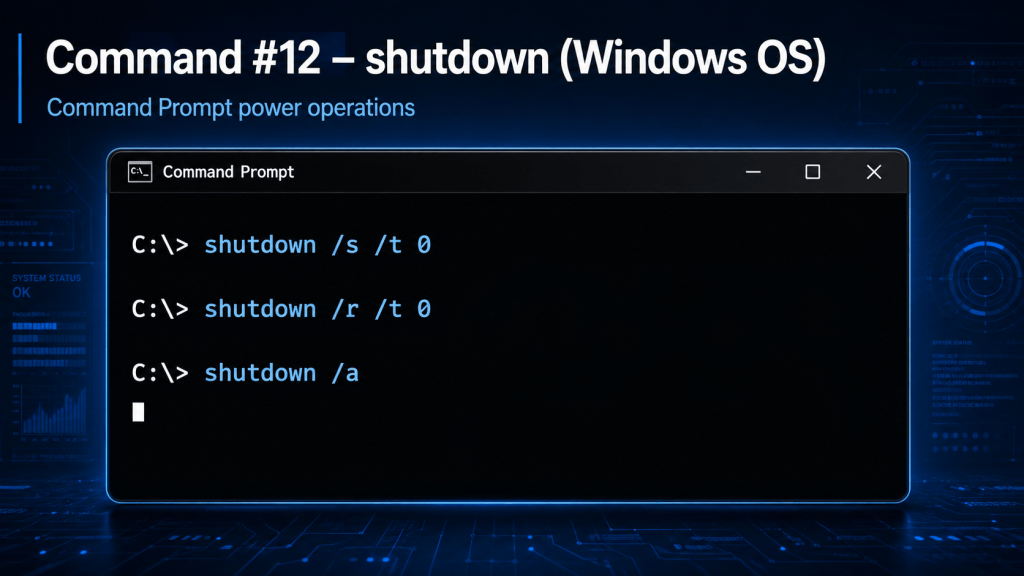
The shutdown command is a Windows Command Prompt utility used to shut down, restart, log off, or schedule a power operation on a Windows computer.
It allows administrators and users to control system power operations directly from the command line instead of using the graphical Start menu.
A basic immediate shutdown can be performed with:
shutdown /s /t 0
The /s option tells Windows to shut down the computer, while /t 0 sets the timer to zero seconds.
To restart the computer immediately:
shutdown /r /t 0
The /r option instructs Windows to restart the operating system after shutting down.
A shutdown can also be scheduled. For example:
shutdown /s /t 60
This schedules the computer to shut down after 60 seconds.
If a shutdown or restart has been scheduled but needs to be canceled, use:
shutdown /a
The /a option aborts a pending shutdown operation.
Another useful variation is:
shutdown /r /f /t 0
The /f option forces running applications to close before restarting. Because unsaved data can be lost, this option should be used carefully.
The shutdown command is useful for Windows administration, remote maintenance, troubleshooting, scripting, automated reboots, and situations where the graphical interface is unavailable.
BitcoinVersus.Tech Editor’s Note:
We volunteer daily to ensure the credibility of the information on this platform is Verifiably True. If you would like to support to help further secure the integrity of our research initiatives, please donate here: 3C9o19EH5HSiwEPyCTmEKzxhNCbo2X6TTb
BitcoinVersus.tech is not a financial advisor. This media platform reports on financial subjects purely for informational purposes.


Leave a Reply