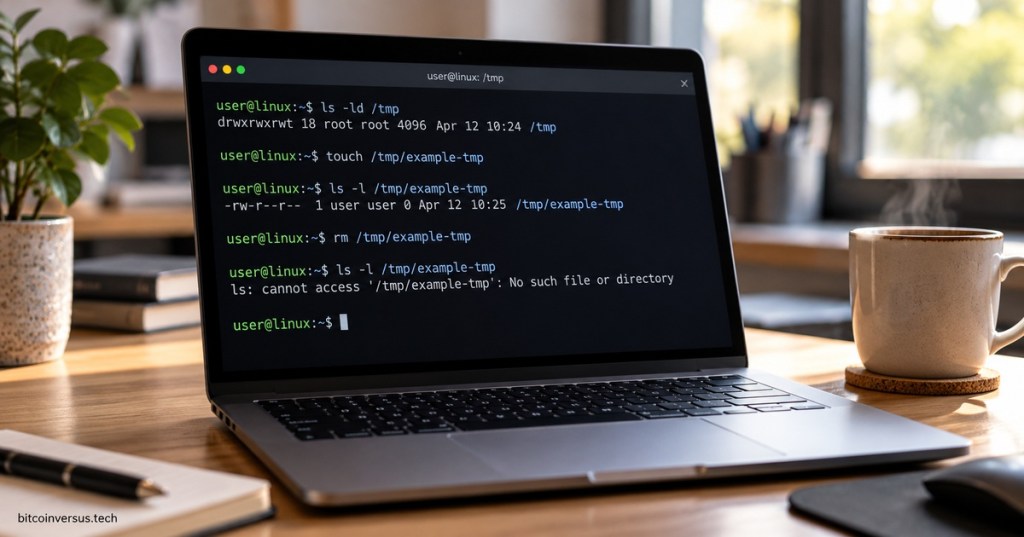
The /tmp directory in Linux is used for temporary files created by applications, services, scripts, and users while the system is running.
Files stored in /tmp are not meant to be permanent. Many Linux systems clean this directory during boot or through scheduled cleanup policies, so important data should never be stored there with the expectation that it will remain indefinitely.
A common difference between /tmp and /var/tmp is persistence. /tmp is intended for short-lived scratch data, while /var/tmp is generally used for temporary files that may need to survive a reboot.
The /tmp directory is normally writable by all users, but it is protected by the sticky bit. Running ls -ld /tmp often shows permissions similar to drwxrwxrwt. The final t means users can create their own files in the shared directory without normally being able to delete files owned by other users.
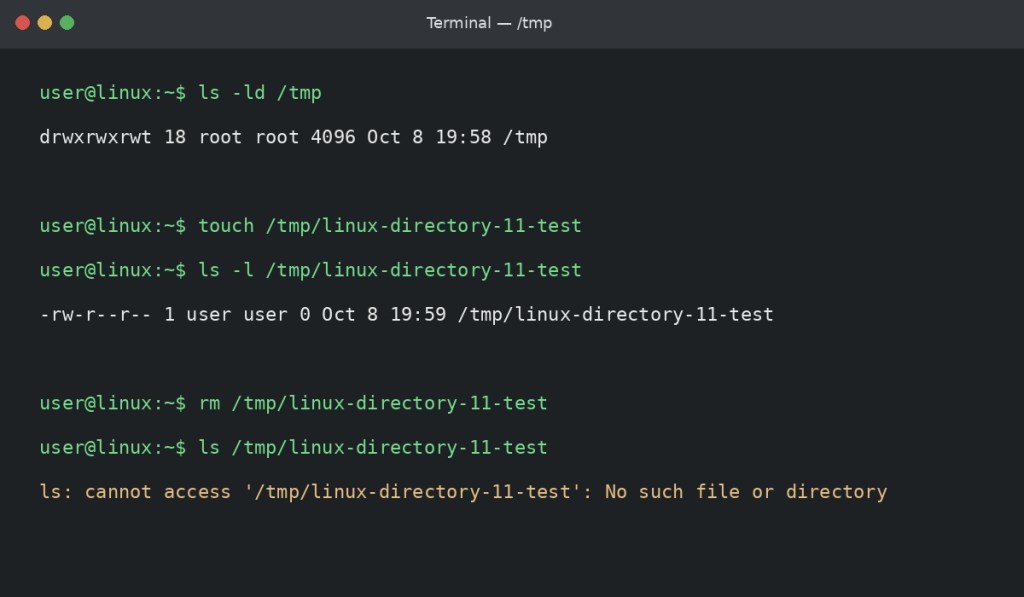
/tmp directory, its sticky-bit permissions, and a temporary test file.In the screenshot, the user first checks the permissions on /tmp with ls -ld /tmp. They then create a test file with touch /tmp/linux-directory-11-test, confirm that it exists with ls -l, and remove it with rm.
For Linux+ certification, understanding /tmp helps explain where Linux applications place short-term working files, why temporary data should not be treated as permanent storage, and how shared-directory permissions protect a multi-user system.
The earlier directory entries in this series include /usr, /opt, and /mnt.
BitcoinVersus.Tech Editor’s Note:
BitcoinVersus.Tech publishes practical Linux, IT, engineering, and infrastructure education for informational purposes.


Leave a comment