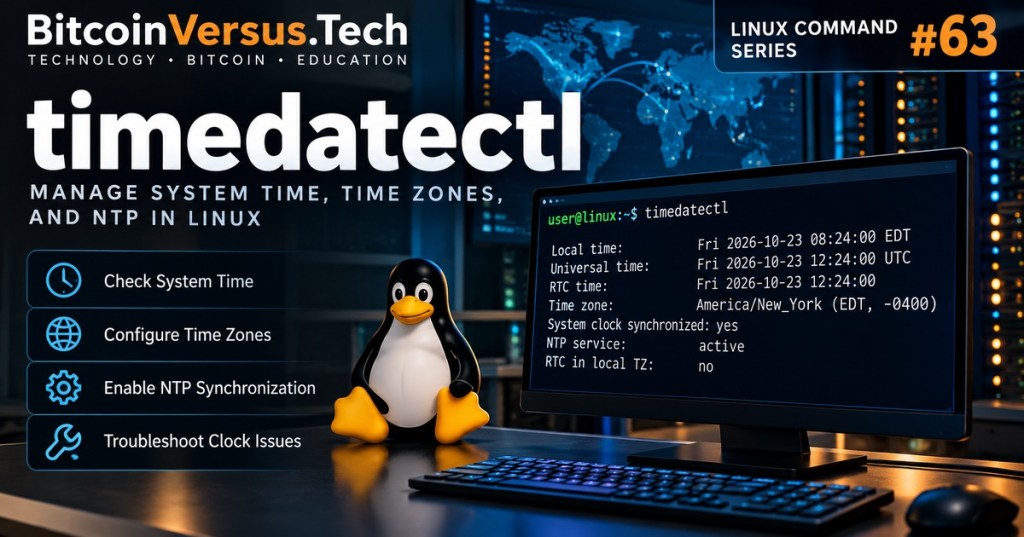
Linux Command #63 introduces timedatectl, the systemd utility for inspecting and configuring the system clock, time zone and network time synchronization. Accurate time matters for server logs, TLS certificates, authentication, distributed systems and incident investigations.
Check the System Clock
timedatectl statusThe output typically reports local time, universal time (UTC), RTC time, configured time zone, synchronization status and whether the NTP service is active. On a system without systemd-timedated, this command may not be available.
List and Set Time Zones
timedatectl list-timezones
timedatectl set-timezone America/Los_Angeles
Use the first command to identify the correct IANA time-zone name. The second changes the system time zone and generally requires administrator privileges. Changing the time zone changes how local time is displayed; it does not change the underlying UTC instant.
Enable Network Time Synchronization
sudo timedatectl set-ntp true
timedatectl timesync-status
The first command enables available network time synchronization through the configured time service. The second shows systemd-timesyncd details when supported. Some distributions use chrony or another NTP client, so timesync-status may not work even when synchronization is healthy.
Set the Clock Manually
sudo timedatectl set-time "2026-10-23 12:00:00"Manual clock setting is useful only in controlled troubleshooting. Disable active automatic synchronization first when necessary, and use the correct local time. Incorrect clock changes can disrupt scheduled jobs, log correlation and security checks.
Practical Troubleshooting
If a server’s timestamps are incorrect, check timedatectl status, verify the configured time zone, confirm the network time service is running, and inspect its logs. Compare Linux Command #62 — loginctl, #61 — hostnamectl, and the journalctl logging guide. For the underlying networking concept, read What Is NTP?.
Knowledge Check
Which command displays your system’s configured time zone and clock synchronization status? Answer: timedatectl status.
Official reference: systemd timedatectl manual.
BitcoinVersus.Tech Editor’s Note: We volunteer daily to ensure the credibility of the information on this platform is Verifiably True. If you would like to support to help further secure the integrity of our research initiatives, please donate using the QR code provided.
For best QR-code scanning results, please scan this donation code from a desktop or larger screen. Mobile screens may prevent camera recognition.


Leave a Reply