
A PHP contact form joins HTML input controls with server-side code that checks whether a visitor submitted usable data. Names, email addresses, and messages arrive as external input, not trusted program state. A reliable introductory form validates their shape and length before using them, then escapes text before placing it inside HTML. Validation and output escaping solve different problems and neither should be omitted.
Earlier PHP exception handling, functions, and associative arrays supply the foundation. The related HTML forms lesson explains labels and input controls. The official PHP forms tutorial connects browser submissions to PHP variables.
Elementary Overview
A form is like a small questionnaire. Someone enters a name, email address, and message, then presses a button. PHP receives the answers and checks whether they make sense. For example, an email should have a recognizable format, and a name should not be empty. When showing an answer back on a webpage, PHP must display it as text rather than accidentally treating it as webpage instructions.
Learning Objectives
- Distinguish an HTML form’s
nameattributes from PHP’s$_POSTkeys. - Validate expected strings, required fields, byte lengths, and email formats.
- Use
htmlspecialchars()when placing external text into HTML. - Run the complete contact-form demonstration and its 15 self-tests.
Dani Krossing, “The Basics of PHP Form Handling Tutorial,” March 17, 2023. An authentic educational lesson introducing form submission and processing. Original YouTube page.
How a Form Reaches PHP
An HTML <form method="post"> sends ordinary named controls to the server. PHP exposes traditional URL-encoded and multipart form submissions through the $_POST superglobal, whose keys correspond to input name attributes. $_GET instead exposes query-string parameters. Both are external input, and POST alone does not make sensitive information secure. Read the official external-variables reference before assuming a particular submitted type.
Form controls can be omitted or replaced by arrays, including unexpected values such as name[]=bad. An application should check that its expected fields are strings before trimming or validating them. Client-side attributes such as required improve usability, but cannot replace server-side checks because visitors can construct HTTP requests without using the browser form.
Validation Is Not HTML Escaping
Validation decides whether an input is acceptable for its intended purpose. The sample rejects empty names, malformed email addresses, and messages exceeding defined byte limits. It calls filter_var($email, FILTER_VALIDATE_EMAIL) to check email syntax, not to prove that an inbox exists. Its length limits use strlen(), which counts bytes; multilingual text may use multiple UTF-8 bytes per character. The PHP filter_var reference defines validation behavior.
Escaping happens when text is displayed in an HTML context. htmlspecialchars() converts special characters, including angle brackets and quotation marks, into HTML entities. It does not validate email addresses, protect SQL queries, or make input suitable for every other output context. See the PHP htmlspecialchars manual for supported flags and encoding options.
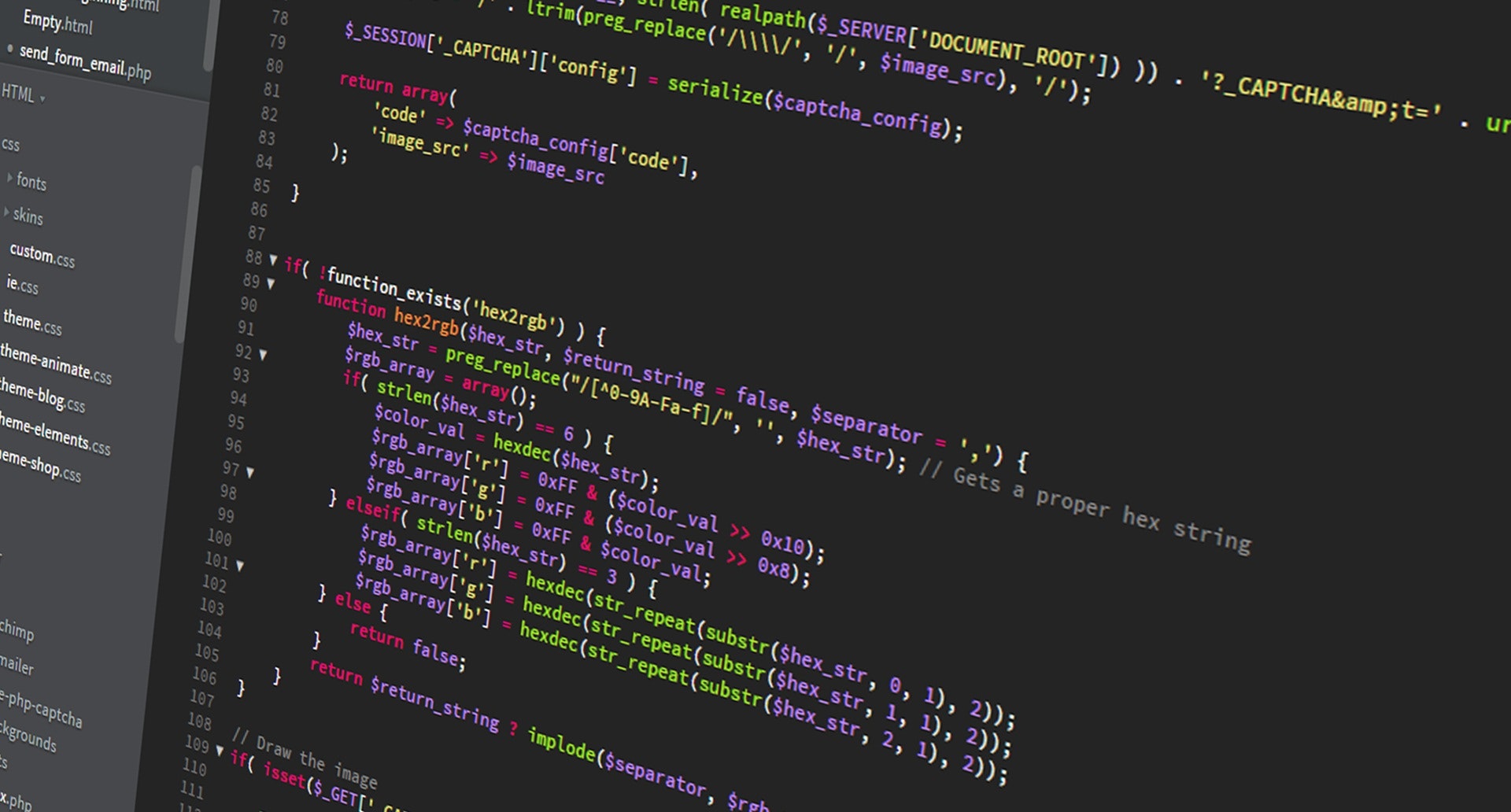
Complete Executable Contact Form
Save the following self-contained file as contact.php. It checks three fields, reports errors beside their corresponding labels, safely restores submitted values after validation failures, and displays a success message only when input passes. It deliberately does not email, persist, or forward any submission. No third-party packages, database accounts, or production equipment are required:
<?php
declare(strict_types=1);
// Educational only: validates and displays a result. No email or storage.
function validateContact(array $input): array
{
$errors = [];
$values = [];
foreach (['name', 'email', 'message'] as $key) {
if (!isset($input[$key]) || !is_string($input[$key])) {
$errors[$key] = 'Enter a text value.';
$values[$key] = '';
continue;
}
$values[$key] = trim($input[$key]);
}
if (!isset($errors['name']) && ($values['name'] === '' || strlen($values['name']) > 80)) {
$errors['name'] = 'Name must contain 1 to 80 bytes.';
}
if (!isset($errors['email']) &&
(strlen($values['email']) > 254 || filter_var($values['email'], FILTER_VALIDATE_EMAIL) === false)) {
$errors['email'] = 'Enter a valid email address of at most 254 bytes.';
}
if (!isset($errors['message']) && ($values['message'] === '' || strlen($values['message']) > 500)) {
$errors['message'] = 'Message must contain 1 to 500 bytes.';
}
return [$values, $errors];
}
function htmlText(string $value): string
{
return htmlspecialchars($value, ENT_QUOTES | ENT_SUBSTITUTE, 'UTF-8');
}
function inputValue(array $values, string $key): string
{
return isset($values[$key]) && is_string($values[$key]) ? $values[$key] : '';
}
if (PHP_SAPI === 'cli' && in_array('--self-test', $argv ?? [], true)) {
$checks = 0;
$check = function (bool $condition, string $message) use (&$checks): void {
if (!$condition) {
throw new RuntimeException('FAIL: ' . $message);
}
$checks++;
};
$sample = ['name' => ' Ada ', 'email' => 'ada@example.org', 'message' => ' Hello '];
[$valid, $errors] = validateContact($sample);
$check($errors === [], 'valid fields');
$check($valid['name'] === 'Ada', 'trim name');
$check($valid['message'] === 'Hello', 'trim message');
[, $errors] = validateContact(['email' => 'a@b.org', 'message' => 'ok']);
$check(isset($errors['name']), 'missing name');
[, $errors] = validateContact(['name' => '', 'email' => 'a@b.org', 'message' => 'ok']);
$check(isset($errors['name']), 'empty name');
[, $errors] = validateContact(['name' => str_repeat('a', 81), 'email' => 'a@b.org', 'message' => 'ok']);
$check(isset($errors['name']), 'long name');
[, $errors] = validateContact(['name' => 'Ada', 'email' => 'not-an-email', 'message' => 'ok']);
$check(isset($errors['email']), 'malformed email');
[, $errors] = validateContact(['name' => 'Ada', 'message' => 'ok']);
$check(isset($errors['email']), 'missing email');
[, $errors] = validateContact(['name' => 'Ada', 'email' => str_repeat('a', 251) . '@x.org', 'message' => 'ok']);
$check(isset($errors['email']), 'oversized email');
[, $errors] = validateContact(['name' => 'Ada', 'email' => 'a@b.org', 'message' => '']);
$check(isset($errors['message']), 'empty message');
[, $errors] = validateContact(['name' => 'Ada', 'email' => 'a@b.org', 'message' => str_repeat('x', 501)]);
$check(isset($errors['message']), 'long message');
[, $errors] = validateContact(['name' => ['bad'], 'email' => 'a@b.org', 'message' => 'ok']);
$check(isset($errors['name']), 'array injection');
$escaped = htmlText('<script>alert("x")</script>');
$check(str_contains($escaped, '<script>'), 'HTML escaping');
$check(!str_contains($escaped, '<script>'), 'no raw script markup');
$check(inputValue(['name' => ['not text']], 'name') === '', 'array redisplay guard');
echo $checks . " PHP form checks passed\n";
exit;
}
$submitted = ($_SERVER['REQUEST_METHOD'] ?? 'GET') === 'POST';
[$values, $errors] = $submitted ? validateContact($_POST) : [[], []];
$success = $submitted && $errors === [];
?>
<!doctype html>
<html lang="en">
<head>
<meta charset="utf-8">
<meta name="viewport" content="width=device-width, initial-scale=1">
<title>Contact form validation lab</title>
</head>
<body>
<main>
<h1>Contact form validation lab</h1>
<?php if ($success): ?>
<p role="status">Input accepted for demonstration only; nothing was saved or sent.</p>
<?php endif; ?>
<form method="post">
<p>
<label for="name">Name</label>
<input id="name" name="name" required maxlength="80"
value="<?= htmlText(inputValue($values, 'name')) ?>">
<?php if (isset($errors['name'])): ?>
<span role="alert"><?= htmlText($errors['name']) ?></span>
<?php endif; ?>
</p>
<p>
<label for="email">Email</label>
<input id="email" name="email" type="email" required maxlength="254"
value="<?= htmlText(inputValue($values, 'email')) ?>">
<?php if (isset($errors['email'])): ?>
<span role="alert"><?= htmlText($errors['email']) ?></span>
<?php endif; ?>
</p>
<p>
<label for="message">Message</label>
<textarea id="message" name="message" required maxlength="500"><?= htmlText(inputValue($values, 'message')) ?></textarea>
<?php if (isset($errors['message'])): ?>
<span role="alert"><?= htmlText($errors['message']) ?></span>
<?php endif; ?>
</p>
<button type="submit">Check input</button>
</form>
</main>
</body>
</html>Use a terminal to verify syntax and execute the built-in tests. The built-in PHP development server can serve the local demonstration in a disposable testing environment, but it must never be exposed as a production server:
php -l contact.php
php contact.php --self-test
php -S 127.0.0.1:8000
The checks were executed with PHP 8.4.24 CLI; expected console output after the syntax check is:
15 PHP form checks passedThe self-tests cover valid input, trimming, absent fields, length boundaries, malformed email, array-shaped submissions, and HTML escaping. Testing individual functions does not establish that every browser interaction, web-server configuration, or accessibility tool behaves correctly.
What Production Applications Need
Because the sample only redisplays a demonstration result, it contains no data-changing action or database insert. A real contact system needs appropriate protections such as HTTPS, cross-site request forgery controls for relevant authenticated actions, spam and rate limiting, careful data retention, secure email or storage handling, and review of privacy requirements. The PHP user-submitted data guidance explains why incoming values must never be implicitly trusted.
Dani Krossing, “3 Beginner Mistakes in PHP When it Comes to Form Data,” July 5, 2023. A separate original-source tutorial explaining common data-handling and validation mistakes. Original video page.
Knowledge Check
- Why check
is_string()before callingtrim()? Browser submissions can supply an array for a field name. - Does valid email syntax prove that a mailbox exists? No.
- Why escape an invalid name before redisplaying it? Its characters must appear as text rather than HTML markup.
- Does a passing CLI test demonstrate an entire secure production form? No.
References
- PHP Manual: Dealing with Forms.
- PHP Manual: Variables From External Sources.
- PHP Manual: filter_var.
- PHP Manual: htmlspecialchars.
- PHP Manual: User Submitted Data.
Elementary Conclusion
A PHP form accepts answers, checks whether they meet its rules, and shows a clear result. Checking the answers and safely displaying them are separate jobs. A useful exercise can teach both without sending or storing anyone’s information. More protection is required before turning a classroom demonstration into a real service.
Editor’s Note: Internal curriculum identifier OSPHP.007 follows the published PHP exceptions lesson and the latest HTML lesson in the broader course rotation. The featured cover is an original colored-pencil AI illustration of a fictional older developer, deliberately different from the person featured in the preceding lesson; the consistent secondary BitcoinVersus.tech logo is composited from an existing branded reference. The in-story PHP photograph is sourced to a Wikimedia Commons CC0 media record. Both video URLs were verified against the original educator’s public video listings. PHP 8.4.24 completed its syntax check and 15 sample assertions. Independent video playback, mobile viewport inspection, web-server penetration testing, and screen-reader validation were not performed.
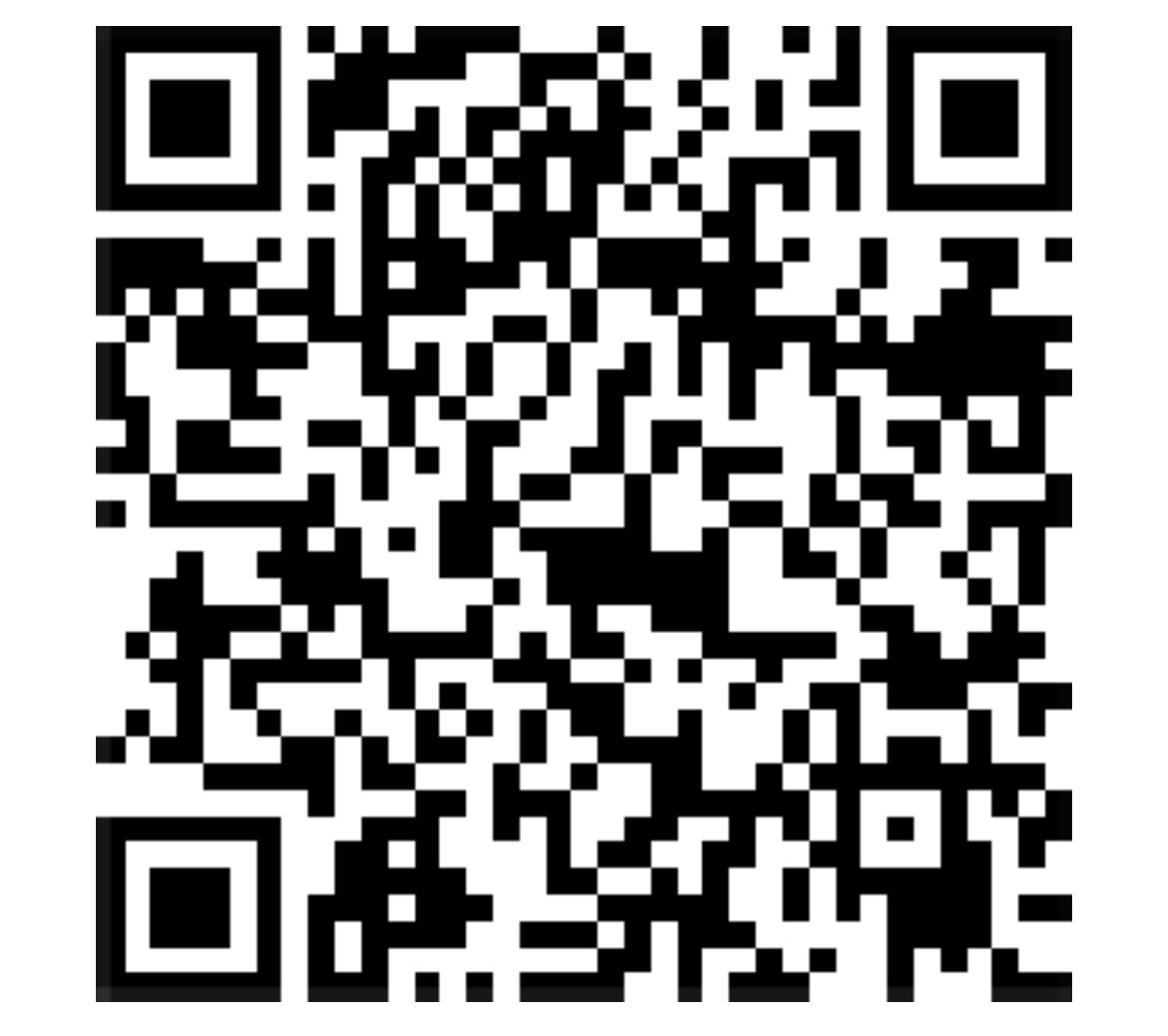
For mobile scanning, display the QR on another device or use a supported saved-image scanner. Confirm the receiving address 3C9o19EH5HSiwEPyCTmEKzxhNCbo2X6TTb and the requested 5,000-satoshi amount before sending.
We volunteer daily to ensure the credibility of information on BitcoinVersus.Tech is Verifiably True. If you would like to support our work and help further secure the integrity of our research initiatives, please scan the QR code above.
BitcoinVersus.Tech provides programming education for informational purposes, not a substitute for independent security review, application testing, or production validation.


Leave a Reply