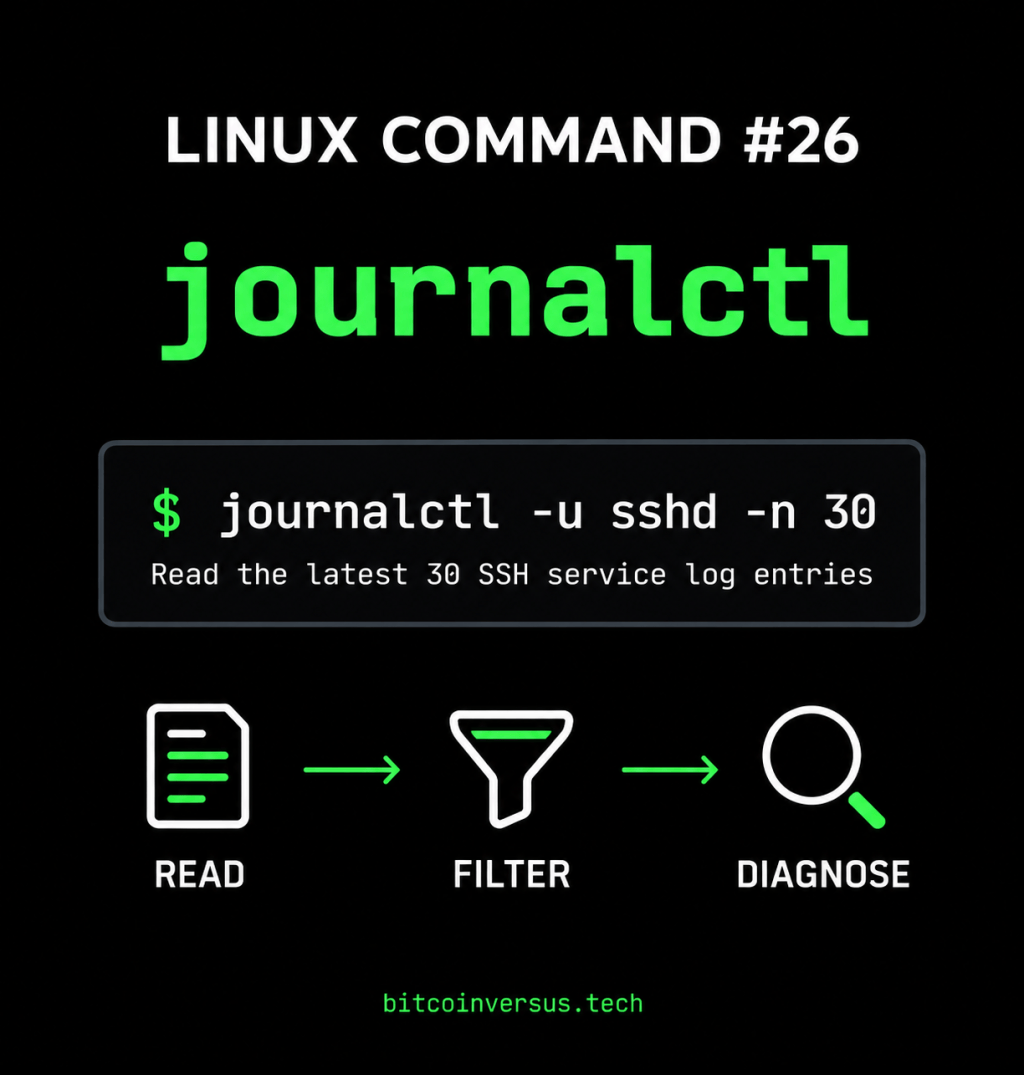
The journalctl command displays logs collected by the systemd journal and helps Linux administrators investigate service failures, boot problems, hardware events, and other operating-system activity.
Running journalctl -u sshd displays entries associated with the SSH service, while journalctl -u sshd -n 30 limits the output to its 30 most recent entries.
Time filters such as journalctl --since "15 minutes ago" help technicians isolate events surrounding a recent outage instead of searching the entire journal.
Because restarting a failed service may only provide a temporary recovery, administrators should inspect its logs first to identify configuration errors, permission failures, missing files, occupied ports, or dependency problems. For Linux+ troubleshooting, journalctl provides the evidence needed to move from recognizing a failure to identifying its likely cause.
BitcoinVersus.Tech Editor’s Note:
We volunteer daily to ensure the credibility of the information on this platform is Verifiably True. If you would like to support to help further secure the integrity of our research initiatives, please donate here: 3C9o19EH5HSiwEPyCTmEKzxhNCbo2X6TTb
BitcoinVersus.tech is not a financial advisor. This media platform reports on financial subjects purely for informational purposes.


Leave a Reply