Information Technology
-
Selecting and installing RAM (Random Access Memory) starts with identifying the system’s compatibility requirements. The first step is to determine the form factor—most desktop motherboards use DIMM (Dual Inline Memory Module), while laptops use the smaller SO-DIMM (Small Outline DIMM). Next, determine the DDR generation your system supports—DDR3, DDR4, or DDR5. These are not backward…
-

Understanding cable types and their respective connectors is essential in modern IT environments, where the efficiency of data transmission depends on the correct physical medium. Common cable types include twisted pair (Ethernet), fiber optic, coaxial, HDMI, and USB, each serving unique roles in networking and communication systems. Ethernet cables, such as Cat5e, Cat6, and Cat6a,…
-

Setting up a Small Office/Home Office (SOHO) network requires a balance of reliability, security, and scalability. Wired networks offer stability and speed, typically using Ethernet cables (Cat5e, Cat6, or Cat6a) connected to a router or switch. The installation process involves configuring the router’s LAN settings, assigning static or dynamic IP addresses through DHCP, and ensuring…
-

Networked hosts provide essential services that enable communication, resource sharing, and security within a network. One of the most fundamental services is web hosting, where web servers deliver websites using HTTP and HTTPS protocols, ensuring content is accessible globally. File hosting and sharing services, such as FTP (File Transfer Protocol), SMB (Server Message Block), and…
-
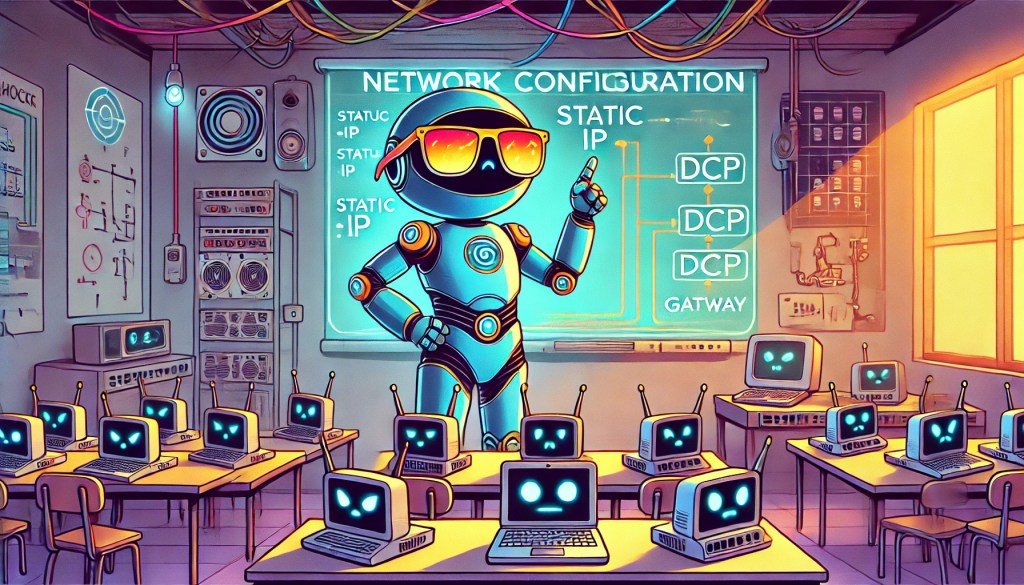
Network configuration involves assigning and managing how devices connect and communicate across a network. IP addressing is a fundamental concept—devices can be assigned static IP addresses (manually set and unchanging) or dynamic IP addresses (automatically assigned by a DHCP server). Static IPs are often used for devices like servers or printers to ensure consistent accessibility,…
-

RISC, or Reduced Instruction Set Computer, represents a CPU architecture designed with simplified instructions, enabling processors to execute instructions at high speeds with fewer cycles per operation. According to IBM, RISC architectures streamline instruction processing by reducing complexity, enabling faster and more efficient performance at lower power consumption. ARM processors are built on RISC principles,…
-

Transmission Control Protocol (TCP) and User Datagram Protocol (UDP) are two core transport-layer protocols that facilitate network communication, each serving distinct purposes. TCP is connection-oriented, meaning it establishes a reliable session between devices before data is transmitted. It uses a three-way handshake (SYN, SYN-ACK, ACK) to ensure that both sender and receiver are ready to…
-
Understanding how to use networking tools in real-world scenarios is a core part of CompTIA A+ training. Each tool has a specific purpose, from diagnosing connection issues to testing cables or analyzing network traffic. Below is a breakdown of essential tools and how they would be used when given a practical situation: Cable Tester A…
-

Ensuring seamless network connectivity on mobile devices requires proper configuration of Wi-Fi, cellular data, and Bluetooth settings. Wi-Fi connections should be set up using the appropriate security protocols, such as WPA2 or WPA3, to prevent unauthorized access. When configuring cellular data, users must input the correct Access Point Name (APN) settings, which define how the…
-

Effective troubleshooting is essential for maintaining system reliability and performance. The CompTIA A+ certification outlines a structured approach to problem-solving, ensuring that IT professionals can systematically identify and resolve issues. 1. Identify the Problem The initial step involves gathering comprehensive information about the issue. Technicians should consult system logs, engage with end-users to understand the…
-

Installing and configuring laptop hardware involves replacing or upgrading essential components such as memory (RAM), storage drives, and batteries. When upgrading RAM, the laptop must be powered off, and the correct type and size of memory modules must be installed in the designated slots. Storage upgrades often involve swapping out traditional hard disk drives (HDDs)…
-

The x64 architecture, commonly referred to as 64-bit computing, supports larger amounts of memory and improved computational capabilities compared to its predecessors. According to Microsoft, x64 CPUs can address substantially more RAM, enhancing performance for memory-intensive tasks such as gaming, software development, and video editing. Dominant in modern desktops and servers, x64 processors from companies…

