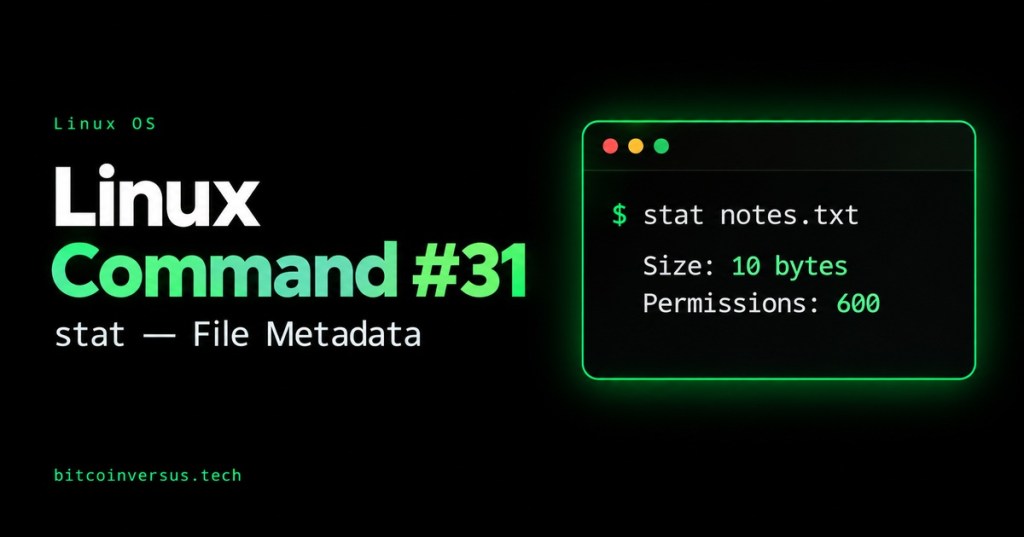
A file can exist and still cause trouble: its permissions may block access, or its contents may have changed since your last check. stat gives you a quick report so you can examine those details before changing anything.
What does stat mean?
Definition: stat is a command that displays file status. Metadata means information about a file—such as its size, owner, permissions, and timestamps. Think of this report as a file’s information card.
By the end of this Open CERT lesson, you will inspect one file, identify its important fields, and distinguish a content edit from a permission change. These examples use GNU stat on Linux; other implementations may use different options.
Start with one file
Choose a disposable practice folder. Run each line separately. If mkdir reports that this folder already exists, choose a different name before continuing.
mkdir linux-stat-practicecd linux-stat-practiceprintf 'Open CERT\n' > notes.txtstat notes.txt
The sample text is nine characters plus a newline: ten bytes. In the tested environment, the report showed Size: 10, Blocks: 8, and IO Block: 4096. Your other values will differ.
Read the useful fields first
Size is the file’s logical length in bytes. Blocks reports allocated storage in 512-byte units on Linux, so eight blocks represents 4,096 bytes. IO Block describes a preferred I/O size; it is not the multiplier for the Blocks field. Allocation varies by filesystem.
Access near the permission string shows access rights. Uid and Gid identify the owner and group. The later Access line is a timestamp. Read the surrounding text to distinguish these two uses of the same label.
This connects directly to Linux Command #30 – du: a file’s logical length and its disk usage can differ. Start with Size when checking content length; use allocation information when investigating storage.
Watch the command in action
Pause here for LearnLinuxTV’s walkthrough. Focus on the basic report and the distinction between modification and change times, then return for the exercise.
Modify, Change, and Birth
Modify (mtime) concerns the last content modification. Change (ctime) concerns a file status change, such as permissions; a content write normally updates it too. Change is not creation time. Birth is creation time when available; a dash means it is unknown.
Access (atime) concerns reading file data, but filesystem mount policies can delay or suppress updates. Do not treat it as a complete audit trail.
Practice: change permissions, then contents
Inspect the file, give its owner read/write permission, and inspect it again:
stat notes.txtchmod 600 notes.txtstat notes.txt
The permission mode should now be 0600: owner read/write, with no permission bits for group or others. If the mode changed, Change should update while Modify stays the same. This affects only your practice file.
Next, add a second line and inspect the result:
printf 'Practice\n' >> notes.txtstat notes.txt
Size becomes 19 bytes. Modify and Change normally update. For a shorter report, run:
stat -c '%n | %s bytes | %a permissions' notes.txt
Expected: notes.txt | 19 bytes | 600 permissions. The format codes select the name, size, and numeric mode.
Quick review
1. Is Change the creation date? 2. Can a ten-byte file occupy more than ten bytes of disk storage? 3. Which command prints a full status report?
Answers: 1. No; it is status change time. 2. Yes; storage allocation can be larger. 3. stat notes.txt.
Takeaway: Inspect first. Size helps you check content length; permissions help you check access; timestamps help you interpret what changed.
Reference: GNU Coreutils: stat and file timestamps.


Leave a Reply