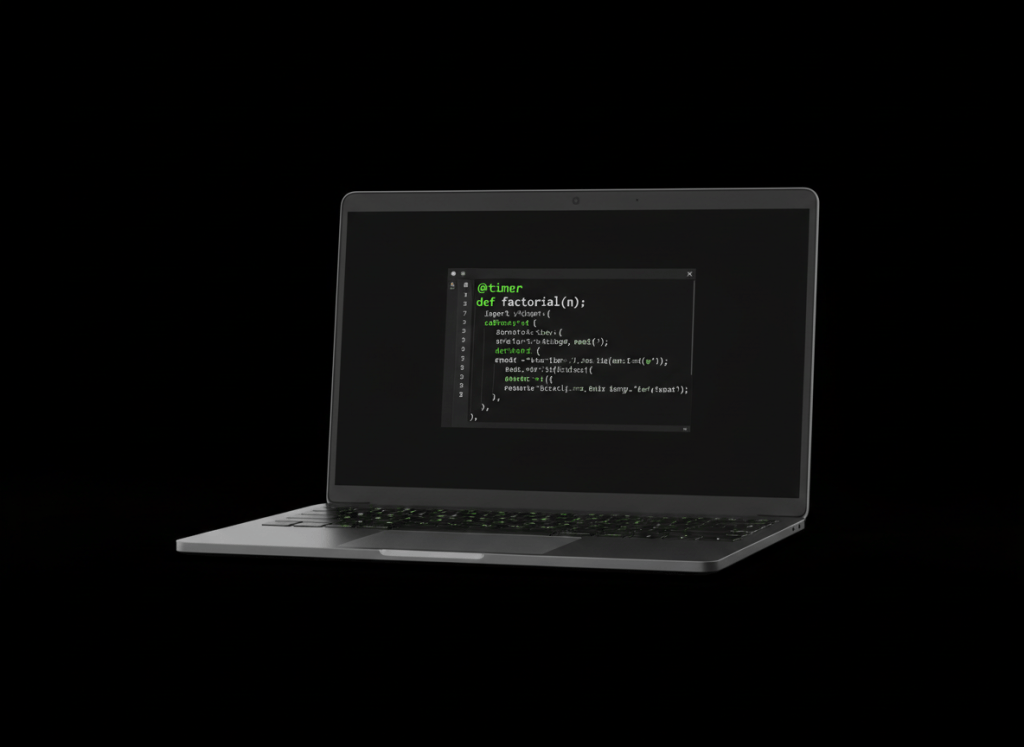
A decorator wraps a function so you can add behavior without rewriting the function itself.
That sounds advanced, but the basic idea is simple: take a function, put another function around it, and return the wrapped version.
Start with the smallest useful example
def announce(func):
    def wrapper():
        print("Starting...")
        func()
        print("Finished.")
    return wrapper

@announce
def greet():
    print("Hello!")

greet()
Output:
Starting...
Hello!
Finished.
@announce tells Python to pass greet into the announce() decorator and replace greet with the returned wrapper.
Video 1: Python decorators from the ground up
What the @ syntax really means
This:
@announce
def greet():
    print("Hello!")
is essentially a cleaner way to write:
def greet():
    print("Hello!")

greet = announce(greet)
The @ form is easier to read once you recognize what Python is doing.
Decorating functions that take arguments
A wrapper often needs to accept whatever arguments the original function receives. *args and **kwargs make that possible.
def announce(func):
    def wrapper(*args, **kwargs):
        print("Starting...")
        result = func(*args, **kwargs)
        print("Finished.")
        return result
    return wrapper

@announce
def add(a, b):
    return a + b

print(add(2, 3))
Output:
Starting...
Finished.
5
Video 2: A focused decorators lesson
Preserve the original function’s information
A wrapper is technically a new function. Without help, metadata such as the original function name can be lost. Python’s functools.wraps is the standard fix.
from functools import wraps

def announce(func):
    @wraps(func)
    def wrapper(*args, **kwargs):
        print("Starting...")
        return func(*args, **kwargs)
    return wrapper
For real projects, using @wraps(func) inside your decorator is a good habit.
Where decorators are useful
- Logging: record when a function runs.
- Timing: measure how long work takes.
- Authentication: check permission before a protected action.
- Caching: reuse a previous result instead of recalculating it.
- Validation: check inputs before the main function runs.
A simple timer decorator
from functools import wraps
from time import perf_counter

def timer(func):
    @wraps(func)
    def wrapper(*args, **kwargs):
        start = perf_counter()
        result = func(*args, **kwargs)
        elapsed = perf_counter() - start
        print(f"{func.__name__}: {elapsed:.6f} seconds")
        return result
    return wrapper

@timer
def work():
    return sum(range(100000))

work()
The useful part is separation: work() contains the work, while @timer handles timing.
Video 3: Common decorators you will see in Python
How this connects to the previous lesson
OSPython.017: Class Variables and Instance Variables separated data that belongs to the class from data that belongs to each object. Decorators are another Python tool for organizing behavior cleanly instead of repeating the same logic everywhere.
Common beginner mistakes
- Calling the decorated function while defining the decorator instead of passing the function itself.
- Forgetting to return the wrapper.
- Forgetting to return the original function’s result from the wrapper.
- Writing a wrapper with no
*argsor**kwargswhen the original function needs arguments. - Skipping
functools.wrapsin reusable decorators.
Quick practice
- Create a function named
hello(name). - Create a decorator named
log_call. - Make the wrapper print
Calling function...before the original function runs. - Use
*argsand**kwargs. - Add
@log_callabovehello. - Call
hello("Ada")and verify both messages appear.
Key takeaway
A decorator takes a callable, adds or changes behavior around it, and returns a callable. The @decorator syntax makes that wrapping relationship easy to see.


Leave a Reply