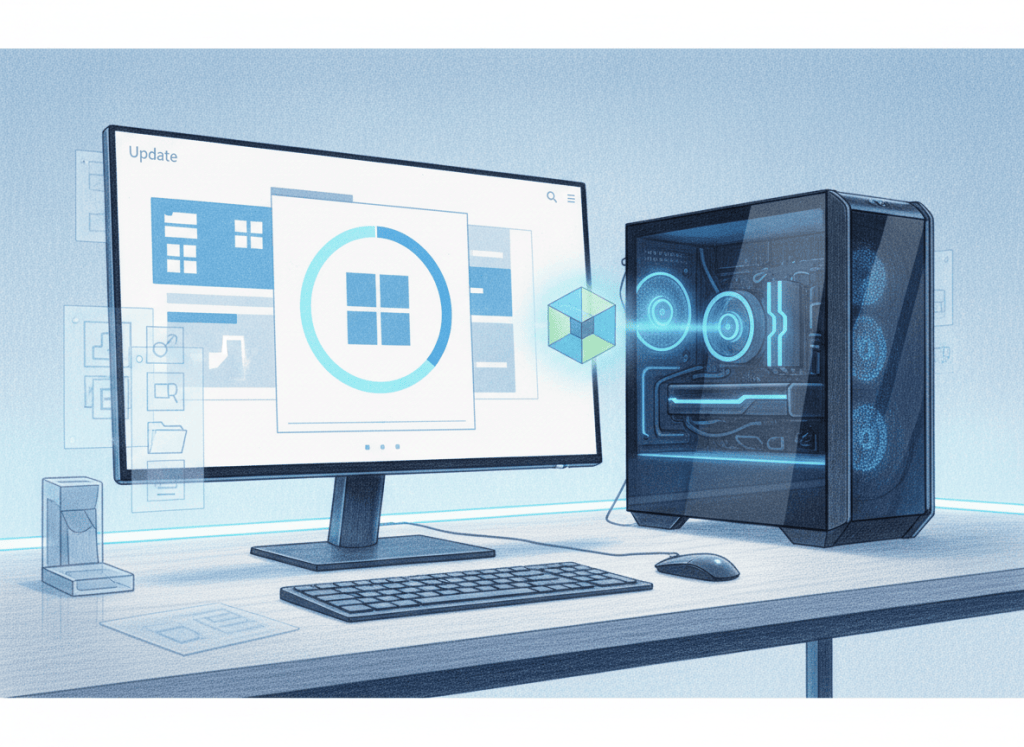
Microsoft’s 2026 Windows feature update is notable for what it does not require. For many PCs already running Windows 11 24H2 or 25H2, version 26H2 arrives as a small enablement package rather than a traditional operating-system replacement.
In Microsoft’s September 29 release announcement, the company says Windows 11 26H2 shares the same servicing branch and underlying codebase as 24H2 and 25H2. Much of the code needed for 26H2 is therefore already present before the version switch occurs.
An enablement package is closer to flipping features on than reinstalling Windows
Traditional feature upgrades can replace large portions of the operating system, trigger long installation phases and force administrators to retest applications against a substantially changed platform. An enablement package works differently: the monthly servicing channel has already placed many of the required components on the machine, and the feature update activates the new release state.
Microsoft says eligible 24H2 and 25H2 systems can move to 26H2 with a small download and a single restart. That makes the annual release behave more like a cumulative update than the large feature migrations associated with earlier Windows generations.
For IT teams, the servicing model is the real story
Organizations can continue using their existing update rings, deployment policies and management tooling. That continuity matters anywhere Windows endpoints are maintained alongside broader Windows Server administration, because predictable servicing reduces the number of exceptional upgrade procedures technicians have to maintain.
Microsoft still recommends targeted deployments before broad enterprise rollout. A lighter upgrade path reduces installation disruption, but it does not eliminate the need to validate business-critical applications, drivers, security controls and management agents on representative hardware.
The update also resets the support lifecycle: Home and Pro editions receive 24 months of support, while Enterprise and Education receive 36 months. For fleet operators, that lifecycle reset may be more important than any single visual feature because it determines how long a system remains inside Microsoft’s supported servicing window.
Security still depends on the hardware and configuration underneath Windows
A streamlined OS update does not replace platform security. Features anchored in the Trusted Platform Module (TPM), virtualization-based protections, secure boot and endpoint policy still depend on the device’s hardware, firmware and configuration.
That distinction matters because 26H2 is primarily a servicing transition. A PC does not become secure simply because its version number advances; administrators still have to keep firmware, drivers, identity controls and endpoint protections aligned with the operating system.
26H1 is the unusual exception
BleepingComputer’s independent rollout analysis highlights one important split: systems running Windows 11 26H1 cannot move directly to 26H2 because 26H1 is based on a different Windows core. Microsoft says those devices will instead receive a path to a future Windows release.
That makes 2026 unusual. Most 24H2 and 25H2 systems follow the lightweight enablement path, while 26H1 devices remain on a separate platform branch for now.
What technicians should verify after the upgrade
The low-disruption installation does not mean post-update checks should disappear. Technicians should still verify the reported Windows version, Windows Update health, driver state, network connectivity, endpoint-security services and business-critical applications after deployment.
If servicing corruption or missing system components appear, Windows’ System File Checker (SFC) remains one of the basic integrity tools available before escalating to more invasive repair or reimaging.
The larger shift is architectural: Microsoft is separating the yearly version checkpoint from the old idea that every annual release must arrive as a giant block of new code. Features can continue arriving through monthly servicing, while the annual update can become a smaller activation point with a renewed support window.
For Windows technicians, that makes 26H2 less dramatic—but operationally more interesting. The upgrade is becoming a servicing event rather than a migration project.
BitcoinVersus.Tech
Advertisement
Editor’s Note
This report distinguishes the 26H2 servicing model from a traditional full operating-system replacement. The featured cover is an original editorial illustration and is not duplicated in the article body.
We volunteer daily to ensure the credibility of the information on this platform is Verifiably True. If you would like to support our research initiatives, please donate here: 3C9o19EH5HSiwEPyCTmEKzxhNCbo2X6TTb
BitcoinVersus.tech is not a financial advisor. This media platform reports on financial subjects purely for informational purposes.


Leave a Reply