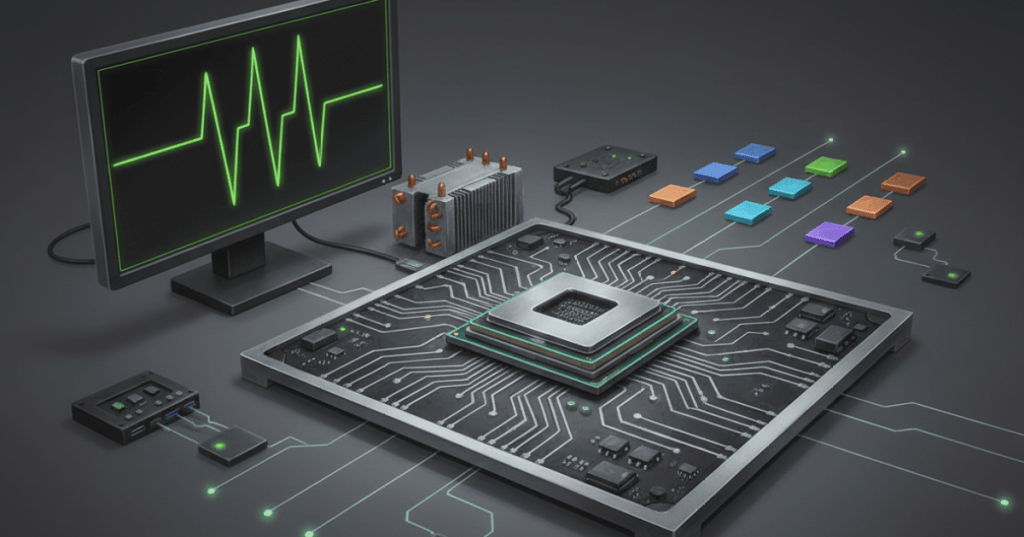
A CPU’s gigahertz number tells you how many clock cycles happen each second. It does not tell you how much useful work the processor completes during each cycle. That second idea is IPC: instructions per cycle.
This is why a newer processor running at a lower GHz can outperform an older processor with a higher clock speed. Frequency matters, but processor design determines how effectively those cycles are used.
What Does GHz Mean?
Hertz means cycles per second. One gigahertz equals one billion cycles per second, so a CPU operating at 4 GHz runs roughly four billion clock cycles each second.
A clock cycle is not automatically one completed program instruction. Modern processors overlap work through pipelines and can complete multiple instructions during a cycle, while cache misses and dependencies can leave parts of the core waiting.
IPC Is Work Per Cycle
IPC is the average number of instructions completed per clock cycle for a particular workload. Clock speed tells you how often the processor gets a beat; IPC describes how much useful work it can finish on those beats.
IPC is not one permanent number printed on a CPU box. It changes with software and with factors such as branch prediction, execution width, cache behavior and memory access.
Frequency And IPC Work Together
For a simplified single-core comparison, useful instruction throughput is related to frequency multiplied by IPC. A processor can become faster by doing cycles more frequently, accomplishing more during each cycle, or improving both.
Imagine Processor A at 5 GHz averaging two instructions per cycle. Its simplified throughput is about 10 billion instructions per second. Processor B at 4 GHz but four instructions per cycle reaches about 16 billion. The lower-clocked design wins in this simplified example because it accomplishes more each cycle.
Architecture Changes The Result
A CPU core is much more than a clock. Instruction fetching and decoding, branch prediction, execution units, scheduling, caches and memory interfaces influence how much work flows through the core. Our CPU architecture and microarchitecture guide explains that distinction.
Our guide to how a CPU runs a program follows the same process from software instructions into processor execution.
Boost Clock Adds Another Variable
Modern CPUs change frequency dynamically. They may boost higher when power, temperature and workload conditions allow, then reduce frequency when those limits change. Maximum boost clock is therefore different from a frequency the processor will necessarily sustain forever.
The companion guide on CPU thermal throttling explains why cooling affects sustained clock behavior.
Why Benchmarks Matter
Real performance also depends on core count, simultaneous threads, cache, memory latency, instruction-set features, software optimization and workload. Games, compilers, databases and scientific applications can stress different parts of a processor.
That is why workload-specific benchmarks are more useful than comparing GHz numbers across unrelated CPU generations.
The Easy Mental Model
GHz = cycles per second. IPC = useful instructions completed per cycle. Modern CPU performance comes from the combination, not from one large number on a specification sheet.
Sources
Technical references: Intel’s CPU clock-speed documentation and Tom’s Hardware’s IPC reference.
BitcoinVersus.Tech
Editor’s Note
We volunteer daily to help keep the information on this platform verifiably accurate. If you would like to support our independent research, please donate here: 3C9o19EH5HSiwEPyCTmEKzxhNCbo2X6TTb
BitcoinVersus.tech is not a financial advisor. Content is provided for informational purposes.


Leave a Reply