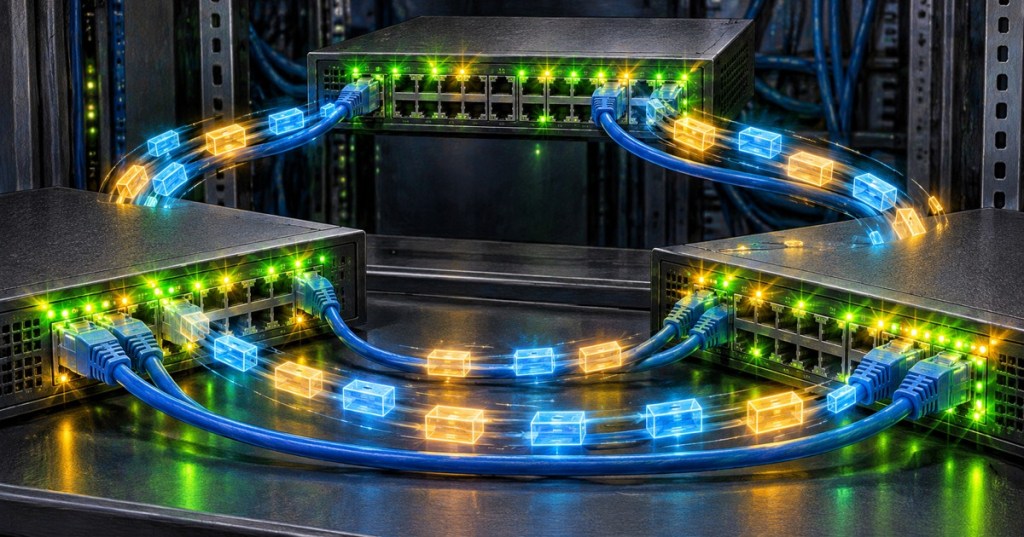
A network loop happens when Ethernet frames have more than one active Layer 2 path and keep circulating through switches. One accidental cable can turn a healthy network into a broadcast storm, fill links with duplicate traffic, and make switches learn the same MAC address on different ports.
Cisco explains how Spanning Tree Protocol prevents Layer 2 loops while preserving redundant links.
How a Loop Starts
The simplest example is two switches connected by two Ethernet cables while both links are forwarding. A broadcast frame can leave Switch A on one cable, enter Switch B, get flooded back across the second cable, then return to Switch A and repeat.
Because normal Ethernet frames do not carry a hop limit like IP packets do, the traffic can keep circulating. Cisco notes that Layer 2 loops can create duplicate messages and unstable MAC-address learning. Juniper similarly warns that Ethernet loops can cause broadcast storms and network outages.
What a Network Loop Looks Like
- Switch port LEDs blink almost continuously.
- Broadcast and unknown-unicast traffic rises sharply.
- MAC addresses appear to move between ports.
- Switch CPU or control-plane load may spike.
- Pings become slow, intermittent, or fail completely.
- Other VLANs can feel the impact if the switch itself becomes overloaded.
Some of these symptoms can resemble a bad cable or unstable port. Our guides on Ethernet links going up and down and Gigabit Ethernet falling back to 100 Mbps cover problems that can look similar at first.
Spanning Tree Stops the Loop
Spanning Tree Protocol lets switches keep redundant physical links without forwarding traffic over every path at the same time. Switches exchange Bridge Protocol Data Units, or BPDUs, elect a root bridge, calculate loop-free paths, and place redundant ports into a non-forwarding state until they are needed.
Juniper’s STP documentation describes the same goal: maintain redundancy while forcing extra Layer 2 paths into standby so broadcast traffic cannot circulate forever.
A recent home-networking discussion shows how even a small unmanaged switch can create a loop when ports are accidentally connected back into the same Layer 2 network.
How to Troubleshoot One
- Check for newly connected switches, patch cables, or redundant uplinks.
- Look at switch logs for spanning-tree changes, MAC flapping, or storm-control events.
- Check which ports show unusually high broadcast or unknown-unicast traffic.
- Trace the affected VLAN and disconnect the suspected loop path using approved change procedures.
- Confirm STP, RSTP, BPDU Guard, loop guard, and storm-control settings are appropriate for the network design.
Do not intentionally create a loop on a production network to test it. A real broadcast storm can spread across an entire broadcast domain and overload shared switching hardware. If you want to study loop prevention, use a lab with isolated switches.
For technicians, the important idea is simple: redundant cables are useful only when the network has a protocol controlling which Layer 2 path is allowed to forward. If multiple paths forward blindly, the redundancy can become the outage.
Related reading: What Is LLDP?
BitcoinVersus.Tech Editor’s Note:
We volunteer daily to ensure the credibility of the information on this platform is Verifiably True. If you would like to support to help further secure the integrity of our research initiatives, please donate using the QR code provided

For best QR-code scanning results, please scan this donation code from a desktop or larger screen. Mobile screens may prevent camera recognition.
BitcoinVersus.Tech provides technical education and analysis for informational purposes only.


Leave a Reply