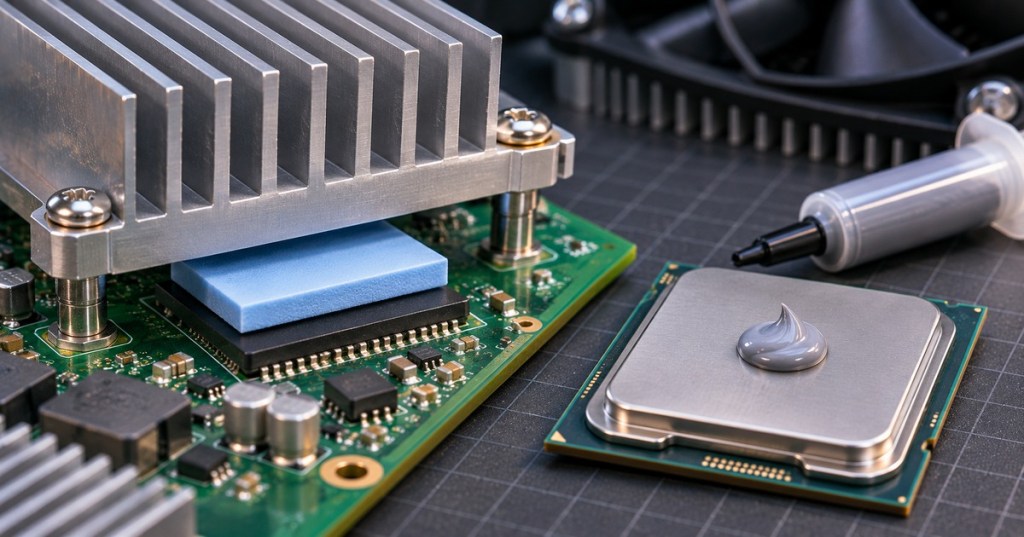
A thermal pad is a soft, heat-conducting sheet placed between an electronic component and a heatsink. It replaces insulating air gaps so heat can travel into cooling hardware. Pads appear in GPUs, SSDs, power electronics and some Bitcoin-mining equipment. They are one type of thermal interface material (TIM), but they are not interchangeable with every thermal paste.
Think of a pad as a compressible bridge. When a heatsink sits above components of different heights, the pad fills the space without requiring the metal parts to touch. Its thickness and softness matter: too thin may leave a gap, while too thick can prevent proper mounting or add thermal resistance.
Thermal pad versus thermal paste
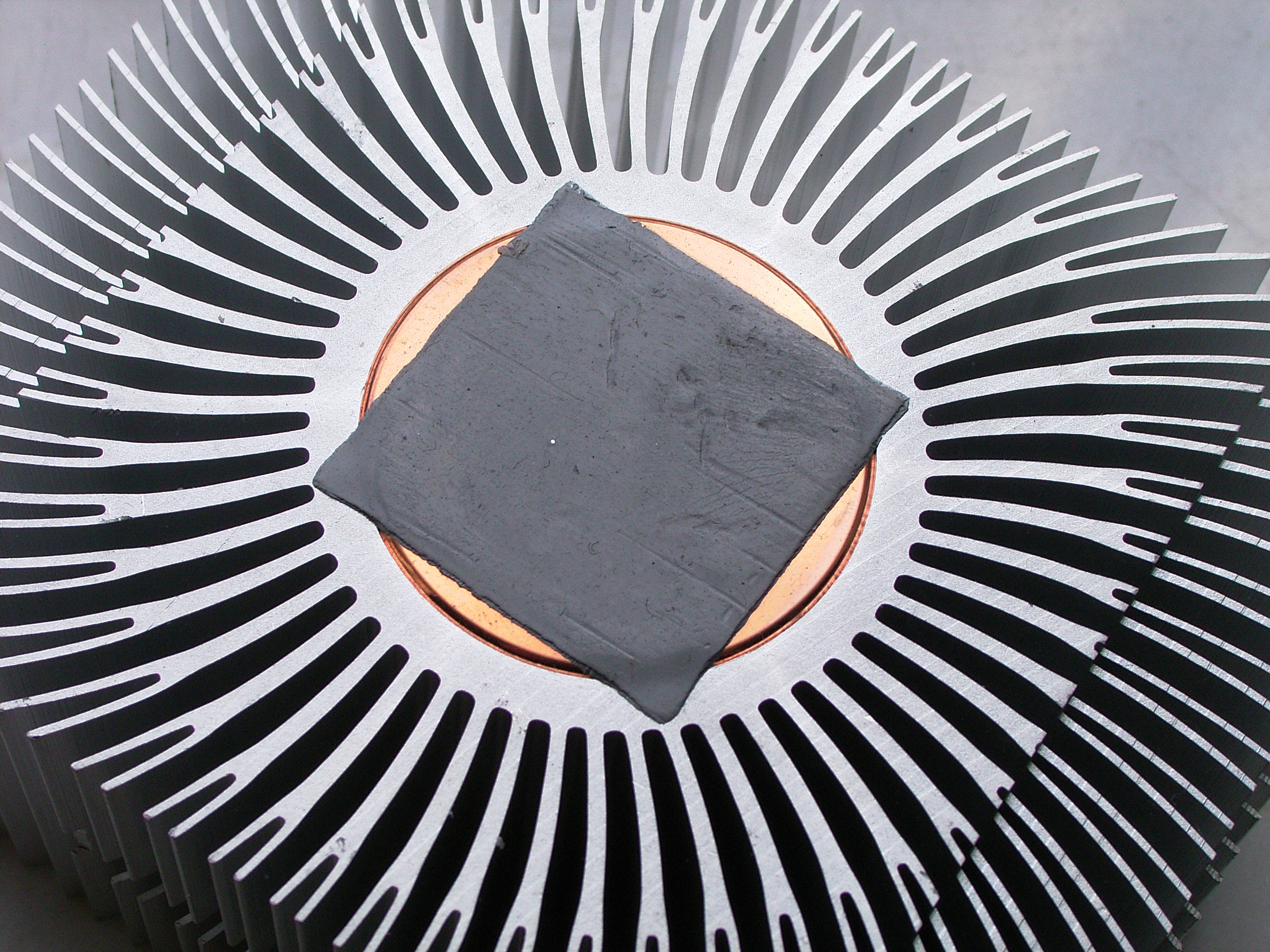
Thermal paste is a spreadable compound that fills microscopic surface imperfections where a processor and cooler fit closely together. A pad is easier to position and remove, and is often used across larger gaps. AMD’s thermal-design guidance notes that pads can handle greater component-height differences, while thin paste or phase-change materials can reduce contact resistance in tighter interfaces.
Neither material is automatically “better.” For a CPU designed for paste, use the specified paste. For a memory chip designed to meet a heatsink through a pad, use the correct pad. Our CPU installation guide covers applying interface material during assembly.
Three things to check before replacing either
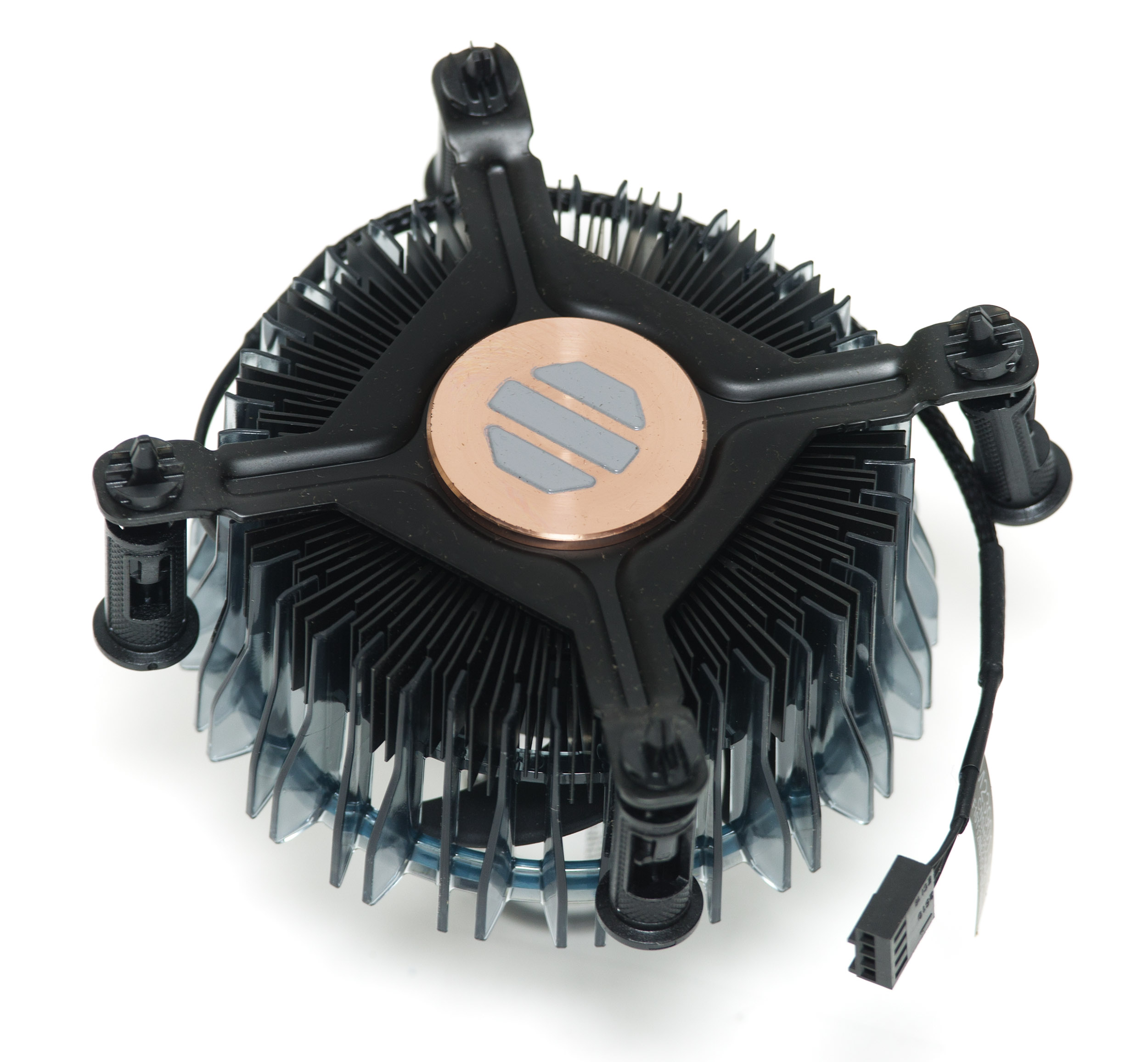
First, identify the part and the original material. Second, follow the device maker’s specified pad thickness and compression requirements rather than guessing or stacking layers. Third, clean and inspect the mating surfaces before reassembly, and check whether the chosen material provides electrical insulation. Some conductive compounds require extra care around exposed contacts.
Henkel’s gap-pad documentation describes pads supplied with removable films; both protective liners must be removed as instructed before installation. Incorrect fit can contribute to thermal throttling, but temperature problems can also involve fans, dust, power or airflow.
Why it matters in mining and computers
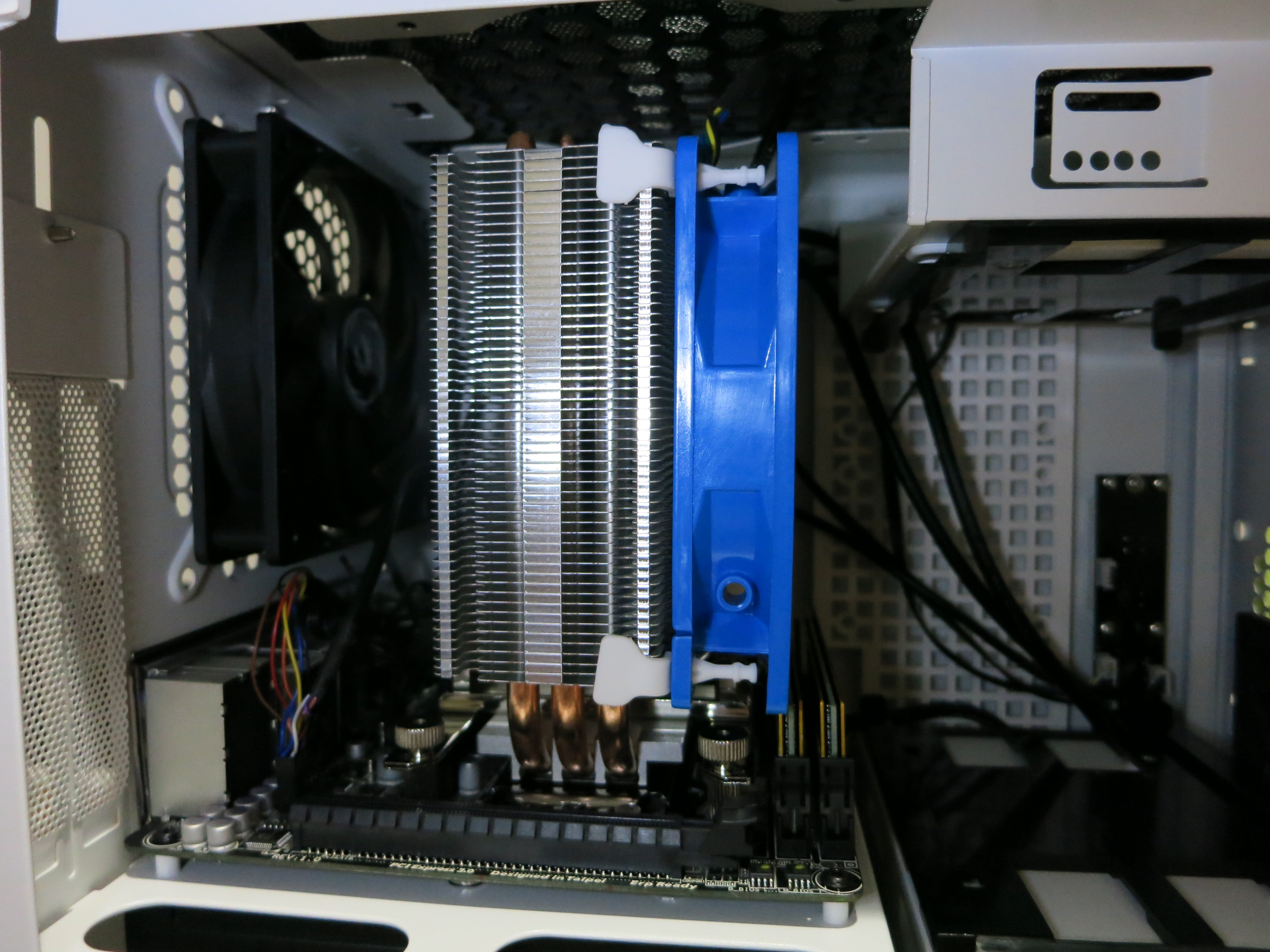
A poorly seated cooling interface can leave a hot component behind an otherwise working fan. On an ASIC hashboard, technicians should check the manufacturer’s cooler design before changing materials. On a home machine, even a good cooler cannot compensate for missing contact. That is why miner cooling upgrades should be evaluated by actual operating temperatures, not appearance alone.
BitcoinVersus.Tech
BitcoinVersus.Tech Editor’s Note: We volunteer daily to ensure the credibility of the information on this platform is Verifiably True. If you would like to support our work and help further secure the integrity of our research initiatives, please scan the QR code below to donate 5,000 sats. For best results, scan the QR code from a laptop or larger screen.

Bitcoin address: 3C9o19EH5HSiwEPyCTmEKzxhNCbo2X6TTb. On a phone, open the QR image on another screen or copy and verify the address in your wallet before sending.
BitcoinVersus.tech is not a financial advisor. This media platform reports on financial subjects purely for informational purposes.


Leave a Reply