
OSBash.007 teaches Linux administrators how to turn a shell script into a small command-line program with predictable options and error messages. Bash’s built-in getopts processes single-letter flags, identifies flags that require values, and tracks the argument position before ordinary operands begin. The technique makes scheduled scripts and diagnostic tools easier to operate without inventing an unsafe parsing loop.
The preceding Bash functions lesson introduced positional parameters inside functions. Review loops and safe iteration, variables and quoting, conditional tests, and the first Bash script for prerequisites. The GNU Bash manual provides the authoritative getopts behavior.
Elementary Overview
Consider a terminal program that prints a few equipment names. The option -n 2 asks for at most two names, -p 'Lab: ' adds a prefix, and -v requests a status message. The names remain ordinary arguments. A parser must distinguish an option from its value and keep names containing spaces intact. A separate -- marker ends option parsing, allowing a name beginning with a dash.
Learning Objectives
- Parse short options with the Bash
getoptsbuiltin and its option string. - Understand
OPTARG,OPTIND, the leading colon, andshift. - Preserve quoted operands through
"$@"and--. - Reject unsupported flags, missing values, and invalid numeric limits with a nonzero status.
- Run a read-only sample script and reproduce 31 local checks.
“Crash-Course in using getopts to parse Command Line Arguments in Bash!” A source-identified YouTube lesson focusing on option parsing. Original YouTube page. An iframe can render even when player playback is unavailable.
How getopts Interprets Flags
The syntax while getopts ':n:p:vh' option loops over eligible short options. The n: and p: entries require associated values; v and h are standalone flags. Bash stores the currently recognized option letter in the variable named option. When an option takes a value, Bash places it in OPTARG. A sequence such as -vn 2 combines the verbose flag with a numeric limit.
The first colon enables controlled diagnostic handling. A missing required value selects the : case and identifies the option through OPTARG; an unrecognized option selects ?. The script prints its own error and exits with status 2. Without the leading colon, Bash can emit its default option error text. GNU’s variable reference documents OPTARG and OPTIND.
Removing Parsed Flags Without Losing Names
OPTIND tracks the index of the next argument to inspect. After the parsing loop, shift "$((OPTIND - 1))" removes the already-processed options and their values from the positional parameters. The remaining "$@" expands each device name as a distinct quoted argument, preserving spaces and metacharacters. Using bare $@ would risk word splitting and pathname expansion.
Place short options before ordinary operands when using the standard getopts pattern. The explicit -- delimiter marks the end of options, enabling a literal device name such as -rack. Native Bash getopts does not directly parse GNU-style long flags such as --verbose. For long-option interfaces, design a separate parser or investigate the distinct external getopt utility and its portability limits.
A Read-Only Bash Inventory Labeler
The following example prints fictional device names and never opens network connections, writes files, invokes elevated commands, or executes supplied input. A deliberately narrow numeric range from 1 through 9 avoids invalid values and confusing arithmetic corner cases. Save the source as osbash-007-options-lab.sh:
#!/usr/bin/env bash
# OSBash.007: safe CLI option parsing. No file changes or network access.
set -u

usage() {
  printf 'Usage: %s [-n 1-9] [-p prefix] [-v] [-h] -- device [device ...]\n' "${0##*/}"
}

limit=3
prefix=''
verbose=0
OPTIND=1
while getopts ':n:p:vh' option; do
  case $option in
    n)
      if [[ ! $OPTARG =~ ^[1-9]$ ]]; then
        printf 'Error: -n requires a digit from 1 to 9\n' >&2
        exit 2
      fi
      limit=$OPTARG
      ;;
    p) prefix=$OPTARG ;;
    v) verbose=1 ;;
    h) usage; exit 0 ;;
    :) printf 'Error: -%s needs a value\n' "$OPTARG" >&2; exit 2 ;;
    \?) printf 'Error: unknown option -%s\n' "$OPTARG" >&2; exit 2 ;;
  esac
done
shift "$((OPTIND - 1))"

if (( $# == 0 )); then
  printf 'Error: supply at least one device name\n' >&2
  usage >&2
  exit 2
fi

if (( verbose )); then
  printf 'Selection limit: %s; supplied: %s\n' "$limit" "$#" >&2
fi

printed=0
for device in "$@"; do
  (( printed < limit )) || break
  printf '%s%s\n' "$prefix" "$device"
  ((printed += 1))
done
Run the syntax checker, then invoke the script with quoted names:
bash -n osbash-007-options-lab.sh
bash osbash-007-options-lab.sh -n 2 -p 'Lab: ' -v -- 'rack A' 'rack B' 'rack C'
The verified example prints Lab: rack A and Lab: rack B to standard output, and writes Selection limit: 2; supplied: 3 to standard error. With -n 0, an unsupported -z, or a missing value following -n, execution exits with status 2. The help option -h displays usage and exits successfully.
“Bash Script: Parsing command-line options with getopts.” A separate public YouTube tutorial demonstrating the built-in parser. Original video. The video source is identifiable, but full embedded playback requires a browser test.
Testing Unsafe-Looking Input Without Running It
The test suite supplies input strings containing spaces, hyphens, semicolons, and the literal text $(touch /tmp/NONEXISTENT). The program uses the supplied names only as data for printf '%s%s\n'. No eval, shell re-parsing, or command execution is applied to their contents. Quoting is necessary for reliable argument boundaries, but code handling actual filenames, remote commands or secrets needs additional input-specific controls.
31 checks passed in the local GNU Bash 5.2.37 environment. The suite validates syntax, default limits, combined flags, prefixes, verbose diagnostics, missing option values, unknown flags, zero and oversized limits, empty operands, names beginning with a dash, and literal shell syntax. Bash parsing remains environment-specific: a shell other than Bash may interpret extensions differently. Scripts should specify the expected shell and receive independent testing before operational use.
Common Mistakes
- Treating a flag value like an ordinary positional name because
OPTINDwas not applied after parsing. - Reading
$@without quotation, which can split a single device name into several words. - Assuming
getoptsaccepts long options or every arrangement of flags and operands. - Using
evalto execute text supplied as an argument. - Displaying a successful status for an invalid option instead of returning a nonzero exit code.
Knowledge Check
- Which option string entry requires a value? A letter followed by
:, such asn:. - Where does Bash place a value following a recognized option? In
OPTARG. - How are processed flags removed before examining names? Use
shift "$((OPTIND - 1))". - Why write
"$@"rather than bare$@? To preserve individual argument boundaries.
Official References
- GNU Bash: Bourne Shell Builtins, authoritative
getoptssemantics. - GNU Bash: Bourne Shell Variables,
OPTARGandOPTIND. - GNU Bash: Positional Parameters, argument indexing.
- GNU Bash: Special Parameters, quoted
"$@". - Bash Hackers Wiki: getopts tutorial, supplemental examples.
Elementary Conclusion
A reliable command-line script needs to understand what the user requested before carrying out work. getopts handles recognized short flags, while shift exposes the remaining arguments. Quoted expansion preserves each name, and clear errors prevent invalid requests from looking successful. Those habits support safer scripts for administration, reporting and automation.
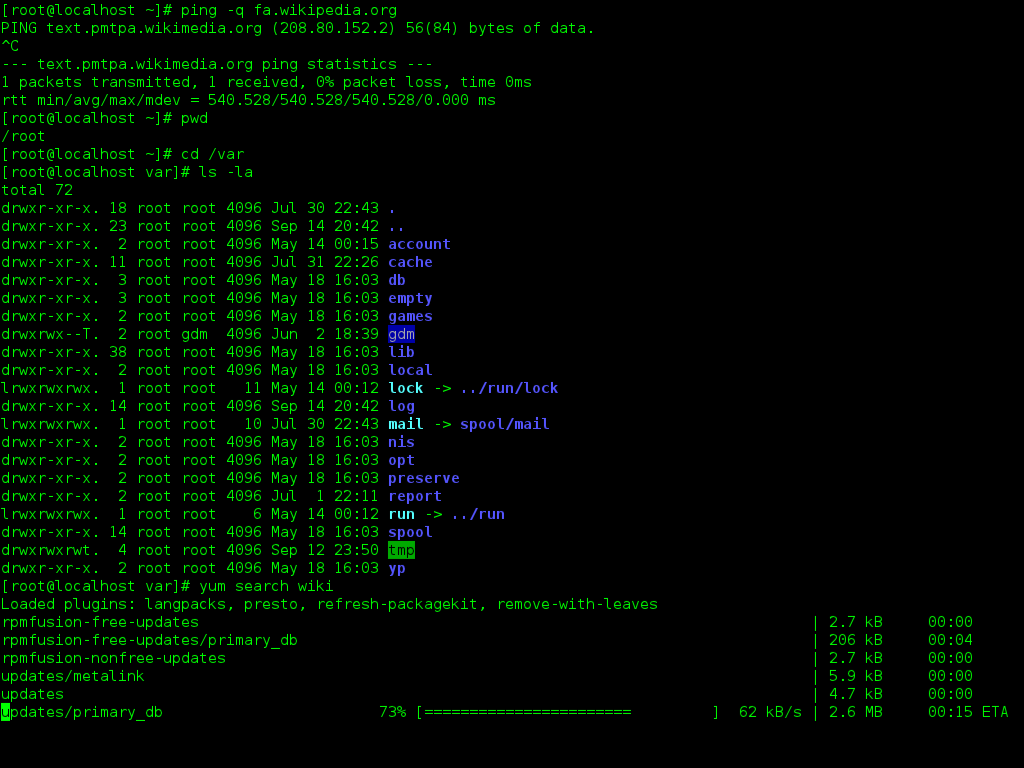
Editor’s Note: Internal identifier OSBash.007 follows the verified functions lesson OSBash.006 and the SQL entry OSSQL.007 in the established rotation. The featured cover is AI-generated cinematic anime art depicting a fictional engineer and illustrative shell interface, not a screenshot of the executed exercise. The in-story GNOME Terminal screenshot is sourced from the prior Wikimedia-linked media archive. Both YouTube sources have identifiable public video entries. The accompanying script and 31-check test harness ran under GNU Bash 5.2.37 on Linux; end-to-end YouTube playback and pixel-level mobile inspection have not been independently tested. No SmartChart was produced because the lesson contains no measured numerical time series or comparable operational dataset.

For mobile scanning, display the QR on a separate screen or use a compatible wallet’s saved-image scanning feature. Confirm the destination and the requested 5,000 satoshis inside the wallet before authorizing payment.
We volunteer daily to ensure the information on this platform is Verifiably True. If you would like to support the research, please scan the QR code.
BitcoinVersus.Tech educational lessons do not replace reviewed production automation, documented security practices, or validated data-center operational procedures.


Leave a Reply