Repeated account lockouts interrupt access to business systems and may indicate stale credentials, misconfigured services or hostile authentication attempts. Building on OSITC.017: Windows Authentication Auditing, learners will correlate account-management and credential-validation evidence rather than repeatedly unlocking an account without investigating. Prerequisites: Windows Event Viewer, basic Active Directory concepts and PowerShell pipelines. Required tools: an authorized Windows workstation or domain-controller lab, an account permitted to read the relevant Security logs and, optionally, sanitized EVTX exports. Use only approved lab accounts and read-only investigation procedures; do not deliberately trigger lockouts against operational accounts.
Learning objectives
By completion, learners can (1) explain threshold, duration and counter-reset policies; (2) distinguish event IDs 4740, 4771, 4776 and 4625; (3) collect and correlate events using Event Viewer and PowerShell; and (4) develop a defensible root-cause hypothesis, choose a corrective action through approved procedures and verify recovery.
1. Understand account lockout policy
Account lockout threshold determines how many qualifying failed sign-ins can trigger a lockout. Duration controls how long a locked account remains unavailable before automatic release; a duration of zero requires administrative unlocking. Reset account lockout counter after defines the interval before the failed-attempt counter resets. Policies may vary by domain and account. A hypothetical threshold of five, duration of 15 minutes and counter-reset interval of 15 minutes illustrates the relationship, not a universal recommendation. Excessively aggressive policies can increase denial-of-service risk; weak policies can permit additional password guessing. Review Microsoft account lockout policy and consult authorized security administrators before making changes.
2. Interpret the evidence
4740: an account was locked out. Record the affected account, event time, reporting computer and caller computer name when present. Caller information is a lead, not conclusive attribution. Microsoft event 4740 documentation describes these fields.
4771: Kerberos pre-authentication failed on a domain controller. Failure code 0x18 indicates invalid pre-authentication information, commonly an incorrect password. Inspect the account and client address. 4776: NTLM credential validation was attempted; 0xC000006A indicates an incorrect password and 0xC0000234 denotes a locked account. The source workstation can help identify the origin but may be absent. 4625: a failed logon, typically logged where the logon was attempted; examine logon type, status, substatus and available process or network fields. Relevant documentation: 4771 and 4776. Not all events necessarily appear in the same log. Audit settings, retention and authentication protocol determine what evidence is available.
3. Collect evidence without changing the system
Open Event Viewer, select Windows Logs, then Security, and choose Filter Current Log. Enter 4740,4771,4776,4625 in the event IDs field and select a narrow time range. For a domain account, obtain relevant domain-controller records through an authorized administrator. For local accounts, examine the authoritative local computer. Record original event timestamps, computer names and record identifiers. Preserve exports following approved evidence-handling rules; do not clear logs. Review exporting EVTX logs for preservation procedures.
PowerShell example: on an authorized Windows host, retrieve matching records from the last hour. The query operates on the local Security log. It does not change account state.
$filter = @{
LogName = ‘Security’
Id = 4740,4771,4776,4625
StartTime = (Get-Date).AddHours(-1)
}
Get-WinEvent -FilterHashtable $filter |
Sort-Object TimeCreated |
Select-Object TimeCreated, Id, MachineName, RecordId
Expected output: a chronological collection of matching event summaries, with dates and IDs specific to the environment. No matching records may produce a no-events error; access denied requires permission review, not a change to audit policy. To read a sanitized EVTX file saved in the working directory, run the following command:
Get-WinEvent -FilterHashtable @{
Path = ‘.\Security-lab.evtx’
Id = 4740,4771,4776,4625
} | Sort-Object TimeCreated | Select-Object TimeCreated, Id, Message
Expected output: event messages from the provided export, if matching records exist. The file must already exist. Consult Get-WinEvent documentation for supported filters. Commands are documentation-reviewed examples, not executed against an actual Windows domain during preparation.
4. Practical investigation: synthetic timeline
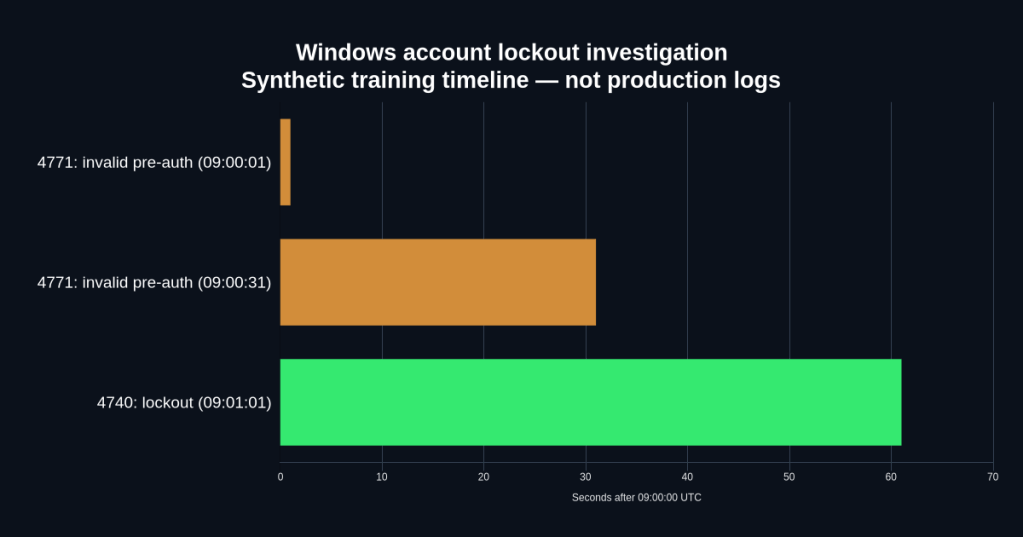
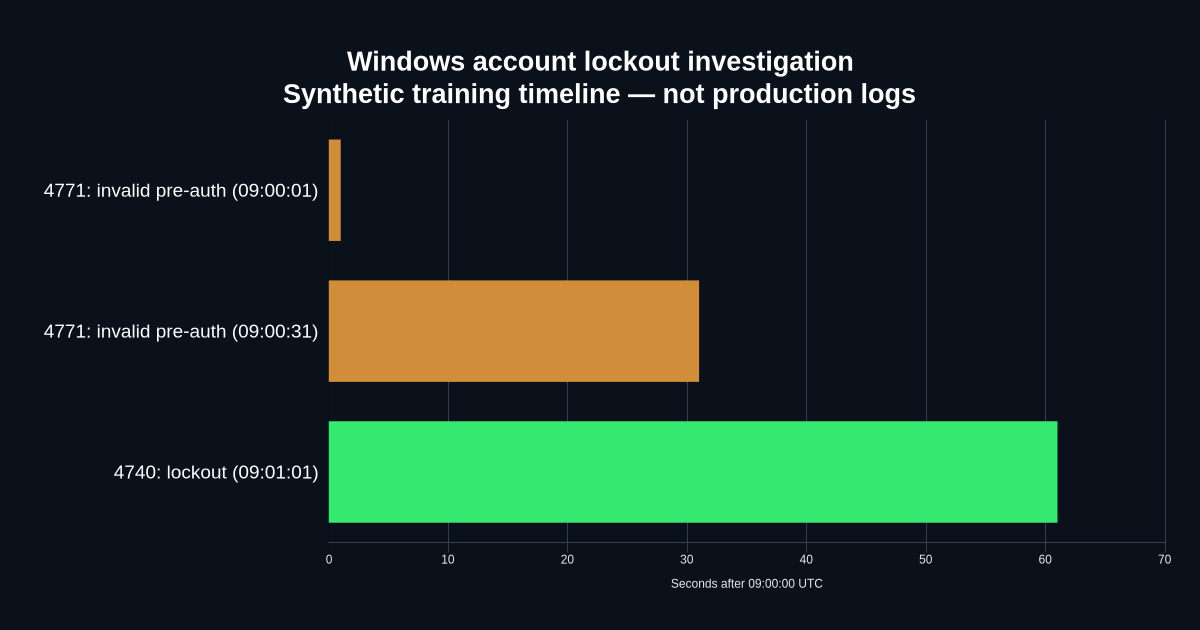
An example account named lab-operator reports repeated lockouts following a password change. At 09:00:01 UTC and 09:00:31 UTC, DC01 reports 4771 events with code 0x18 and the same client address. At 09:01:01 UTC, DC01 records 4740 naming WORKSTATION07 as caller. Three selected events are shown; other failed attempts may be absent from the sample. The preceding failures are consistent with stale credentials, but the records alone do not establish the originating process.
Correlate the account, time window and originating host with authorized inventory and endpoint records. Examine scheduled tasks, service account configurations and saved credential references through approved administrative interfaces. Do not retrieve stored passwords, disable monitoring or weaken lockout policy. If many accounts or unfamiliar sources appear in a short period, escalate to the security team. For endpoint process context, use the methods taught in OSITC.016 on process creation auditing. An event correlation is a hypothesis until additional evidence confirms the source.
5. Corrective action and verification
If evidence confirms an authorized scheduled task is using an obsolete credential, coordinate with its owner to update the credential through an approved secret-management procedure. An administrator may unlock the account after confirming authorization and addressing the cause. Verify successful access with the account owner, check the relevant logs for new failures or lockouts during an agreed observation period, and record the outcome. If incidents recur, expand the evidence window and investigate additional authentication sources rather than repeating an unlock. Never expose personal account identifiers or logs outside approved channels. Compare incident handoff practices with OSLTC.006 on technical incident leadership.
Assessment and answer explanations
1. A 4740 event is present with no nearby 4771 events. Does that rule out credential failures? No. NTLM, another domain controller, audit coverage or retention may explain the missing Kerberos events. 2. Which event indicates failed Kerberos pre-authentication? 4771; 0x18 is commonly associated with an invalid password. 3. Why normalize timestamps before comparing hosts? Different local time zones and clock drift can distort apparent ordering. 4. A known workstation generates repeated failures after a password change. What should you do? Correlate the account and host, investigate approved service or task configurations, confirm the cause, arrange remediation and verify the absence of recurrence. 5. Why is disabling lockout not the default repair? It removes a protective control without resolving the source of the failed authentication.


Leave a Reply