Open-Source Information Technology Certification • Intermediate • Estimated study time: 35 minutes
Windows authentication records help IT technicians distinguish routine access, credential errors and suspicious activity. A successful logon does not necessarily represent a person at a keyboard, and a failed logon does not necessarily establish an attack. Accurate interpretation depends on the account, destination computer, logon type and surrounding evidence.
Prerequisites and learning objectives
Review Windows Event Viewer fundamentals. Use a personally owned or authorized training system with appropriate permissions.
- Distinguish successful and failed Windows logon audit records.
- Interpret common logon types and relevant event fields.
- Query recent authentication records using Event Viewer and PowerShell.
- Correlate related records without overclaiming attribution.
- Preserve evidence and escalate findings under approved procedures.
What events 4624 and 4625 establish
The Security log records successful logon event 4624 on the computer where a logon session is created. Event 4625 records a failed logon on the computer where the attempt occurred. Availability depends on the applicable success and failure audit settings, retention and collection health. Read Microsoft’s 4624 reference, 4625 reference and Audit Logon documentation.
Logon types and fields
Type 2 describes local interactive access; type 3, network access; type 4, batch processing; type 5, service startup; type 7, unlocking; and type 10, remote interactive access. Network access does not by itself establish a Remote Desktop session. Compare the account name, domain, source address when present, authentication package and logon type. Missing source data is not proof of local origin. The users and permissions lesson explains why account identity matters.
For failures, inspect Status and SubStatus together. Microsoft’s documentation associates 0xC000006A with an incorrect password and 0xC0000234 with a locked account. A stale service credential or typing mistake can explain repeated failures. Compare the relevant baseline and approved activity before drawing conclusions.
Read-only investigation
In Event Viewer, navigate to Windows Logs → Security and select Filter Current Log. Enter event IDs 4624,4625 and constrain the time range. Inspect the Details tab for structured event data. Alternatively, run the following read-only query in an authorized PowerShell session:
Get-WinEvent -FilterHashtable @{ LogName = ‘Security’; Id = 4624, 4625; StartTime = (Get-Date).AddHours(-24) } | Select-Object TimeCreated, Id, MachineName
The filter limits retrieval to the previous 24 hours. The selected columns provide a compact inventory, not a complete forensic record. Inspect individual event details before interpreting results. Insufficient permissions or unavailable logs require escalation, not security bypass. See Microsoft’s filter documentation.
Correlation and evidence preservation
Compare event timestamps, host, account and source information. Event 4634 can help identify the end of an audited session; correlate its logon identifier with the successful logon on the same host within the relevant boot interval. A failed attempt followed by a success is a lead, not proof that the same person made both attempts. Use process creation auditing to establish subsequent activity when records are available. Preserve original event records, relevant time zones and collection context. Do not clear logs or publish personal identifiers. Follow organizational incident-response procedures.
Exercises and answer key
- What does 4625 establish? Answer: an audited logon failure, not automatically malicious activity.
- Does type 3 prove Remote Desktop access? Answer: no; it indicates network logon.
- What does a locked-account status suggest? Answer: the account was locked; investigate policy and preceding activity.
- Why retain host and timestamps during correlation? Answer: identifiers and chronology require context; matching account names alone are insufficient.
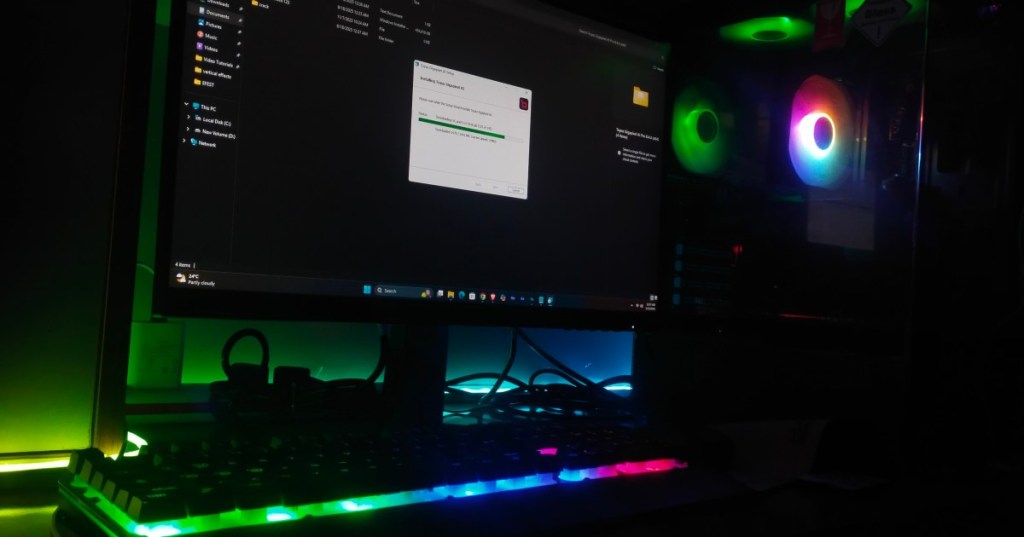
For broader troubleshooting, consult Windows network diagnostics. Featured photograph: SankalpSasnur, Wikimedia Commons, CC0, cropped; illustrative workstation context, not forensic evidence.
We volunteer daily to ensure the credibility of the information on this platform is Verifiably True. If you would like to support to help further secure the integrity of our research initiative, please scan the QR code below.
BitcoinVersus.tech is not a financial advisor. This media platform reports on financial subjects purely for informational purposes.


Leave a Reply