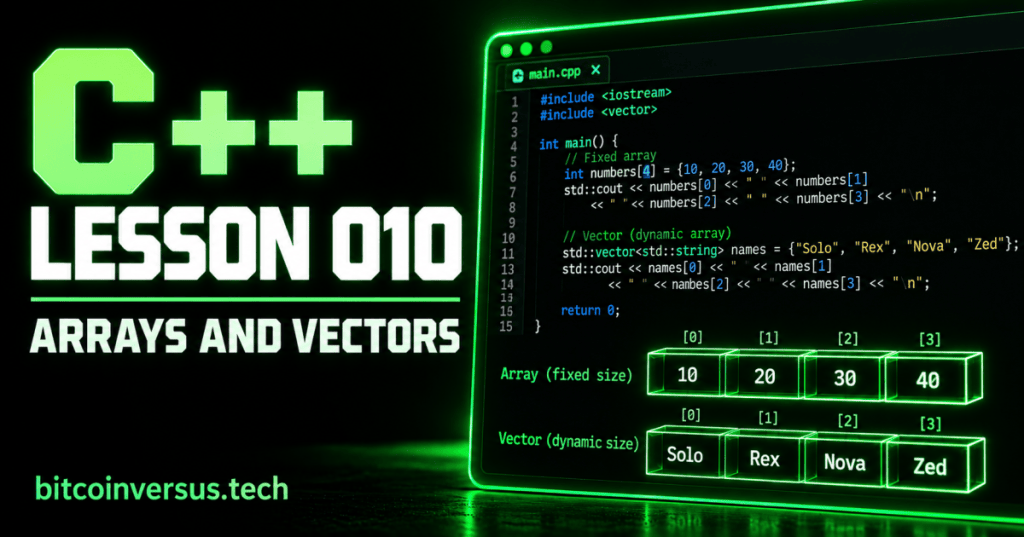
An array and a vector both let a C++ program keep several values together instead of creating a separate variable for every item. The main beginner difference is simple: an array has a fixed size, while a vector can grow or shrink.
Start With Four Scores
#include <iostream>

int main() {
    int scores[4] = {10, 20, 30, 40};

    std::cout << scores[0] << "\n";
    std::cout << scores[1] << "\n";

    return 0;
}
The four values are stored under one name: scores. Each position has an index. C++ starts counting indexes at zero, so scores[0] is the first value and scores[3] is the fourth.
Video: See Arrays in C++
This freeCodeCamp beginner course reaches its C++ arrays section at about 1:13:45. Watch that section after trying the four-score example above.
A Vector Can Grow
A vector is useful when the number of items may change. Include <vector>, create the vector, and use push_back() to add another value.
#include <iostream>
#include <vector>

int main() {
    std::vector<int> scores = {10, 20, 30};
    scores.push_back(40);

    std::cout << scores[3] << "\n";

    return 0;
}
The vector began with three values. push_back(40) added a fourth. That ability to change size is the important idea for this lesson.
Gaming Example
#include <string>
#include <vector>

std::vector<std::string> players = {"Solo", "Rex", "Nova"};
players.push_back("Zed");
A game lobby may begin with three player names and later gain a fourth. A vector fits that simple situation because the list can change.
Bitcoin Mining Example
int minerTemperatures[4] = {61, 63, 60, 64};

std::cout << minerTemperatures[0] << "\n";
If you know you are reading exactly four simple temperature values, a fixed array can hold them under one name.
Array or Vector?
- Array: use it here to practice a fixed number of values.
- Vector: use it when the list needs to grow or shrink.
- Both: access individual items with an index beginning at zero.
Practice
- Create an integer array containing four basketball scores.
- Print the first and fourth scores.
- Create a vector containing three game titles.
- Add one more title with
push_back(). - Print the new fourth title.
Key Takeaway
Arrays and vectors keep multiple values together. A basic array has a fixed size. A vector can change size. Both use indexes that begin at zero.


Leave a Reply