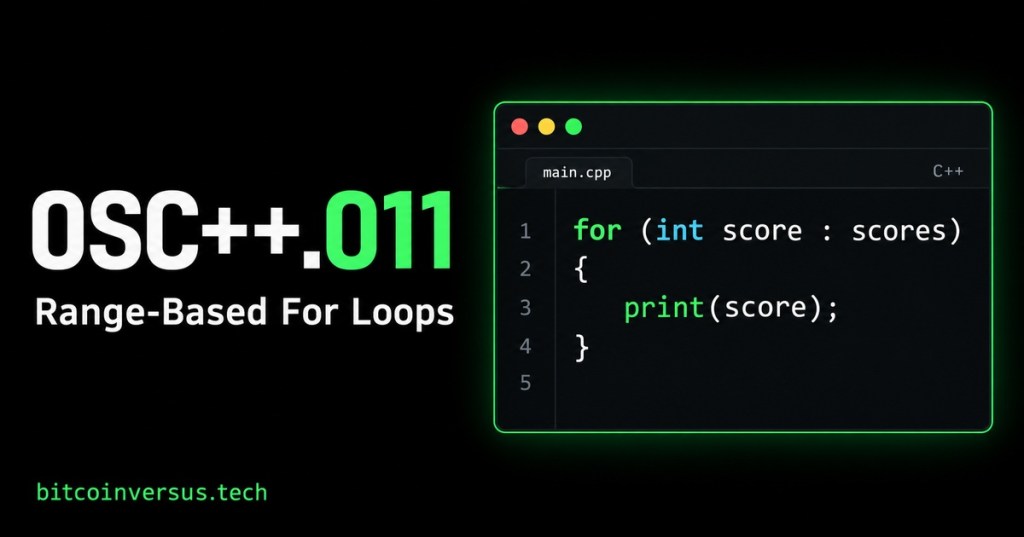
Simple explanation: Imagine reading a list of scores from top to bottom. You do the same action for each score, then stop at the end. A range-based for loop expresses that idea in C++ without making you count positions yourself.
Definition: A range-based for loop repeats its body for each element in a range, such as an array or vector. One pass through the body is an iteration. An element is one item in the collection.
In OSC++.010: Arrays and Vectors, we stored several values under one name. Now we will visit those values one at a time.
Read the loop like a sentence
for (int score : scores) means “for each integer score in scores.” The colon separates the current-item declaration from the collection. The braces contain the action to repeat.
Our three fictional scores are 10, 20, and 30. The loop visits them in that order. An empty vector would run the body zero times.
A complete example
Type the following lines into a C++ source file. The small function named print belongs to our example; it is not a built-in C++ command. It sends one number to standard output followed by a newline.
#include <iostream>
#include <vector>

void print(int score) {
    std::cout << score << '\n';
}

int main() {
    std::vector<int> scores = {10, 20, 30};
    for (int score : scores) {
        print(score);
    }
}
Expected output: 10, then 20, then 30, each on its own line. You can compile with g++ -std=c++17 lesson.cpp -o lesson if GCC is installed. The example also works in a C++17-capable Visual Studio project.
Watch a beginner walkthrough
Bro Code’s C++ course covers the same loop style in its “Foreach loop” section at 3:05:40. Watch that short section, then return to the copy-versus-reference exercise below. In standard C++, the syntax is for with a colon, as shown above.
Video: “C++ Full Course for free” — Bro Code. Relevant section begins at 3:05:40.
Changing a copy versus changing the original
Keep the same vector. Add for (int score : scores) { score += 5; } after the first loop. Here, score is a copy of the current integer. Changing that copy leaves the stored scores at 10, 20, and 30.
Now try for (int& score : scores) { score += 5; }. The & makes score a reference to the actual element. The vector becomes 15, 25, and 35. References were introduced in OSC++.006: References and Pass by Reference.
For reading without copying each element, for (const int& score : scores) { print(score); } uses a reference that cannot modify the integer through score. For this small integer example, a plain copy is also reasonable.
Practice with simulated readings
Replace the scores with fictional temperatures: std::vector<int> temperatures = {61, 63, 60, 64};. Create int total = 0;, then write for (int temperature : temperatures) { total += temperature; }. Print total.
Check: The total should be 248. Next, use a reference loop to add 1 to each simulated reading. The values should become 62, 64, 61, and 65. These are practice numbers, not a recommendation to alter real sensor measurements.
Keep the loop predictable
Use this loop when you need each item rather than its position. During these exercises, keep the vector’s size unchanged inside the loop: do not add or erase elements while traversing it. Changing existing integer values through references is the operation being practiced.
Remember: int score gives a copy, int& score gives a modifiable reference, and const int& score gives a read-only reference to the element. Microsoft’s range-based for documentation provides additional examples.


Leave a Reply