Open-Source Networking Technician Certification (OSNTC) · Technician pathway · Lesson 002
Every device on a network can have an IP address, but the IP address alone does not tell the device which addresses belong to its local network. A subnet mask helps make that distinction.
This lesson builds directly on OSNTC.001: IP Addresses
A Simple Example
Imagine a computer with these settings:
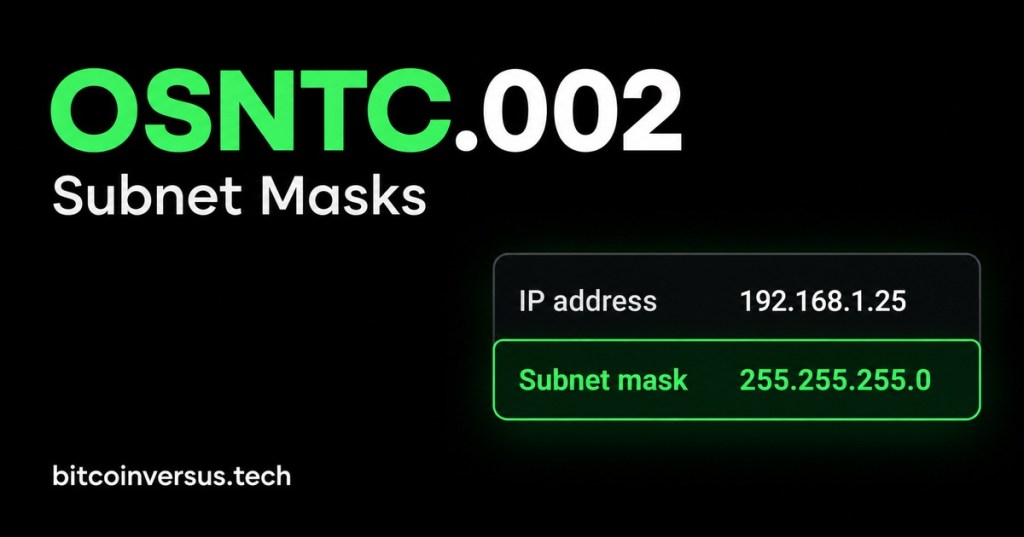
IP address:  192.168.1.25
Subnet mask: 255.255.255.0
For this beginner example, the mask tells us that 192.168.1 identifies the local network and the final number identifies a device on that network. So 25 identifies this particular host within that local network.
Why the Mask Matters
Your computer needs to decide whether another IP address is on the same local network or whether traffic must be sent toward a router. The subnet mask is part of the information used to make that decision.
Video: Subnet Masks Explained Visually
PowerCert Animated Videos gives a visual explanation of subnet masks and begins its subnet-mask section near 1:11. Use the video to reinforce the simple network-versus-host idea before moving into subnetting math.
Same Network Example
Computer: 192.168.1.25
Printer:  192.168.1.50
Mask:     255.255.255.0
In this simple example, both devices are in the 192.168.1 network. They can communicate locally when the rest of the network is configured correctly.
Different Network Example
Computer: 192.168.1.25
Server:   192.168.2.20
Mask:     255.255.255.0
Here, the network portions differ: one is 192.168.1 and the other is 192.168.2. Communication between those networks normally goes through a router.
Data Center Example
A technician might see a miner, server, switch-management interface, or laptop configured with an IP address and subnet mask. Before troubleshooting a connection, checking both values helps confirm whether the devices are intended to be on the same local network.
Practice
- Write down
192.168.10.15with mask255.255.255.0. - Write down
192.168.10.40with the same mask. - Identify the matching network portion.
- Now change the second address to
192.168.11.40. - Identify what changed.
Key Takeaway
A subnet mask works with an IP address to identify the network portion and host portion. For the common beginner example 255.255.255.0, addresses sharing the first three octets are in the same local subnet.


Leave a Reply