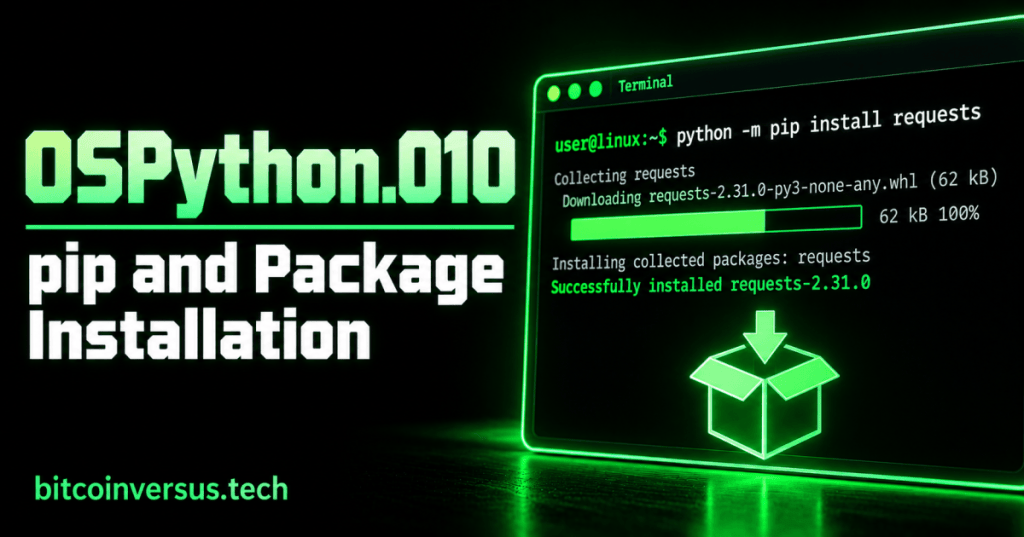
Python includes many useful tools, but sometimes your program needs something that is not included with Python itself. pip is the standard package installer used to add Python packages to your environment.
This lesson follows OSPython.009: Virtual Environments. A virtual environment gives a project its own space; pip lets you install the packages that project needs inside that space.
The Basic Command
Suppose a Python project needs the popular requests package. In a terminal, you can install it with:
python -m pip install requestspython -m pip tells the selected Python interpreter to run pip. install tells pip what action to perform, and requests is the package name.
Use the Package
After installation, a program can import the package:
import requests

print(requests.__version__)
The important beginner idea is the sequence: install first, import second.
Video: Installing Python Packages With pip
This tutorial demonstrates downloading and installing Python packages with pip. Watch it after trying the basic command above.
See What Is Installed
python -m pip listThis displays packages installed in the current Python environment. If you activated a virtual environment first, the list reflects that environment.
Remove a Package
python -m pip uninstall requestspip will ask for confirmation before removing the package.
Gaming Example
Imagine you are building a simple game utility that needs a package another developer created. Instead of copying that developer’s files into your project manually, pip can install the package into your Python environment.
Bitcoin Example
A small Bitcoin-related Python project might use an external package to make a web request to a public data service. pip handles installing that package; your Python code then imports it when needed.
Practice
- Activate a practice virtual environment from the previous lesson.
- Run
python -m pip list. - Install
requestswithpython -m pip install requests. - Run
python -m pip listagain and findrequests. - Create a short Python file that imports
requestsand prints its version.
Key Takeaway
pip installs and manages Python packages. A virtual environment keeps a project’s packages separate, while pip adds the specific packages that project needs.


Leave a Reply