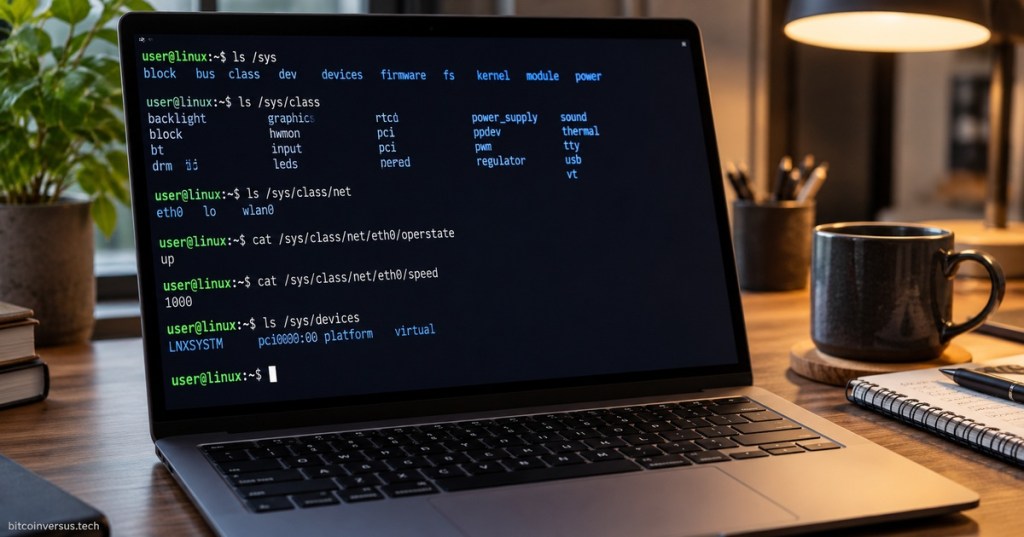
The /sys directory in Linux is a virtual filesystem that exposes information about hardware devices, drivers, buses, kernel subsystems, power management, and other parts of the running system.
Unlike a normal storage directory, the files under /sys are created dynamically by the Linux kernel through sysfs. They act as a readable — and in some cases writable — interface between userspace programs and kernel objects.
Important locations include /sys/devices for the kernel’s device hierarchy, /sys/class for device classes, /sys/bus for hardware buses and drivers, /sys/block for block devices, and /sys/module for loaded kernel modules. The Linux kernel documentation describes sysfs as the filesystem used to export kernel objects and their attributes to userspace.
For example, /sys/class/net contains network interfaces. Reading a file such as /sys/class/net/eth0/operstate can show whether an Ethernet interface is up or down, while /sys/class/net/eth0/speed may report the negotiated link speed when the driver supports it.
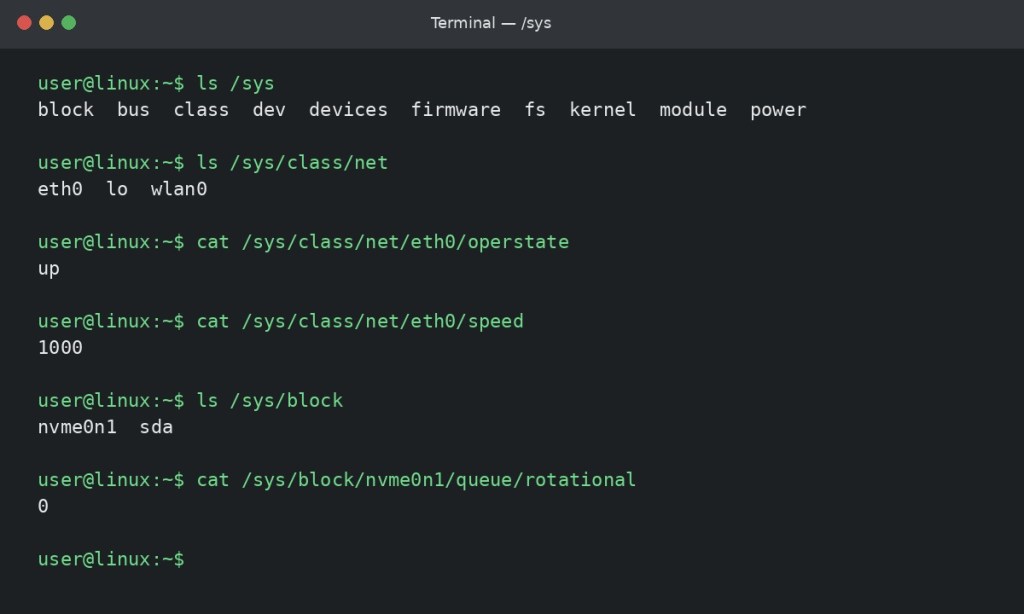
/sys exposes live kernel and hardware information through files and directories.In the screenshot, the user lists the top-level /sys directories, checks available network interfaces, reads the Ethernet interface state and speed, and views block devices. These values come from the running kernel rather than ordinary files stored on disk.
/sys is closely related to /proc, but the two are organized differently. /proc is heavily associated with processes and general kernel state, while /sys is especially important for devices, drivers, buses, and kernel object relationships.
For Linux+ certification and practical administration, understanding /sys helps explain how commands and services discover hardware, inspect device properties, interact with drivers, and obtain live system information without reading raw kernel memory.
The previous entries in this series are #12 /proc and #13 /var.
BitcoinVersus.Tech Editor’s Note:
BitcoinVersus.Tech publishes practical Linux, IT, engineering, and infrastructure education for informational purposes.


Leave a Reply