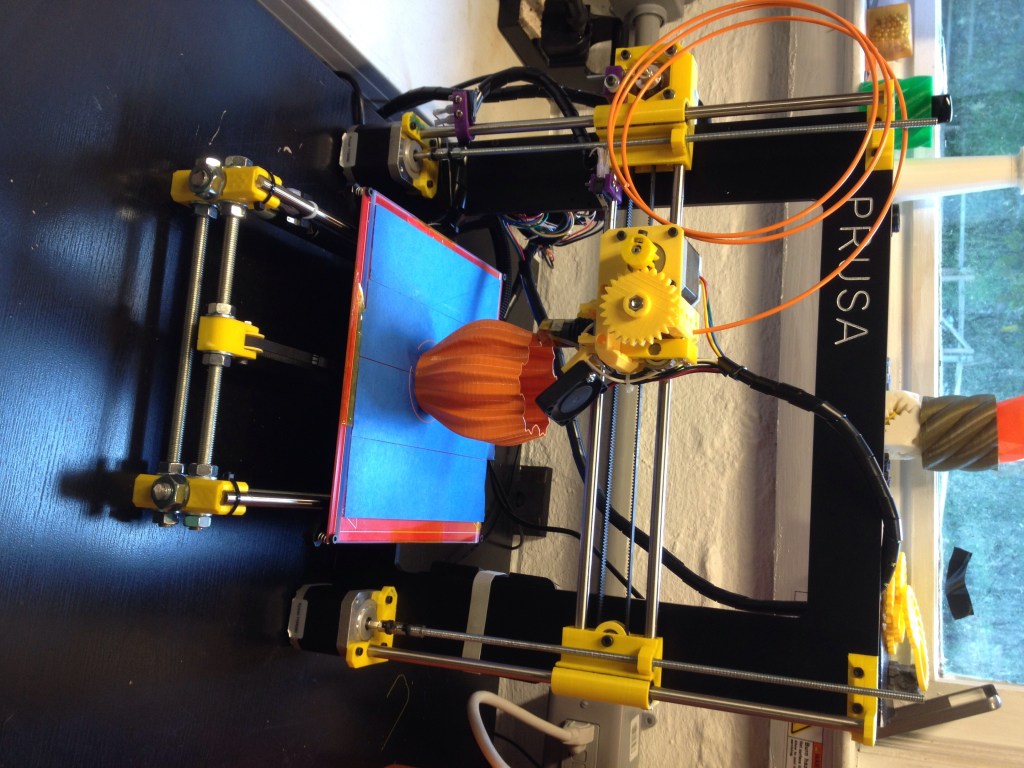
3D printing is manufacturing by addition. Instead of cutting a shape out of a larger block, a 3D printer starts with a digital model and builds the object layer by layer.
NIST describes additive manufacturing as fabricating three-dimensional products from digital designs by building material up in successive layers. That simple idea covers everything from a desktop printer making a plastic bracket to industrial machines producing metal aerospace parts.
The basic workflow
Most 3D-printing jobs begin with a 3D model. You can design the part in CAD software, download an existing model, or scan a physical object and clean up the geometry.
The model then goes into a slicer. The slicer divides the object into thin horizontal layers and creates the machine instructions needed to build each one. On many desktop filament printers, those instructions are stored as G-code.
The printer follows those instructions repeatedly: move, deposit or cure material, change height, and start the next layer. Hundreds or thousands of layers later, the digital model has become a physical object.
The three 3D-printing families most people encounter
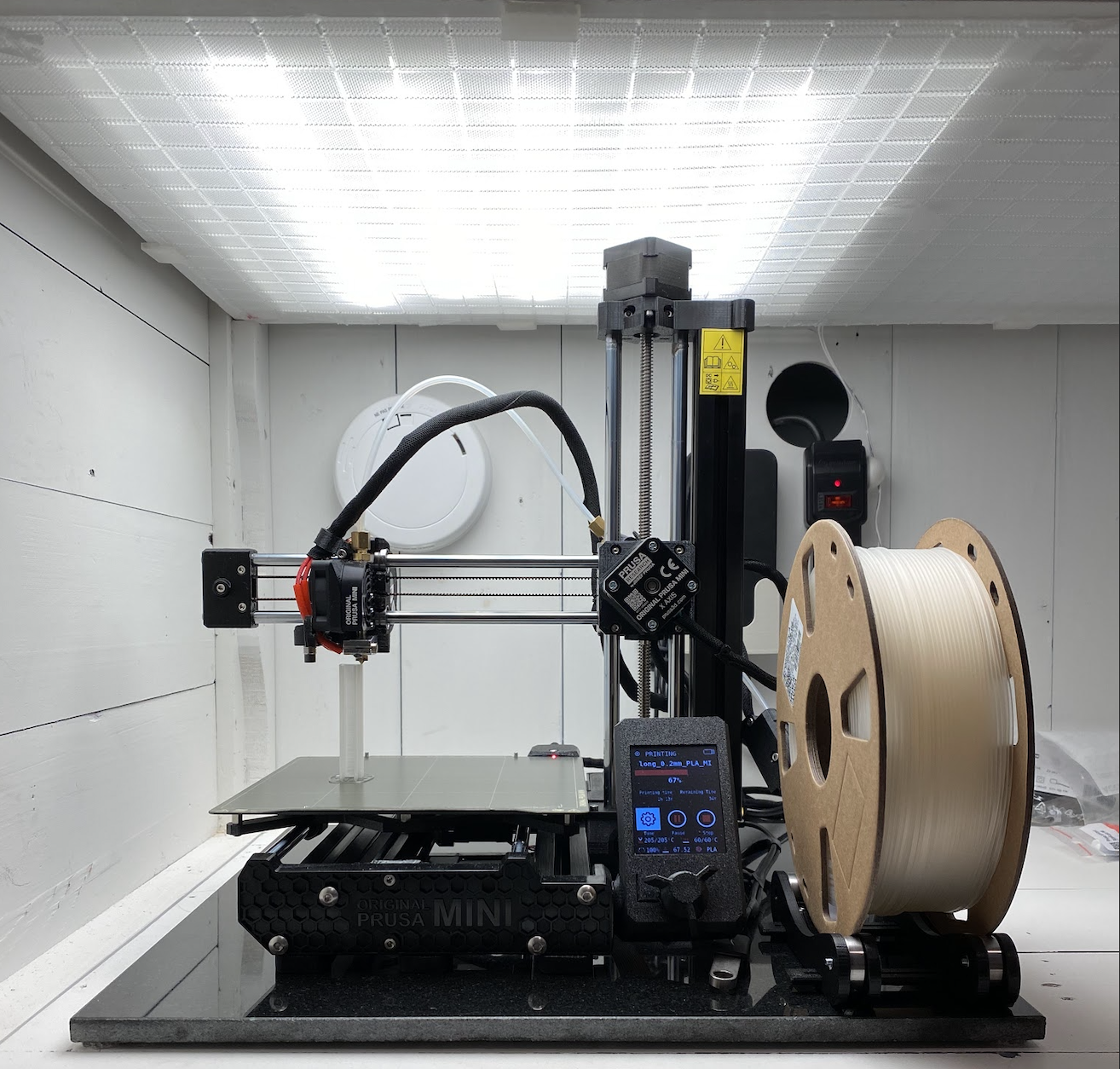
Material extrusion is the familiar desktop-printer method. A spool of thermoplastic filament feeds into a heated nozzle, melts, and is deposited in controlled lines. You will often hear this called FDM or FFF. It is popular because the machines and materials can be relatively inexpensive and easy to work with.
Vat photopolymerization uses liquid resin that hardens when exposed to controlled ultraviolet light. SLA, DLP, and MSLA printers belong to this family. Resin printing can produce very fine detail, which is why it is common for miniatures, dental work, molds, and small precision parts.
Powder bed fusion works with a bed of powdered material. A laser or other energy source selectively fuses the areas that belong to the part, another thin powder layer is spread, and the process repeats. Industrial systems can print strong polymer or metal components this way. NIST tracks these alongside directed-energy deposition, binder jetting, and material jetting.
What can a desktop printer actually make?
Useful prints range from cable clips, brackets, knobs, enclosures, jigs, replacement parts, organizers, prototypes, robot components, and custom tools to toys and art. The advantage is not that every printed object is cheaper than a factory-made one. The advantage is that you can make one specific object without first building expensive tooling.
That is why 3D printing keeps appearing in very different BitcoinVersus stories. A university student used it while building an AI-integrated mecha suit. Open Bionics used 3D printing for custom robotic prosthetic arms. And The Mach Initiative is pushing printed structures into a jet-powered model aircraft targeting Mach 0.8.
PLA, PETG, ABS, TPU: what is the difference?
For filament printers, PLA is a common beginner material because it prints easily and works well for models, prototypes, and many indoor parts. PETG is often chosen when a part needs more toughness or temperature resistance. ABS and ASA can handle tougher environments but generally benefit from an enclosed, well-ventilated printer. TPU is flexible and useful for parts such as grips, bumpers, and soft cases.
Why prints fail
A 3D printer is precise, but it is not magic. Common problems include poor first-layer adhesion, incorrect nozzle or bed temperature, wet filament, warped parts, unsupported overhangs, clogged nozzles, incorrect slicer settings, and models designed without the printer’s limits in mind.
That is also why orientation matters. A part can be strong in one direction and weaker between printed layers. A good design considers layer direction, wall thickness, infill, supports, tolerances, and the forces the finished part will actually experience.
3D printing is useful because it changes iteration speed
Traditional manufacturing may require machining setups, molds, dies, or long lead times before the first finished part appears. With additive manufacturing, a designer can change the CAD model, reslice it, and print another version immediately. NIST highlights rapid prototyping, low-volume production, customization, complex geometry, and reduced tooling requirements as major advantages.
The tradeoff is that printing can be slow, surface finish may need post-processing, dimensional accuracy varies by process, and mass production is often still cheaper with molding, casting, stamping, or machining once volumes become large enough.
Do not ignore ventilation and material safety
Desktop machines can look harmless, but heated plastics, liquid resins, powders, solvents, hot surfaces, and moving parts all introduce hazards. NIOSH recommends treating 3D printing as a real manufacturing process, with appropriate ventilation, material handling, filtration, and personal protection based on the printer and feedstock being used.
Resin deserves particular care because uncured photopolymer should not be treated like ordinary finished plastic. Industrial metal and powder systems require an entirely different level of controls.
The simple definition
3D printing turns a digital shape into a physical object by adding material in controlled layers.
The printer is only one part of the system. The real workflow is model → slice → material → machine → finished part. Once you understand those five pieces, most of the 3D-printing world starts to make sense.
BitcoinVersus.Tech Editor’s Note: “3D printing” covers multiple additive-manufacturing processes. Printer settings, materials, hazards, and part properties differ substantially between technologies.
Support independent BitcoinVersus.Tech reporting with Bitcoin: 3C9o19EH5HSiwEPyCTmEKzxhNCbo2X6TTb
BitcoinVersus.Tech is not a financial advisor. This article is for informational and educational purposes.


Leave a Reply