
Google released Chrome 157 to the stable desktop channel on November 3, 2026, patching 213 security defects, including seven rated critical. The browser update covers Windows, macOS and Linux, with rollout continuing over several days or weeks. Google’s official security bulletin lists memory-corruption and access-control weaknesses affecting graphics rendering, prerendering, JavaScript and other browser components. The bulletin does not identify active exploitation of the listed vulnerabilities.
Seven critical bugs affect browser internals
Two critical buffer overflows were fixed in Dawn, the Chromium implementation of the WebGPU graphics interface. Another critical issue concerned memory corruption in ANGLE, a graphics abstraction layer used to translate rendering commands across hardware and operating systems. Critical use-after-free flaws also affected WebGL, prerendering, geometry and core browser logic. Such defects can create dangerous memory states when software later accesses an object that has already been released.
The SecurityWeek analysis counts 77 high-severity fixes in addition to the seven critical issues. Other defects span additional severity levels. A vulnerability’s rating describes potential impact and exploitability under specified assumptions, not proof that attackers are currently exploiting it. Google restricts access to some bug details while users receive patches, reducing the chance of easily reproducible exploits appearing before the rollout has reached most systems.
AI-assisted vulnerability reports appear in the credits
The release notes credit researcher Xinyang Ge of Anthropic, assisted by Claude, for identifying the critical prerender use-after-free issue tracked as CVE-2026-121035. Google’s acknowledgments also list several high-severity findings from OpenAI Codex Security, including PDFium and media parsing vulnerabilities. These credits identify reported research contributions; they do not establish that any model autonomously discovered or reproduced every vulnerability without human review.
The development follows earlier work examined by BitcoinVersus.Tech on AI-assisted vulnerability discovery. Browser security still depends on engineering validation, safe memory management, sandbox boundaries and rapid distribution of tested fixes.
Desktop and Android rollout versions differ
Google listed version 157.0.8103.38 for Linux and 157.0.8103.38/.39 for Windows and macOS. A November 5 Android update lists Chrome 157.0.8103.46. Google had also begun an early-stable Chrome 158 rollout to a small subset of users; administrators should therefore compare their installed channel and version with current vendor guidance rather than assuming every system must display exactly version 157.
A browser handles untrusted web pages, images, documents, scripts and network responses every day. Even after a memory-safety bug is fixed, phishing and malicious downloads remain independent threats. BitcoinVersus.Tech has previously explained zero-click malware delivery risks and the privacy implications of browser cookies.
How to apply and verify the patch
On a desktop, open Chrome’s three-dot menu, choose Help, then About Google Chrome. The browser checks for available updates and may ask for a relaunch to complete installation. Linux users receiving Chrome through a package manager should follow the distribution’s update process. Google’s official update instructions explain how to confirm the installed version.
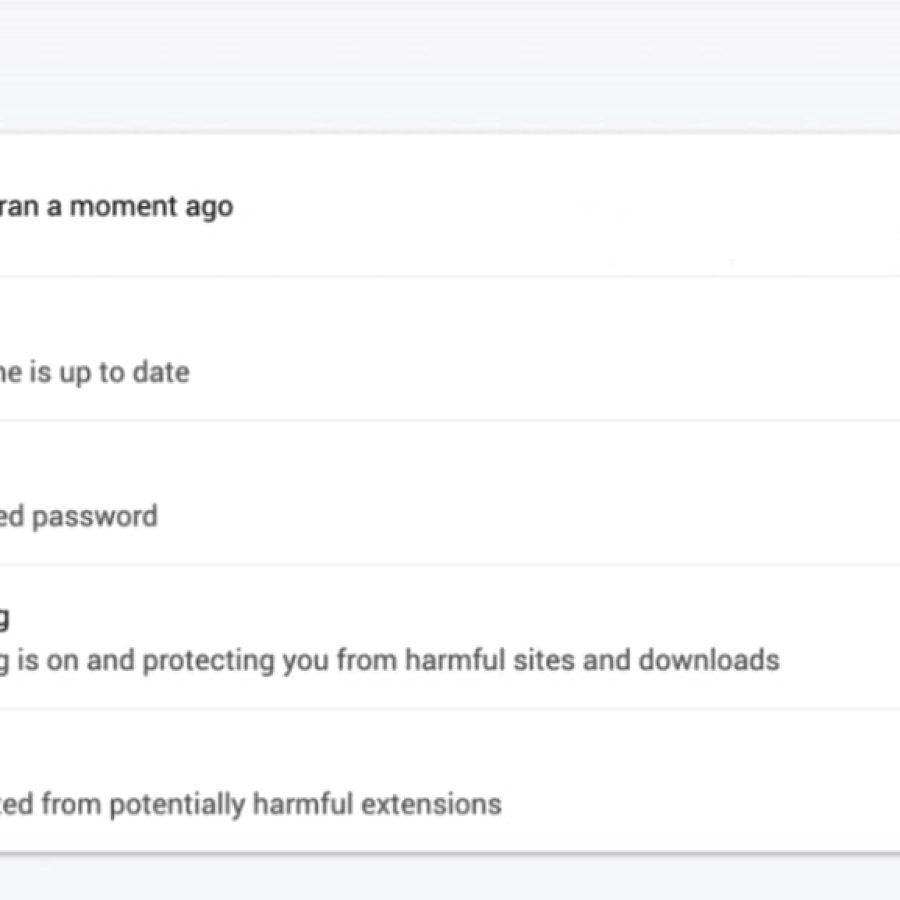
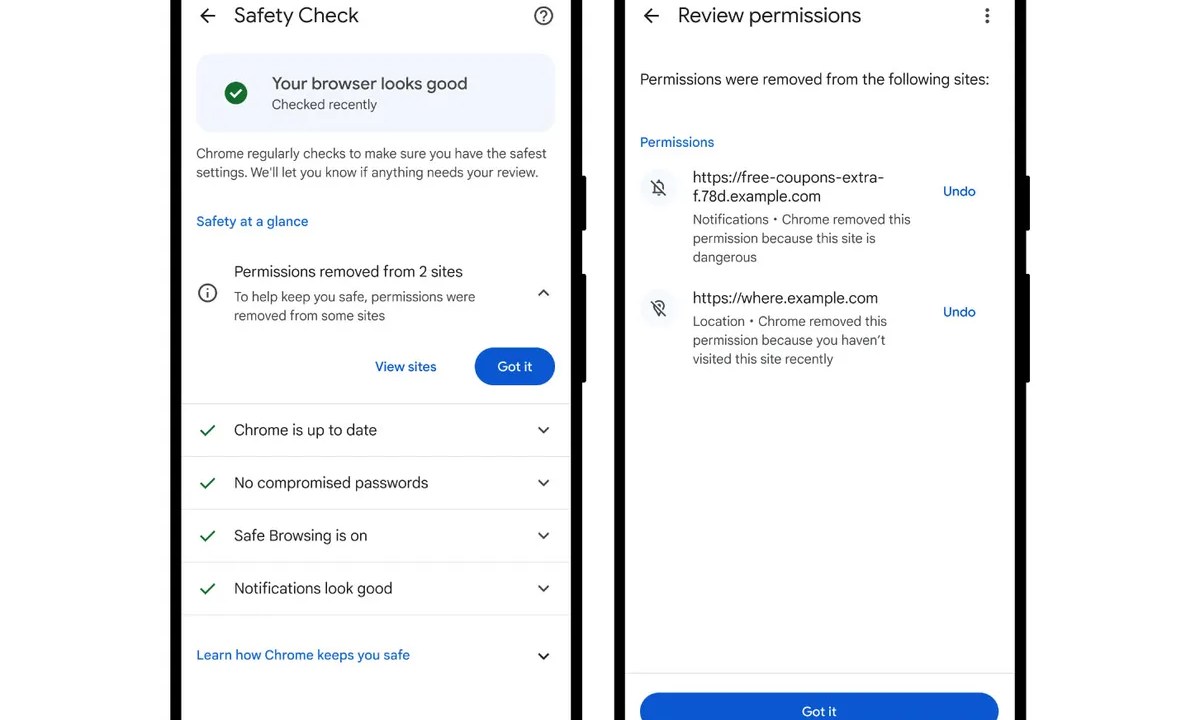
For an additional check, open Settings, then Privacy and security, and review Safety Check. Google says the feature can flag missing updates, compromised passwords, unsafe extensions and hazardous site permissions. Updating Chrome does not replace stronger account authentication: BitcoinVersus.Tech has separately described the role of passkeys in preventing credential theft.
For enterprise security teams, the immediate priority is verifying the deployed browser version across managed devices and confirming restart completion. The 213-fix release underscores the continuing maintenance burden of modern browsers, but Google has not established that all 213 issues were exploited or that every affected configuration faces equal risk.
Editor’s Note: The 213 fixes, seven critical CVEs, release date, affected browser components and desktop version numbers were checked against Google’s November 3, 2026 Chrome Releases bulletin. The 77 high-severity figure was cross-checked with SecurityWeek’s November 4 analysis. Android release details were checked against Google’s November release archive, while update guidance comes from Google Chrome Help. The featured cover is a conceptual editorial illustration rather than an official Google image; both in-story interface screenshots are archival Google product visuals. No unverified exploitation claim or unrelated social/video embed was added.

To donate 5,000 sats, open the article on a separate display and scan the original QR code with a compatible Bitcoin wallet. On mobile, use another screen or your wallet’s supported image-scanning feature. Verify the destination 3C9o19EH5HSiwEPyCTmEKzxhNCbo2X6TTb before sending.
We volunteer daily to ensure the information on this platform is Verifiably True. If you would like to support the research, please scan QR code.
BitcoinVersus.tech is not a financial advisor. Technical and security information is provided for educational purposes; check vendor advisories and current software versions before deployment decisions.


Leave a Reply