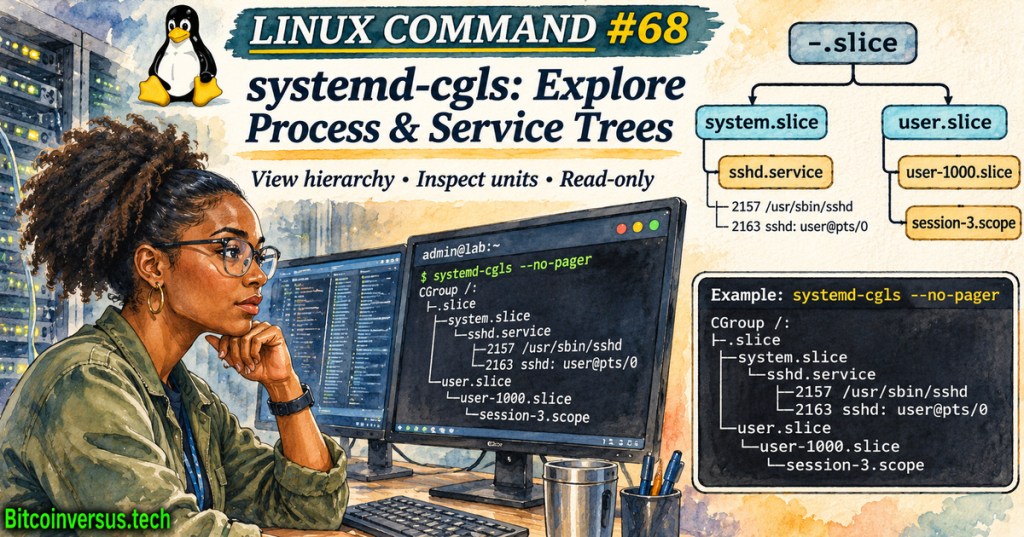
Linux Command #68 introduces systemd-cgls, a read-only tool that recursively displays Linux control groups and their member processes as a tree. Control groups (cgroups) organize processes for accounting and resource management. The command complements Linux Command #67 on systemd-cgtop: one reveals the process hierarchy; the other shows sampled CPU, memory and I/O statistics where accounting supports them.
Sander van Vugt, “Understanding Systemd Cgroups,” July 23, 2023. Linux Foundation administration instructor explains systemd control-group concepts. Credit: RhatCertification / YouTube. The upstream manual remains the authority for current options.
Services, scopes and slices
The upstream systemd control-group interface identifies three key units: services manage processes started by systemd, scopes group externally created processes, and slices arrange services and scopes hierarchically. The root slice is -.slice; typical hosts also expose system.slice for system services and user.slice for user sessions. A printed process is not automatically a separate systemd service.
The official systemd-cgls manual says invoking the command without arguments normally displays the visible systemd control-group hierarchy. --all includes empty groups, --full prevents abbreviated process lines, and --no-pager prints directly to the terminal. The --unit option selects a system unit’s subtree when a suitable system manager is accessible.
Read-only lab and tested container result
The commands below inspect hierarchy and version information; they do not create groups or modify service limits. The final command is an example for a host with a working systemd manager and an actual ssh.service unit; names vary by distribution.
systemd-cgls --version
systemd-cgls --no-pager
systemd-cgls --all --no-pager
systemd-cgls --unit ssh.service --no-pager
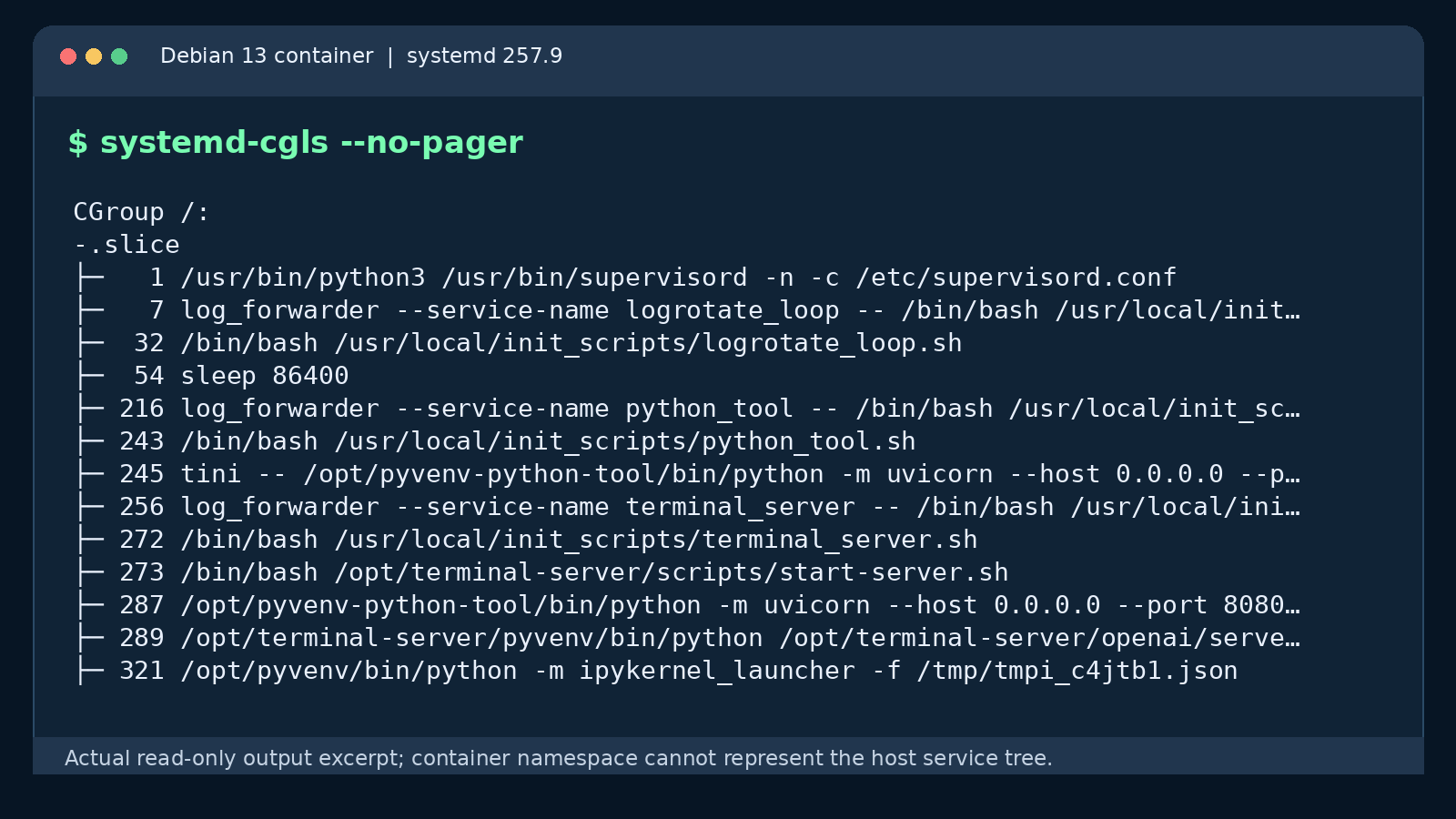
A local Debian 13 test returned systemd 257.9 and successfully printed the container’s visible root group with systemd-cgls --no-pager. A separate --unit ssh.service attempt failed because the isolated environment runs a different PID 1 and cannot contact the host system manager. The result demonstrates command behavior, not a validated host-level service inventory.
What the tree can—and cannot—prove
A tree helps identify unexpected descendants, check process placement and distinguish a user session from a managed service. It does not itself prove excessive resource consumption, show process history or establish why a service restarted. To investigate a busy branch, compare with systemd-cgtop, then consult service logs and configuration. The related Command #66 coredumpctl lesson explains post-crash evidence, while Command #65 systemd-analyze covers boot timing.
Red Hat Enterprise Linux, “Systemd | Red Hat Enterprise Linux Presents 53,” March 8, 2023. Official discussion and demonstration; the cgroup CPU/memory allocation segment begins around 30:24. Credit: Red Hat / YouTube.
A container or restricted namespace may expose only part of the host hierarchy. Missing branches therefore do not establish that a workload is absent. The Linux kernel’s cgroup v2 documentation describes unified hierarchy mechanics; systemd resource-control guidance explains how units consume the kernel interfaces.
Operating procedure
For authorized diagnostics, record the systemd and kernel versions, command and timestamp; inspect the tree without elevated privileges when feasible; then correlate process names with unit status and logs. Do not terminate processes or adjust cgroup limits merely because a branch looks unfamiliar. The systemd-run lesson covers transient services and scopes, while How Linux Boots provides the PID 1 background.
Conclusion: systemd-cgls answers which processes appear beneath a visible control-group branch. Reliable troubleshooting then requires accounting data, unit context and an awareness of namespace restrictions.
Editor’s Note: Commands and limitations were checked against upstream systemd documentation and a local read-only Debian 13 systemd 257.9 test. The original 1200 × 630 watercolor-and-ink cover contains a conceptual tree and the neon-green Bitcoinversus.tech watermark; the in-story terminal capture shows a real restricted environment, not an entire production host. YouTube publisher identities were verified through public listings. WordPress-rendered embeds and actual player playback are separately audited.

BitcoinVersus.Tech is volunteer-run and publishes independent technical education. An optional 5,000-satoshi donation supports research. Display the QR on a second screen and scan it with a compatible Bitcoin wallet. On the same phone, use a wallet that supports importing a saved QR image. Independently verify recipient 3C9o19EH5HSiwEPyCTmEKzxhNCbo2X6TTb and the amount; Bitcoin transactions are generally irreversible.
We volunteer daily to ensure the information on BitcoinVersus.Tech is Verifiably True. Reporting is educational and informational, not authorization to modify production infrastructure, certified engineering advice, financial advice or investment advice.


Leave a Reply