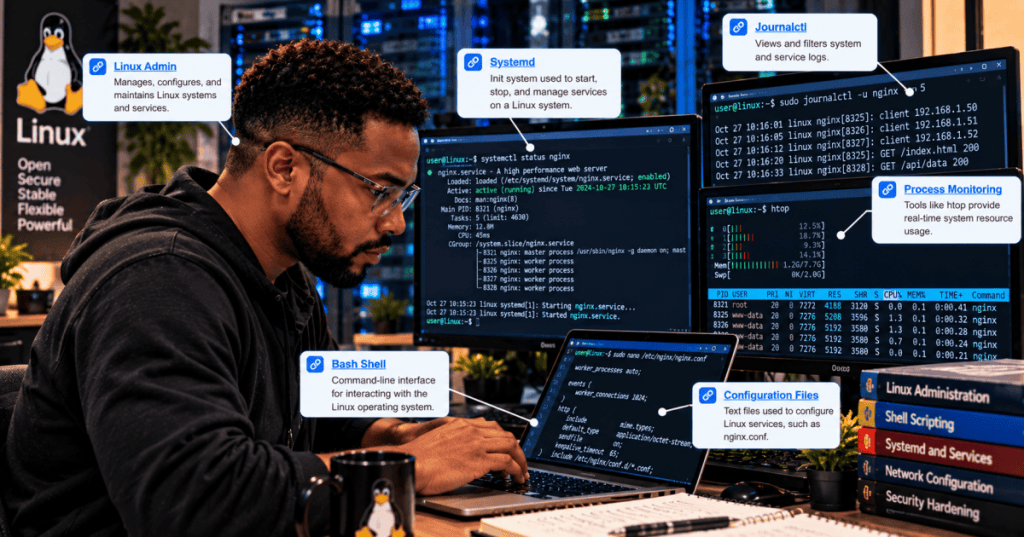
coredumpctl is a command-line tool for inspecting application crash records collected by systemd on compatible Linux systems. When a process terminates after a fatal signal, the operating system may generate a core dump: a snapshot of the process’s memory and execution state that a developer can analyze to understand the failure. The coredumpctl utility searches stored crash metadata, displays details and can open a debugger when the required tools and core data are available. This chapter continues the Linux command series after Linux Command #65 — systemd-analyze.
What a core dump contains
A core dump can include the process’s memory mappings, thread states, register contents and portions of memory at the time of failure. This makes it useful for diagnosing segmentation faults, aborts and other crashes. It can also contain passwords, private data and cryptographic material that happened to be present in process memory. Treat core files as sensitive forensic artifacts, restrict access and follow retention policy.
On systems using systemd-coredump, crash metadata may be stored in the systemd journal, while core images may be stored externally or not retained, depending on configuration. A record visible in coredumpctl list does not guarantee that a full core image is still available.
Listing crash records
Start with the read-only command below. The output varies by system, privileges, retention settings and crash history.
coredumpctl listA typical listing may include the crash time, process ID, user ID, signal, executable and a storage-status column. If the command returns no entries, it may mean that no qualifying crashes were retained, the collection service is disabled, or the current account lacks permission to inspect records. It does not prove that no process has ever crashed.
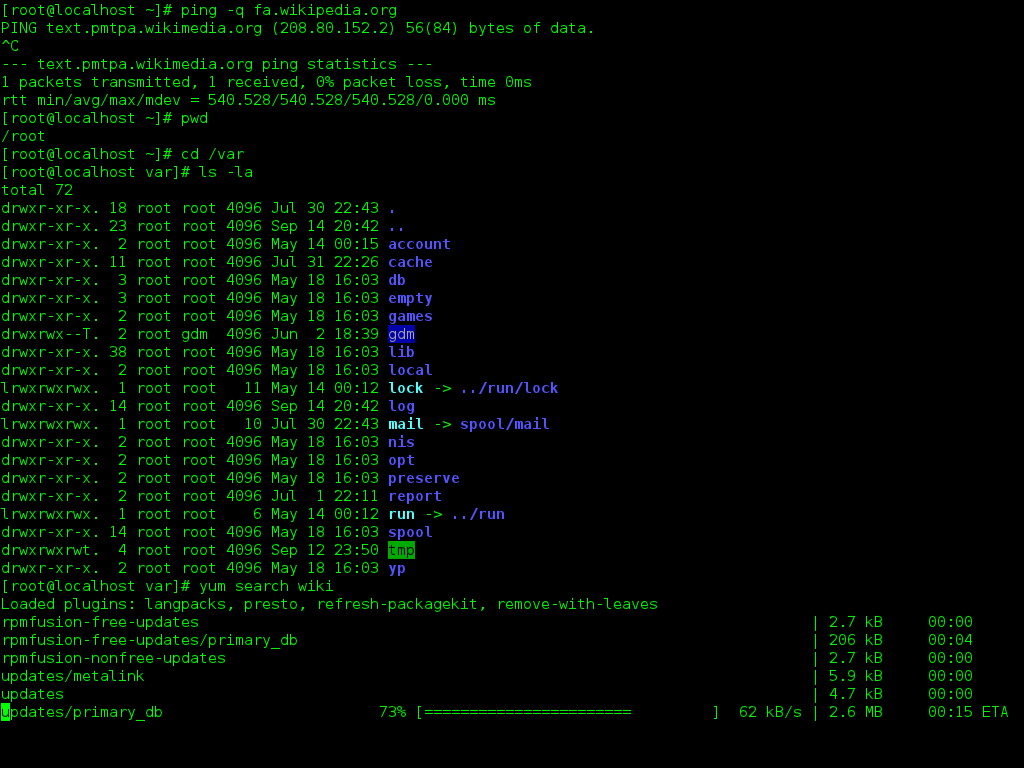
The following previously published terminal photograph shows a Linux shell environment, where an administrator can run diagnostic commands and compare results with service logs.
Inspecting one crash
Use info to inspect a matching record. When several crashes exist, select a specific process ID, executable path or other supported match so the investigation remains reproducible.
coredumpctl info
coredumpctl info /usr/bin/example-app
The details may include the signal number, command line, executable, process identifiers, timestamp and available backtrace. A backtrace shows the sequence of function calls associated with the failure, but missing symbols or optimized binaries can limit its usefulness. A crash location is not necessarily the original cause: memory corruption may occur earlier than the instruction that finally fails.
Opening a debugger
If the required debugger and core data are available, coredumpctl debug can launch an interactive debugging session, commonly with GDB. Running a debugger is different from restarting the crashed service: it analyzes preserved state and does not automatically repair the application.
coredumpctl debug /usr/bin/example-appInside GDB, common investigative commands include bt for a stack backtrace, info threads for thread enumeration and thread apply all bt for backtraces across threads. Meaningful source-level analysis often requires matching debug symbols and the exact executable build. On production systems, obtain approval before exporting or sharing core images because they can expose sensitive process memory.
Exporting a core image
For authorized offline analysis, dump can write a retained core image to a chosen file. Use a protected directory and restrictive permissions; confirm that the target filesystem has enough space.
umask 077
coredumpctl dump /usr/bin/example-app --output=./example-app.core
A core dump can be large, and the command will fail if the selected record has no accessible core image. Avoid writing it to a shared directory, public repository or unencrypted diagnostic upload. When exporting from a server, use an approved secure transfer method and delete temporary copies according to policy.
Connecting a crash to system logs
A core record is only one piece of evidence. Compare its timestamp with journalctl messages, systemd-analyze findings and service unit status. For a service called example.service, an administrator might first review the service’s recent messages.
systemctl status example.service
journalctl -u example.service --since '1 hour ago'
The commands above inspect service state and journal entries; they do not change configuration. If the service is repeatedly crashing, investigate its inputs, resource limits, dependencies, recent deployments and exact exit signal before attempting a restart. Related process creation concepts explain how Linux launches executables and manages process lifecycles.
The next existing editorial image shows a Linux terminal and system configuration environment, providing context for service investigation and controlled administrative work.
Storage and configuration
Crash collection is governed by the system’s systemd-coredump configuration, resource limits and security policy. Administrators can consult the installed coredump.conf(5) manual to understand settings such as storage policy and size limits. System behavior also depends on the distribution, systemd version, kernel settings and whether the relevant components are installed.
Do not enable unrestricted core collection on a production server merely to collect more evidence. Large dumps can exhaust storage, while persistent core images can create confidentiality risks. Prefer a narrowly scoped diagnostic plan with documented retention and access controls.
Practical troubleshooting example
Suppose a service exits after receiving SIGSEGV, commonly associated with invalid memory access. First inspect systemctl status and the journal for the failure time. Next use coredumpctl list to find a matching executable and timestamp, then coredumpctl info to identify the signal and available backtrace. If the core image is retained and analysis is authorized, open it with coredumpctl debug and matching symbols. Finally, document the evidence and reproduce the defect in a controlled environment before changing production code.
Knowledge check
What is the difference between a core dump and a journal entry? A core dump preserves selected process execution state and memory, while a journal entry records logged event data. Does a listed crash guarantee that a core file exists? No; retention and access policies determine availability. Why are core dumps sensitive? They may contain credentials and other private process data.
References and further reading
Primary documentation: coredumpctl(1), systemd-coredump(8) and coredump.conf(5). Continue with systemd-analyze, journalctl and the Linux boot process.
BitcoinVersus.Tech Editor’s Note: We volunteer daily to ensure the credibility of the information on this platform is Verifiably True. If you would like to support our work and help further secure the integrity of our research initiatives, scan the QR code below to donate 5,000 sats (best results on a laptop or larger screen).

BitcoinVersus.tech is not a financial advisor. This media platform reports on financial subjects purely for informational purposes.


Leave a Reply