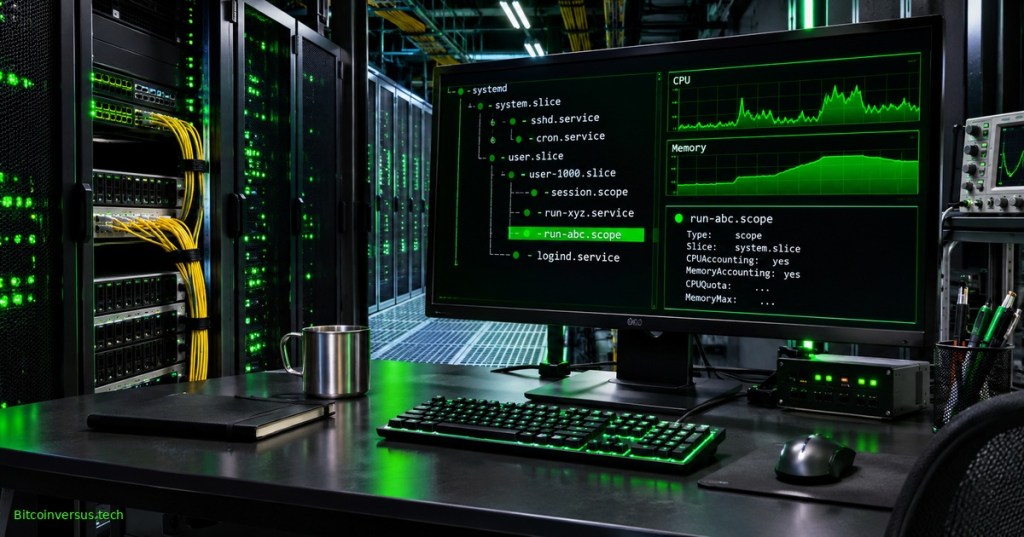
systemd-run launches a program under Linux’s systemd service manager without requiring a permanent unit file. Administrators can start transient services or scopes, identify their resource usage, inspect logs, and stop the associated workloads. The command is especially useful for controlled maintenance jobs, repeatable diagnostic tasks, and learning how processes are organized into control groups.
Elementary Overview
A terminal starts a program, but a command started without additional supervision can be difficult to track after the operator disconnects. systemd-run gives a temporary program a name and places it under systemd management. System tools can then display the job, monitor it, or stop it. Imagine labeling an otherwise loose task and assigning a supervisor to watch it.
The concept builds on the systemd service-manager introduction and systemd-cgtop resource monitoring. A transient unit is temporary, not automatically isolated, safe, or secure.
Red Hat Enterprise Linux, “Anatomy of a Linux Service,” August 2026. Official service lifecycle demonstration; the cgroups segment explains resource grouping.
Objectives and Prerequisites
- Explain the distinction between a transient
.serviceand.scope. - Start a named test service and inspect its state and journal.
- Understand CPU and memory limits without confusing configured values with measured performance.
- Recognize user-bus, version, permission, and controller limitations, then clean up the test safely.
Use a Linux laboratory host booted with systemd, a working user manager, and a shell with permission to create a user service. Verify installed options before using examples on production equipment. No command below needs a privileged system-wide service manager if the user manager supports the requested operation.
How Transient Services and Scopes Differ
Under the default service mode, systemd starts the program as a managed service, generally detached from the invoking terminal. A start request can return before the program finishes. With --scope, the invoking program starts the process while systemd manages its control group; execution generally remains synchronous and inherits more of the caller’s environment. Both unit kinds appear in systemd’s unit hierarchy while active.
A scope is not a container and does not automatically restrict network traffic, filesystem access, or credentials. The official systemd-run(1) manual documents the distinctions and the separate timer, path, and socket activation modes. Resource boundaries depend on working kernel and manager facilities.
Check the Installed systemd Version
Confirm the local implementation and available command switches before attempting transient execution:
systemd-run --version
systemd-run --help
The client program can exist inside a container even when no user systemd service bus is running. A message such as “Failed to connect to bus” can indicate an unavailable manager, not an invalid option. For full behavior checks, run a separate disposable Linux virtual machine or a properly delegated host session.
Start and Inspect a Test Service
Launch a harmless 90-second command through the user manager. An explicit unit name makes monitoring straightforward; Type=exec asks systemd to confirm the executable was launched rather than only that the process was forked:
systemd-run --user --unit=lesson-demo --property=Type=exec /usr/bin/sleep 90
The expected name is lesson-demo.service. While the test remains active, inspect its state and read entries associated with the unit:
systemctl --user status lesson-demo.service
journalctl --user -u lesson-demo.service --no-pager
The status and journal describe different dimensions: unit lifecycle versus recorded event messages. Successful short-lived transient units can be unloaded quickly, so inspect while the test is active. For journal concepts, refer to the journalctl troubleshooting lesson.
Start a Temporary Scope
A scope can place an ordinary foreground command under systemd resource tracking without turning it into a detached service:
systemd-run --user --scope /usr/bin/sleep 20
The upstream manual states that --scope and --wait cannot be combined. A scope normally ends when its processes exit. A failed user-bus request leaves the requested unit uncreated; a printed example alone does not establish operational support on a host.
Limit CPU and Memory
Attach resource-control settings to a user service to request a half-core-equivalent CPU quota and a 256 MiB absolute memory limit:
systemd-run --user --unit=lesson-limited --property=Type=exec --property=CPUQuota=50% --property=MemoryMax=256M /usr/bin/sleep 90
CPUQuota=50% means a maximum of about half the CPU time available from one processor, not 50% of a server’s total compute capacity. Values above 100% can represent multiple CPU equivalents. A quota is a ceiling, not a promise of throughput, and scheduling or parent hierarchy settings can further restrict work.
MemoryMax=256M requests a hard memory ceiling. Exceeding the effective ceiling can invoke an out-of-memory killer inside the unit. The official systemd.resource-control manual recommends using MemoryHigh= for reclaim pressure and MemoryMax= as a last line of defense. Actual enforcement requires working cgroup controllers and inspection under a representative load.
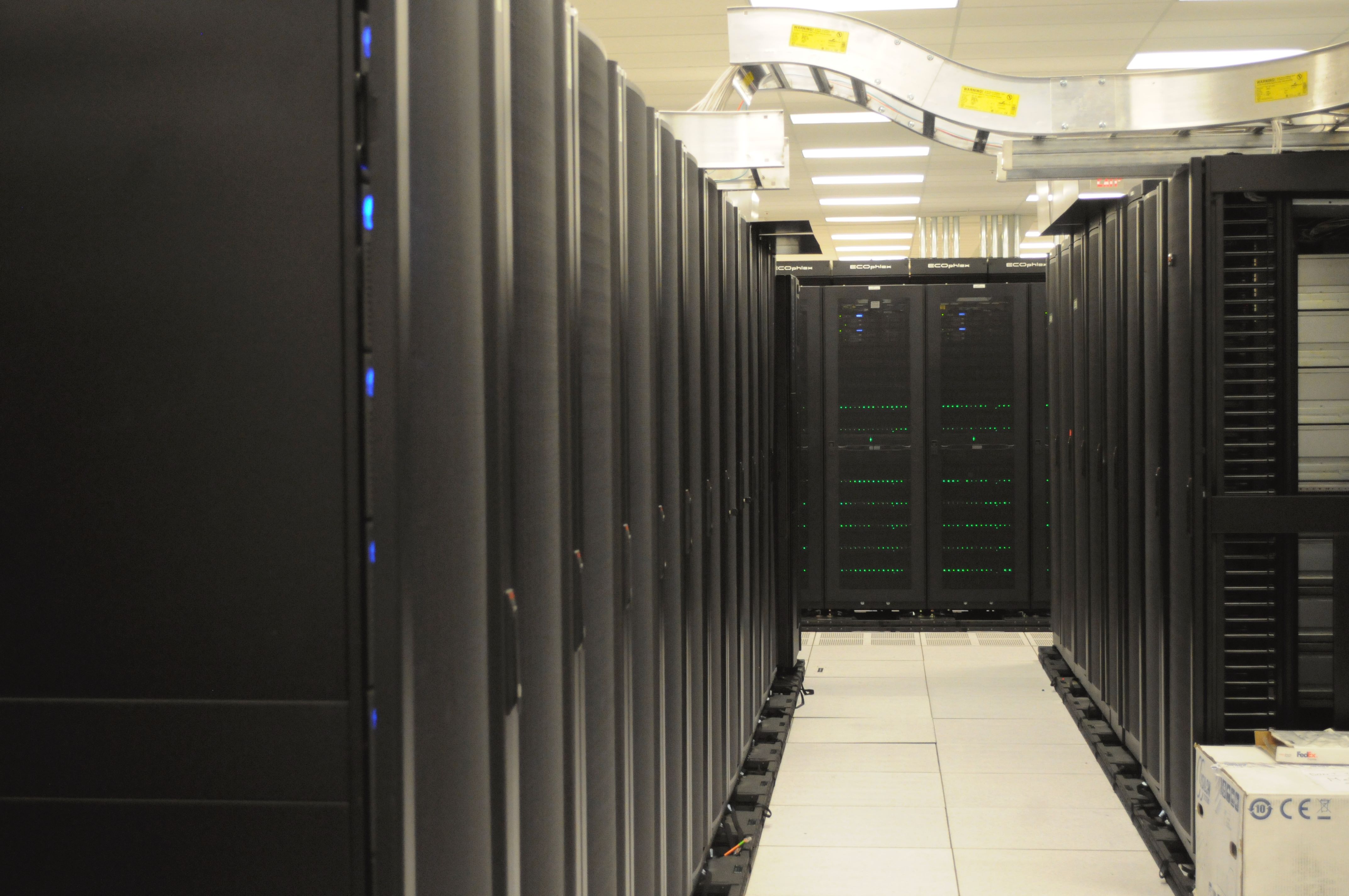
The example uses sleep, a low-consumption process. CPU throttling and OOM response cannot be validated by observing an idle test alone. Performance investigations must also consider NUMA locality and memory placement on multi-socket machines, covered in the NUMA reference guide.
TechTooniya, “systemd cgroup v2 Tutorial: CPUQuota, MemoryMax, IOWeight Hands-On,” September 2026. Independent practical demonstration; check commands against the installed systemd version.
Inspect Configuration Against Behavior
Read the active service’s resource properties and current result using systemctl show:
systemctl --user show lesson-limited.service -p CPUQuotaPerSecUSec -p MemoryMax -p ActiveState -p Result
The returned properties describe the manager’s view. Cross-check observed CPU and memory usage with systemd-cgtop and, where permitted, the underlying cgroup v2 files. A value alone does not prove the limit was exercised. Delegation, accounting configuration, and parent slice limits affect what operators can see and enforce.
Wait for Completion and Clean Up
A one-time service can be awaited until it exits. The --collect flag requests cleanup even for a failed transient unit:
systemd-run --user --wait --collect /usr/bin/true
The --wait option is for direct transient service execution rather than scopes or timer-triggered units. For an active named laboratory service, stop the unit cleanly:
systemctl --user stop lesson-limited.service
A finished transient unit may already have been unloaded. Stopping an active service is a normal process-management action and can interrupt its work, so avoid applying the demonstration against unknown or business-critical units.
Common Troubleshooting Cases
- Missing bus: check whether a functioning systemd user manager is reachable; containers often do not expose one.
- Unit not found: the program may have exited and its transient unit been garbage-collected.
- Executable not launched: check binary location, permissions, and journal output;
Type=execcan improve startup failure detection. - Unexpected OOM termination: investigate actual memory usage, hierarchy limits, and OOM events before increasing the cap.
- Quota not visibly throttling: verify controller availability, manager settings, and whether the workload is CPU-bound.
- Privileged operation rejected: use an authorized user manager or properly approved system-level privileges; never bypass controls just to make a lab command succeed.
Related diagnostics include systemd-analyze for startup behavior and coredumpctl for application crash artifacts. Neither replaces runtime inspection of resource enforcement.
Knowledge Check
- What makes a transient unit temporary? It is created through the manager interface without installing an ordinary permanent unit file.
- What distinguishes scope mode? The caller starts the program and systemd manages the resulting group.
- Does 50% CPUQuota mean half of an eight-core machine? No; it is half of one CPU equivalent.
- Can MemoryMax terminate a process? Yes, if usage cannot remain below the effective ceiling.
- Does a valid command prove an active service ran? No; the unit manager and runtime result must be checked.
Primary References
Use systemd-run(1), systemd.resource-control(5), systemctl(1), and the Linux kernel cgroup v2 administrator guide as the authoritative references. Video demonstrations supplement, rather than replace, the version-matched documentation.
Elementary Conclusion
systemd-run gives temporary jobs names and an operating-system supervisor. Administrators can start a job, inspect it, set resource boundaries, and stop it when needed. The essential practice is to verify the service manager is available, inspect what actually ran, and confirm a limit under real workload conditions before claiming it worked.
Editor’s Note: Internal Open Source TechCert slot Linux Command 68 follows Linux Command 67 and OSPython.046 in the established rotation. Official systemd and Linux kernel manuals were checked for the command and controller behavior. A local systemd 257.9 client recognized the described options; a user scope could not be launched in the isolated test container because no user systemd bus was available. No quota-enforcement or public mobile-render test is claimed. The cover is original AI-generated conceptual imagery, not an authentic terminal capture. The NERSC in-body photograph is credited CC0. Video identities were checked from public pages, not through successful live playback.

To scan on a phone, display the donation QR on a second screen and use a compatible Bitcoin wallet camera. A wallet may also allow scanning an image saved from the same phone. Verify the destination before sending 5,000 sats: 3C9o19EH5HSiwEPyCTmEKzxhNCbo2X6TTb.
We volunteer daily to ensure the credibility of the information on this platform is Verifiably True. If you would like to support our work and help further secure the integrity of our research initiatives, please scan the QR code above to donate 5,000 sats.
BitcoinVersus.tech is not a financial advisor. This media platform reports on financial subjects purely for informational purposes.

