Shell pipelines combine commands into a single data-processing operation, but successful output from the last stage can hide an earlier failure. Following OSBash.007 on command-line options, learners will inspect exit codes and build reliable pipelines. Prerequisites: Bash, printf, basic variables and conditionals from OSBash.004. Work in a disposable terminal session or local training script, not a production maintenance shell. All examples use synthetic data without administrator privileges.
Learning objectives
By completion, learners can (1) explain how a pipe connects standard output to standard input; (2) compare default pipeline exit status with pipefail; (3) retrieve individual stage results through PIPESTATUS; and (4) implement explicit pipeline error handling and interpret a no-match result.
1. Connect two commands
The vertical bar sends the standard output of the left-hand command to the standard input of the next command. Standard error remains separate unless explicitly redirected. Each stage can transform or filter the incoming data. Run the following complete command in Bash:
printf ‘%s\n’ INFO ERROR ERROR | grep -c ‘^ERROR$’
Expected output: 2. The printf format emits each argument on its own line; grep -c counts matching lines, and the anchors constrain the match to the complete word ERROR. The GNU Bash pipeline reference explains the connection rules.
2. The hidden failure problem
Bash normally reports the final command’s exit status for a foreground pipeline. Zero denotes success by convention; a nonzero value depends on the program’s meaning. Run these lines sequentially:
set +o pipefail
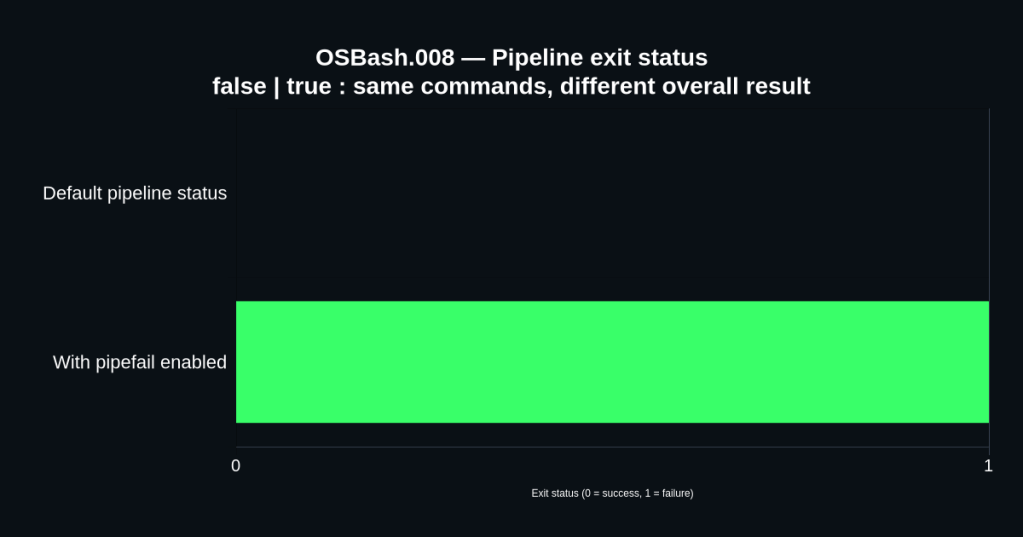
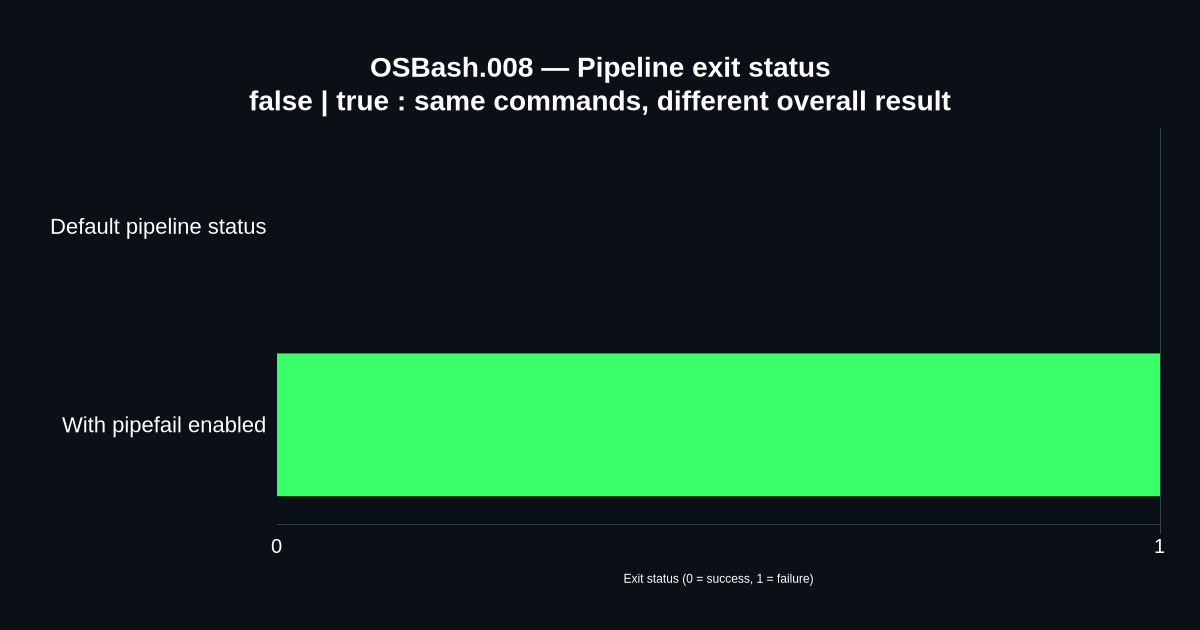
false | true
printf ‘default=%s\n’ “$?”
set -o pipefail
false | true
printf ‘pipefail=%s\n’ “$?”
Expected output: default=0, followed by pipefail=1. The false command returns 1 while true returns 0. Enabling pipefail makes the pipeline return the rightmost nonzero stage status, or zero when every stage succeeds. The option does not independently terminate a script; explicit conditional handling is still useful.
3. Inspect individual stages
The Bash array PIPESTATUS holds the statuses of the most recent foreground pipeline. Read it immediately, because even another simple command can replace its contents. The following printf expands the overall status and array before executing:
set -o pipefail
(exit 4) | (exit 7) | true
printf ‘overall=%s stages=%s\n’ “$?” “${PIPESTATUS[*]}”
Expected output: overall=7 stages=4 7 0. The rightmost failure is 7, not 4. A scalar status tells the caller whether the operation succeeded; individual results help identify the failing stage. For more on exit codes and reusable routines, review OSBash.006.
4. Complete runnable script
Save the following lines in a local file named pipeline-demo.sh, starting with the shebang. Run bash pipeline-demo.sh. The script checks the pipeline explicitly and reports its result.
#!/usr/bin/env bash
set -o pipefail
if printf ‘%s\n’ INFO ERROR ERROR | grep -c ‘^ERROR$’; then
printf ‘%s\n’ ‘match found’
else
rc=$?
printf ‘pipeline status=%s\n’ “$rc” >&2
exit “$rc”
fi
Expected output: 2 on the first line and match found on the second. Replace the three data arguments with INFO WARN INFO and run again. Expected standard output is 0; standard error is pipeline status=1, and the script exits with status 1. For grep, status 1 means no matching lines, whereas a status greater than 1 indicates an error. In real monitoring, no matches may be an acceptable outcome, but pipefail alone cannot identify whether grep or an upstream command produced status 1. Inspect PIPESTATUS when distinguishing them is important. See GNU grep exit status.
Exercises and answer key
1. Predict false | true with pipefail disabled, then enabled. Answer: 0 and 1. 2. Predict (exit 4) | (exit 7) | true with pipefail enabled. Answer: 7 overall; stage statuses are 4, 7, 0. 3. Why must PIPESTATUS be captured immediately? Answer: subsequent commands replace it. 4. Why should a monitoring script not treat every nonzero grep result as a broken command? Answer: grep uses 1 for a valid search with no matches. Review OSBash.003 on variable expansion and quoting before adapting the script. All core example commands were executed in Bash to check their stated outputs; the no-match branch follows the documented grep behavior.


Leave a Reply