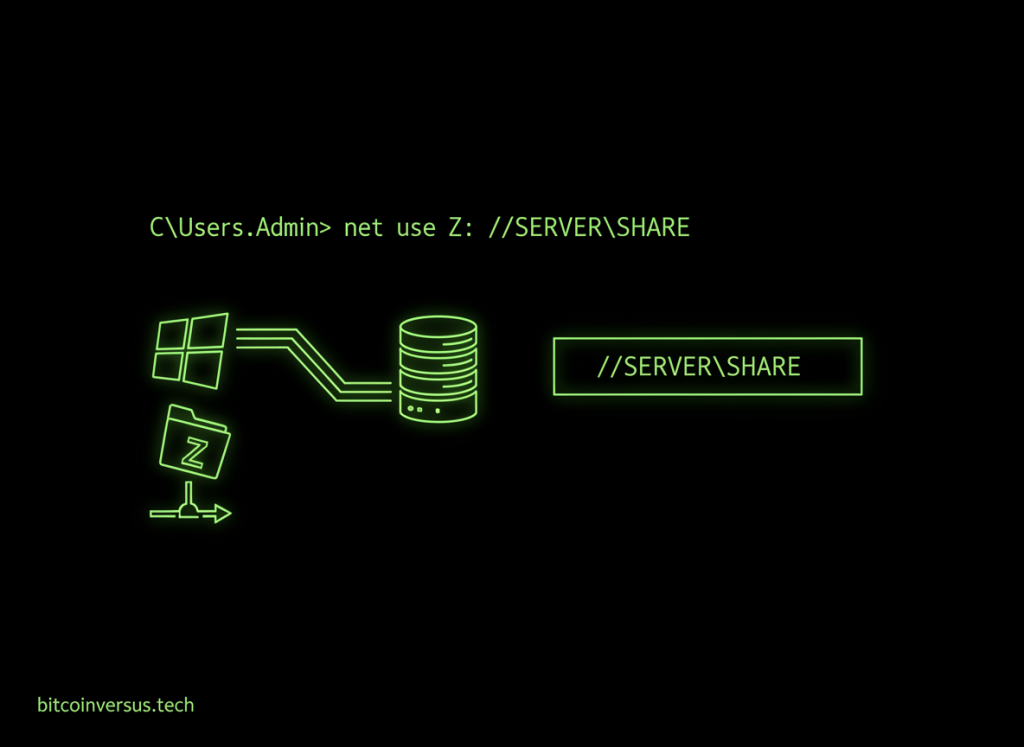
The Windows net use command lists, creates, and removes connections to shared network resources, including mapped drive letters.
After Windows Command #24 – net localgroup, the rotation moves from local group administration into network-resource access. Microsoft documents net use as the command for connecting to or disconnecting from shared resources and displaying current connections.
List current connections
net useWith no additional parameters, net use displays the current user’s network-resource connections.
Map a shared folder
net use Z: \\FILESERVER\PublicThis maps the UNC path \\FILESERVER\Public to drive Z:. The server and share must exist, the network path must be reachable, and the account must have permission to access it.
Video 1: Map a network drive with net use
Use alternate credentials safely
net use Z: \\FILESERVER\Public * /user:CONTOSO\alexThe asterisk tells Windows to prompt for the password instead of placing it directly in the command line. That is preferable to exposing a password in terminal history, screenshots, scripts, or documentation.
Control persistence
net use Z: \\FILESERVER\Public /persistent:yes
net use Y: \\FILESERVER\Scratch /persistent:no
/persistent:yes requests that the connection be restored at later logons. /persistent:no prevents the new mapping from being saved for automatic restoration.
Video 2: Windows file sharing and mapped drives
Disconnect a mapping
net use Z: /deleteThis removes the connection assigned to Z:. Before disconnecting, close files or programs actively using the mapped resource.
Connect without choosing a drive letter
net use \\FILESERVER\PublicA connection can also be established directly to a UNC share without assigning a drive letter. Microsoft notes that deviceless connections are not persistent.
Video 3: net use from Command Prompt
Technician troubleshooting workflow
net use
ping FILESERVER
net use Z: \\FILESERVER\Public *
net use Z: /delete
Start by checking existing mappings, confirm basic reachability or name resolution as appropriate, then attempt the share connection. If it fails, separate network reachability, SMB availability, authentication, and share/NTFS permissions instead of treating every failure as a bad password.
Useful net use patterns
net use— list current connections.net use Z: \\SERVER\Share— map a share.net use Z: \\SERVER\Share * /user:DOMAIN\user— connect with alternate credentials and a hidden password prompt.net use Z: /delete— remove one mapping.net use * /delete— request removal of all current mappings; use carefully.net use /?— display syntax supported by the Windows installation you are using.
Practice
- Run
net useand identify any existing connections. - In an authorized lab, create a shared folder on another Windows machine or server.
- Map that share to an unused drive letter.
- Verify the mapped drive in File Explorer and Command Prompt.
- Remove the mapping with
/delete. - Explain why using
*for a password prompt is safer than typing a password into the command itself.
Key takeaway
net use is a practical Windows administration command for viewing remote-resource connections, mapping shared folders, selecting credentials, controlling persistence, and disconnecting mappings. For technicians, it is especially useful when validating file-server access and troubleshooting Windows network shares.


Leave a Reply