DMA stands for Direct Memory Access. It is a way for a hardware device to move data directly to or from system memory without forcing the CPU to personally copy every byte.
The simplest way to remember it is: the CPU sets up the transfer, the device moves the data, and the CPU is notified when the transfer is done. That basic pattern makes DMA important for storage, networking, graphics, audio, embedded systems, and high-speed PCI Express devices.
Why DMA Exists
Without DMA, the processor may have to spend far more time moving data between an I/O device and memory. The CPU would read data from a device, place that data into memory, repeat the operation, and burn processor cycles that could have been used for applications, operating-system work, or other processes and threads.
DMA reduces that copying burden. Microsoft describes DMA as a technology that lets a device communicate directly with memory in a way that bypasses the CPU for the actual data movement. The processor still matters—it configures the transfer and handles completion—but it does not have to move each individual byte itself.
The Basic DMA Sequence
A typical DMA operation begins when software asks a device driver to perform I/O. The driver prepares a memory buffer, tells the device where the buffer is, tells it how much data to transfer, and starts the operation.
The device then transfers data between itself and memory. When the work finishes—or when something goes wrong—the hardware commonly raises an interrupt. The operating system handles the completion event and lets the waiting software continue.
DMA Does Not Mean the CPU Does Nothing
DMA is sometimes described too casually as “the CPU is bypassed.” A better statement is that the CPU is bypassed for the bulk data-copy operation. The CPU and kernel still prepare buffers, program the device, enforce permissions, react to completion, and manage errors.
Microsoft’s Windows Kernel-Mode DMA documentation describes the same idea: a device can access memory directly for performance, while Windows provides a DMA library so drivers can set up those transfers safely.
DMA Is Common in Storage
An SSD is a good example. A storage controller may need to move large blocks of data between the drive and system RAM. Making the CPU manually copy every piece would waste processor time and reduce performance.
Modern NVMe devices use PCIe and are designed around highly parallel queues and high-throughput I/O. DMA is part of the broader mechanism that lets those storage devices exchange data with system memory efficiently.
Network Cards Use DMA Too
A network interface card also needs fast access to memory. Incoming packets can be placed into memory buffers for the kernel to process, while outgoing packets can be fetched from memory and transmitted by the adapter.
That means high-speed networking is not just about wire speed. It also depends on the path between the NIC, PCIe bus, memory subsystem, CPU cores, drivers, interrupts, and the operating-system networking stack.
Bus-Master DMA Lets the Device Initiate Transfers
Many modern devices support bus-master DMA. Instead of a separate central DMA controller moving all data for every peripheral, the device itself can become a bus master and initiate memory transactions after the operating system and driver configure it.
This model is especially common with PCIe hardware such as network adapters, storage controllers, GPUs, accelerators, and other expansion devices. BitcoinVersus.Tech’s older PCIe x1/x4/x8/x16 overview explains how different add-in cards connect to those expansion lanes.
Scatter/Gather DMA Handles Noncontiguous Memory
Large buffers are not always stored in one perfectly continuous range of physical RAM. Operating systems therefore use scatter/gather DMA so a device can work through a list of memory segments as one logical transfer.
This is useful because virtual memory lets software see a clean address space even when the underlying physical pages are scattered around RAM. The DMA layer has to translate that software-friendly view into addresses a device can actually use.
CPU Addresses and DMA Addresses Are Not Always the Same
The Linux kernel documentation makes an important distinction: a CPU virtual address, a physical RAM address, and a device-visible DMA address can be different things. A driver should not simply assume that the address the CPU uses is the same address the device should use.
Linux therefore provides a generic DMA API. Drivers map buffers for DMA, receive device-appropriate DMA addresses, and later unmap them when the transfer is complete.
The IOMMU Adds Translation and Protection
An IOMMU, or Input-Output Memory Management Unit, can sit between DMA-capable devices and physical memory. It performs address translation for devices in a way that is conceptually similar to how the CPU’s memory-management hardware translates addresses for software.
The IOMMU is also a security boundary. Instead of allowing a device unrestricted access to all physical RAM, the system can restrict that device to specific mapped regions. Microsoft’s DMA remapping documentation explains how this helps protect against memory corruption and malicious DMA access.
Crowd Supply highlighted EPIC Erebus, an open PCIe DMA tool, showing that DMA is not just an operating-system abstraction—it is a real hardware capability exposed by expansion devices.
DMA Security Matters Because Devices Can Touch Memory
The same power that makes DMA fast can make unsafe DMA dangerous. A badly programmed or malicious device could potentially read or overwrite memory it should never touch if the platform does not enforce proper mappings and protections.
Modern systems therefore combine driver rules, IOMMU translation, DMA remapping, kernel protections, and hardware security features to constrain device access. External PCIe-capable interfaces such as Thunderbolt make this protection especially important.
DMA and Cache Coherency Have to Agree
The CPU may keep recently used data in cache memory instead of immediately reading or writing RAM every time. A DMA-capable device, meanwhile, may be reading or writing memory directly.
That creates a consistency problem: the CPU and the device must agree about which version of the data is current. Some systems maintain DMA cache coherency in hardware, while others require explicit software operations before or after transfers. This is one reason operating systems provide DMA APIs instead of expecting every driver to invent its own memory rules.
DMA Is Different From RDMA
DMA usually describes a local device moving data to or from memory inside one computer. RDMA, or Remote Direct Memory Access, extends the direct-memory idea across a network so one system can move data into another system’s memory with very low CPU involvement.
BitcoinVersus.Tech previously covered that higher-level concept in RDMA Programming: How Direct Memory Access Powers AI and High-Speed Computing. Ordinary DMA is the more fundamental concept underneath that family of high-performance techniques.
DMA, Interrupts, and Drivers Form One I/O Chain
DMA makes the most sense when connected to the previous fundamentals. A program requests I/O through software interfaces and system calls. The kernel and driver configure the device. The device transfers data through DMA. Then an interrupt tells the CPU that the transfer completed.
The chain is: application → system call → kernel → device driver → DMA setup → device ↔ RAM transfer → interrupt → completion handling → application continues. That one sequence ties together CPUs, RAM, PCIe, drivers, interrupts, storage, networking, and operating systems.
The Simple Way to Remember DMA
DMA lets hardware move bulk data directly between a device and memory while the CPU handles setup, control, and completion instead of copying every byte itself.
For troubleshooting and systems work, remember four pieces: buffer, DMA address, device, completion interrupt. If any one of those is wrong, transfers can fail, data can become corrupted, performance can collapse, or the operating system can stop the device to protect memory.
Editor’s Note
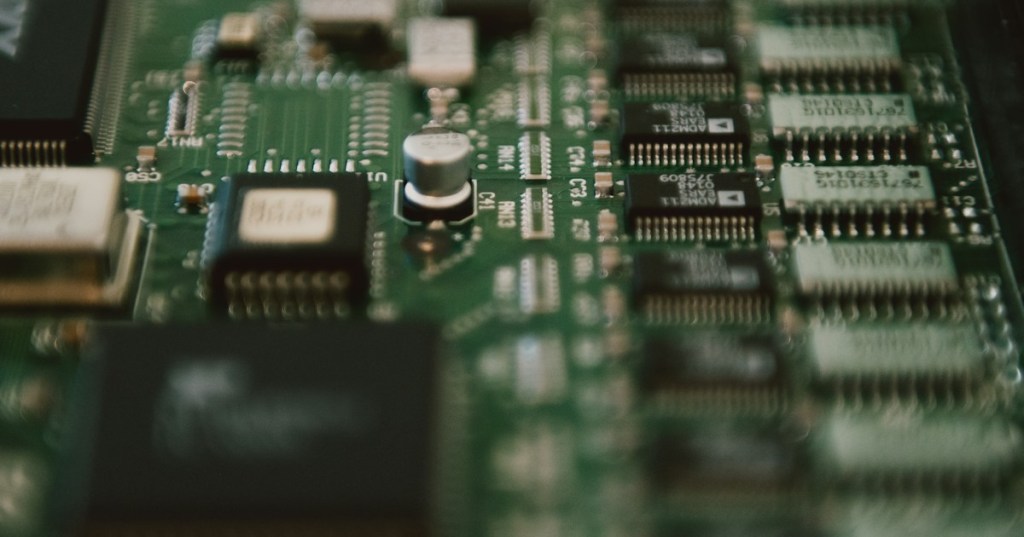
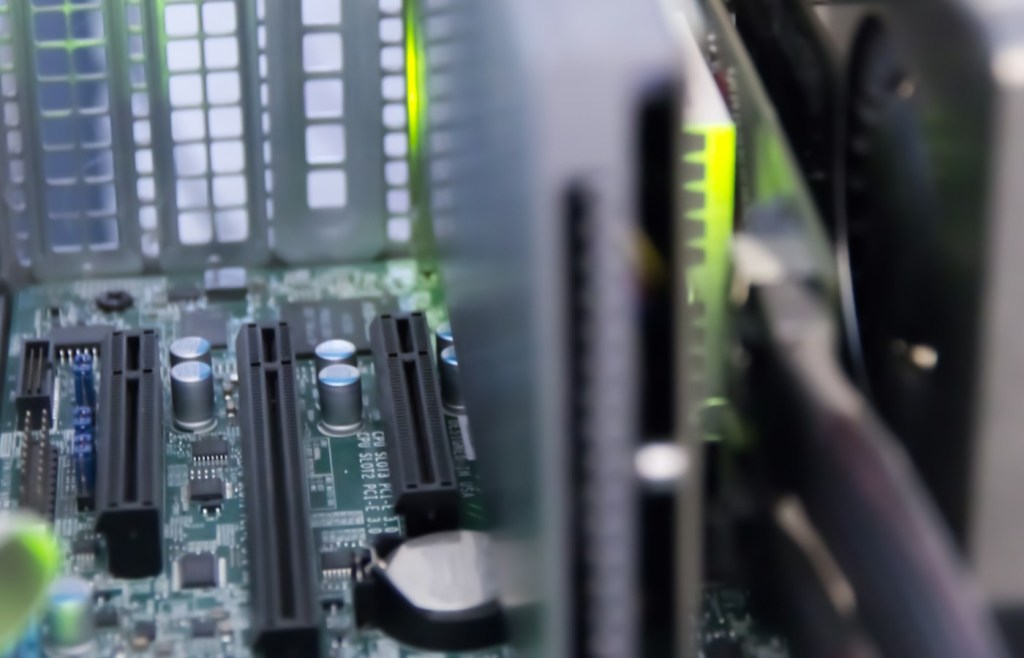
Featured image: Albert Stoynov via Unsplash, showing a PCIe expansion-card PCB, cropped to exactly 1200×630. Body server/PCIe photograph: Mark Zeller via Unsplash. The NPTEL and Engineering Funda videos are distinct and directly relevant to DMA. The Crowd Supply Bluesky post is directly relevant to PCIe DMA hardware.
Support and donation options are available through BitcoinVersus.Tech.
BitcoinVersus.Tech is not a financial advisor. Content is provided for informational and educational purposes.


Leave a comment