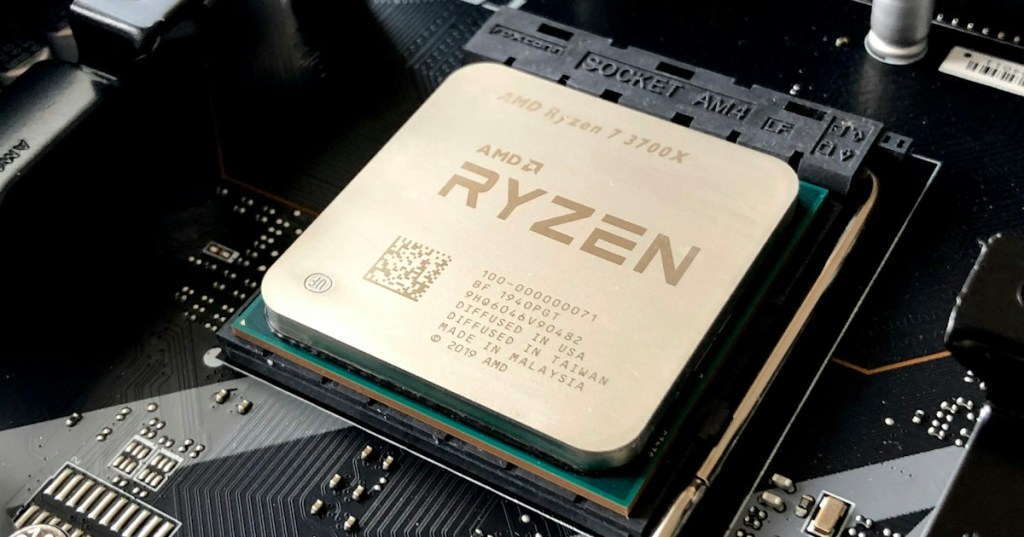
A system call, often shortened to syscall, is the controlled doorway an application uses when it needs the operating-system kernel to do something privileged. A normal program can calculate numbers and manipulate its own memory in user space, but it cannot safely reach directly into hardware, another process, a disk controller, or the kernel’s protected memory.
The easy version is: an application asks; the kernel checks the request; the kernel performs the privileged work; then control returns to the application. System calls sit below many familiar APIs, libraries, programming languages, command-line tools, and graphical applications.
Start With User Mode and Kernel Mode
Modern operating systems separate ordinary applications from the most privileged code. Programs normally run in user mode. Core operating-system code runs in kernel mode, where it can manage memory, processors, storage, devices, permissions, and other system-wide resources.
Microsoft’s user-mode and kernel-mode documentation explains the same boundary on Windows: applications run with restricted access while core operating-system components operate with higher privileges. That separation is a major reason one ordinary application cannot simply overwrite another program or the operating system itself.
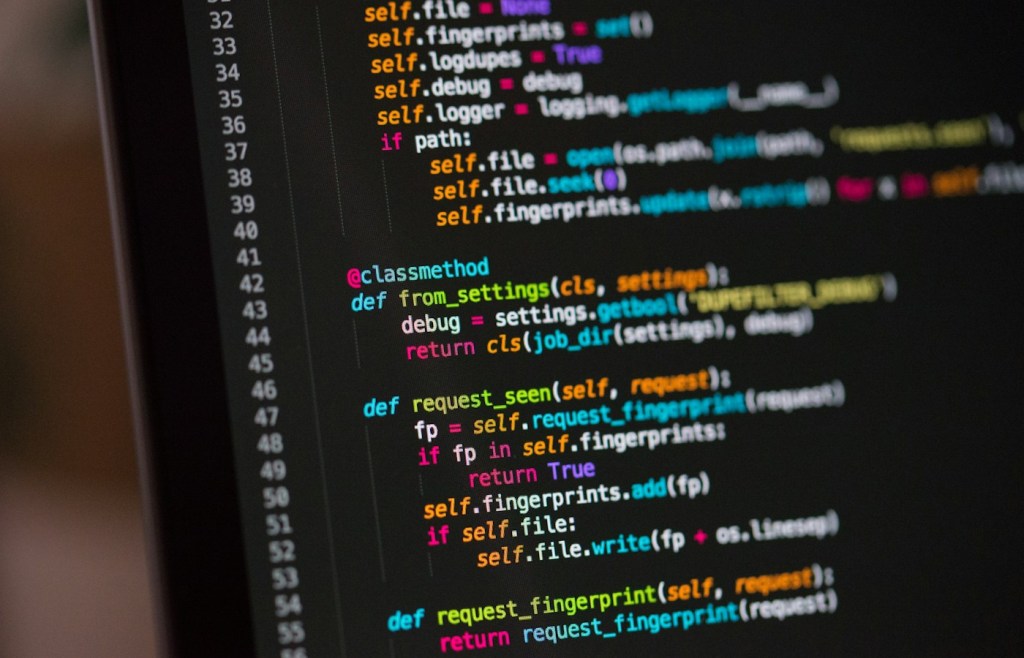
A System Call Crosses That Boundary
When software needs a protected operating-system service, it makes a system call. The CPU switches from the application’s restricted execution context into the kernel’s privileged context using architecture-specific instructions and conventions. The kernel then validates the request, performs the operation if allowed, and returns a result.
On Linux, the official system-call manual describes a system call as an entry point into the kernel. Applications usually do not invoke the raw interface directly; standard libraries commonly provide wrapper functions that place arguments where the kernel expects them, enter kernel mode, and translate errors back into normal program results.
System Calls Are Not the Same as Normal Function Calls
A normal function call stays inside the program or a loaded software library. A system call crosses a protection boundary into the kernel. That makes a syscall more powerful, but also generally more expensive than calling an ordinary function because the processor and operating system have extra work to do.
This is also why an API and a system call are not synonyms. An API describes how software components communicate at a programming interface. Some APIs eventually trigger system calls; others do all their work entirely in user space or communicate with remote services instead.
Opening and Reading a File Requires the Kernel
Suppose a program wants to open a text file. The application cannot directly command an SSD controller to fetch blocks from NAND. Instead, it asks the operating system to open the file. The kernel checks the path, permissions, mounted file system, caches, and device state before returning a file handle or descriptor that the program can use.
Later reads and writes follow the same general model. User-space software requests the operation; the kernel coordinates the file system, memory buffers, scheduler, and relevant device driver. The application receives the result without needing to understand every detail of the physical storage hardware.
Processes Also Depend on System Calls
Creating, replacing, waiting for, and terminating processes all require operating-system participation. This connects directly to the BitcoinVersus.Tech explainer on processes versus threads: the kernel owns the process table, scheduling state, permissions, memory mappings, and many other resources that define a running program.
On Unix-like systems, familiar operations such as fork(), execve(), wait(), and exit() ultimately involve kernel services. The exact mechanism differs across operating systems and processor architectures, but the core idea stays the same: applications cannot create kernel-managed execution contexts entirely by themselves.
Networking Uses System Calls Too
Network applications also need the kernel. A web browser, SSH client, Bitcoin node, or game can use a software socket API, but the operating system still manages packet buffers, network interfaces, routing, protocol state, and hardware access. That lower layer connects to the site’s guides on TCP and UDP and network interface cards.
Linux programs commonly use calls such as socket(), connect(), send(), and recv(). These requests ultimately let the kernel move data between a process and the networking stack while enforcing permissions and keeping applications isolated from raw device access.
Virtual Memory Relies on the Kernel Boundary
The same pattern appears in virtual memory. Applications see virtual addresses, but the kernel and processor manage page tables, protection, mappings, allocation, and page-fault handling. Programs can request memory, yet they do not directly rewrite the operating system’s physical-memory map.
Calls such as mmap() on Linux are a good example. A program requests a memory mapping, but the kernel decides how that mapping fits into the process address space and what file, device, anonymous memory, or other backing resource is associated with it.
System Calls Carry Arguments and Return Values
A system call needs enough information for the kernel to understand the request. Depending on the call, arguments might describe a file path, memory address, buffer length, process ID, socket, permission flag, or device operation. The processor’s calling convention determines where those values are placed before control enters the kernel.
The kernel then returns a value indicating success, a result such as a byte count or file descriptor, or an error. On Linux, C library wrappers commonly translate kernel error results into the familiar errno mechanism documented by the Linux man-pages project.
Libraries Usually Hide the Raw Syscall Interface
Most application developers do not manually load syscall numbers into registers. A standard library, runtime, framework, or programming language normally provides a friendlier interface. On Linux, the GNU C Library commonly wraps many kernel system calls. Higher-level languages then wrap those libraries or kernel interfaces again.
That creates a stack such as: application → language or library API → system-call wrapper → kernel → driver or kernel subsystem → hardware. The exact layers change by operating system and workload, but this hierarchy explains why a single high-level line of code can trigger many lower-level operations.
The Linux Foundation highlighted automated review work inside the Linux kernel project in 2026, a reminder that the kernel interface beneath everyday application calls is continuously maintained and tested.
Windows Has the Same Basic Separation
Windows uses different internal names, APIs, libraries, and implementation details, but the user-mode versus kernel-mode separation remains fundamental. A Windows application normally calls documented user-space APIs rather than directly issuing raw internal system-service calls.
The same safety goal applies: ordinary application code should not receive unrestricted control over protected kernel memory, physical devices, other processes, or system-wide scheduling. The operating system mediates those operations through controlled interfaces.
Linux Makes Syscalls Easy to Observe
One reason system calls are such a useful troubleshooting concept is that they expose what a program is asking the operating system to do. Linux tools such as strace can trace many system calls made by a process, showing file opens, reads, writes, network operations, process creation, signals, and errors.
This can turn a vague problem into something concrete. If an application says “file not found,” “permission denied,” or “connection refused,” tracing the kernel requests can reveal the exact path, error code, or network action involved. That makes syscalls useful not only for programmers but also for IT, Linux, security, and performance troubleshooting.
Why System Calls Matter for Security
System calls are a security boundary because they are where unprivileged software asks the kernel for privileged actions. The kernel checks permissions, process credentials, resource limits, namespaces, security policies, and other rules before granting many requests.
Sandboxing technologies can also restrict which kernel operations a program is allowed to request. That matters because the kernel is shared by every normal process on the system. A flaw at this boundary can have much larger consequences than an ordinary application bug.
The Simple Way to Remember System Calls
A system call is how a user-space program asks the kernel to perform privileged operating-system work. Opening files, allocating certain memory mappings, creating processes, communicating over networks, talking to devices, and changing protected system state all eventually require the operating system.
The chain is: application → API or library → system call → kernel → operating-system subsystem or driver → hardware. Once that chain is clear, the relationship between applications, the kernel, drivers, memory, storage, and networking becomes much easier to understand.
Editor’s Note
Featured photograph: Christian Wiediger via Unsplash, cropped to exactly 1200×630. Body coding photograph: Chris Ried via Unsplash. The two Neso Academy videos are distinct and directly relevant to system calls. The Linux Foundation Bluesky embed provides current kernel-development context.
Support and donation options are available through BitcoinVersus.Tech.
BitcoinVersus.Tech is not a financial advisor. Content is provided for informational and educational purposes.


Leave a Reply