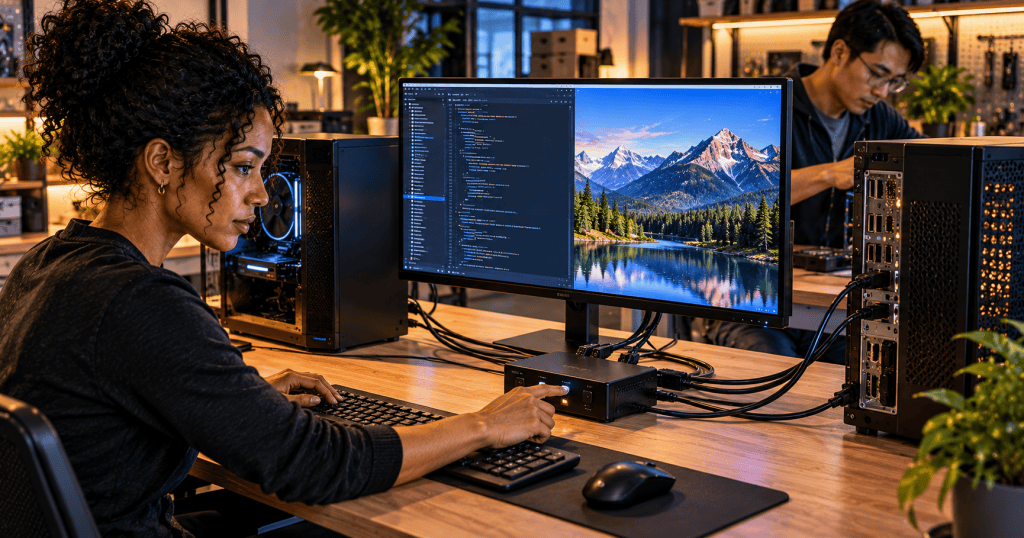
A KVM switch lets one keyboard, monitor, and mouse control two or more computers. The name stands for keyboard, video, mouse. Instead of unplugging peripherals each time you change machines, you press a button, use a keyboard shortcut, or select a computer through the switch.
It is useful for home offices with a work laptop and personal PC, repair benches, testing labs, and server rooms. A KVM is hardware that shares the console; it does not combine the computers into one operating system.
How It Works
Each computer connects to the KVM switch using supported video and USB connections. The monitor, keyboard, and mouse connect to the switch’s console side. When you select computer A, that machine receives your input and its video appears on the display. Select computer B and the same peripherals control B instead.
The setup may require one video cable and one USB upstream cable per computer. Some USB-C KVMs carry multiple signals over fewer cables, but their capabilities depend on the computers and ports. StarTech’s compatibility guide explains why connector types, resolution, refresh rate, and the number of systems matter.
A Real KVM Switch
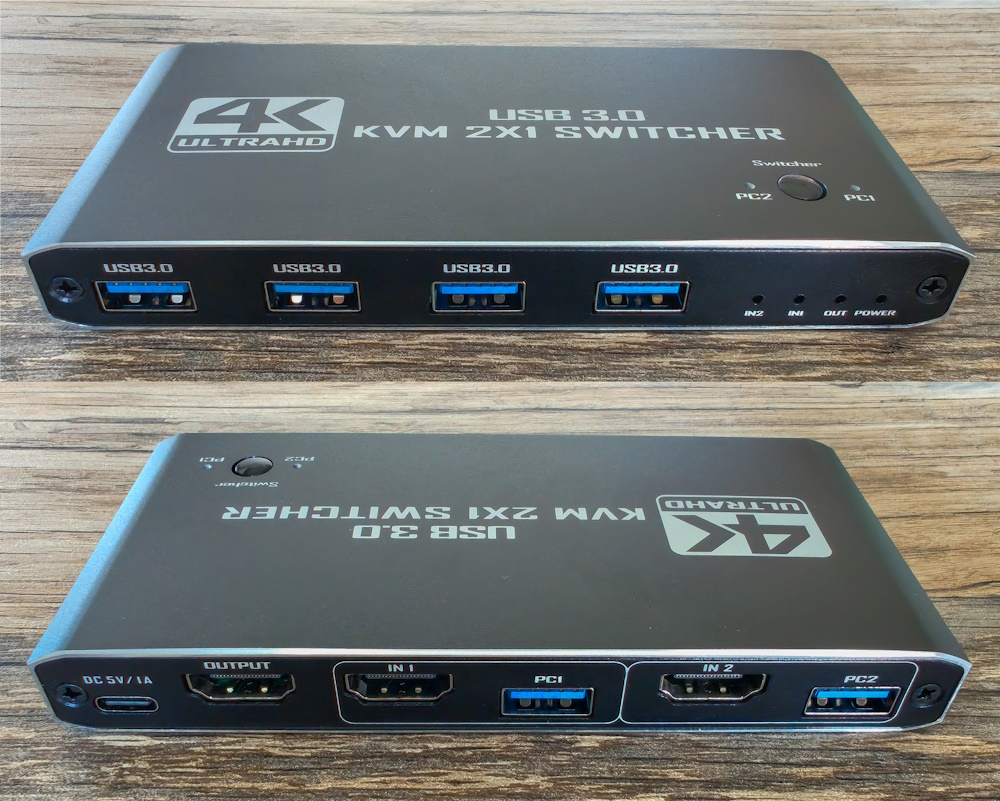
A basic two-port switch may be enough for a desk. Larger models can manage 8, 16, or more systems, often using a rack-mounted console. Some monitors have built-in KVM features, so switching the display input can also change the active USB devices. RTINGS explains how these integrated monitor KVMs work.
KVM vs. Network Switch
A network switch moves Ethernet traffic between devices. A KVM switch selects which computer a keyboard, monitor, and mouse operate. They are different tools, even though both are called switches. Likewise, virtual machines run software-defined computers, while a physical KVM typically controls separate hardware.
What About KVM Over IP?
A KVM-over-IP device carries console video and input over a network so a technician can access a machine remotely, sometimes even before its operating system boots. This is particularly useful when a server’s network services fail. It overlaps with out-of-band management through BMC, iDRAC, or iLO, but the hardware and capabilities differ.
Before Buying One
Check the number of computers and displays; HDMI versus DisplayPort; USB-A versus USB-C; supported resolution and refresh rate; USB peripheral sharing; operating-system compatibility; and whether the switch needs external power. For servers, also check whether you need remote IP access or only a local console.
A KVM switch is a straightforward tool, but it solves a real problem: one workstation can control several independent computers without constantly swapping cables. That saves desk space and makes hardware troubleshooting easier.


Leave a Reply