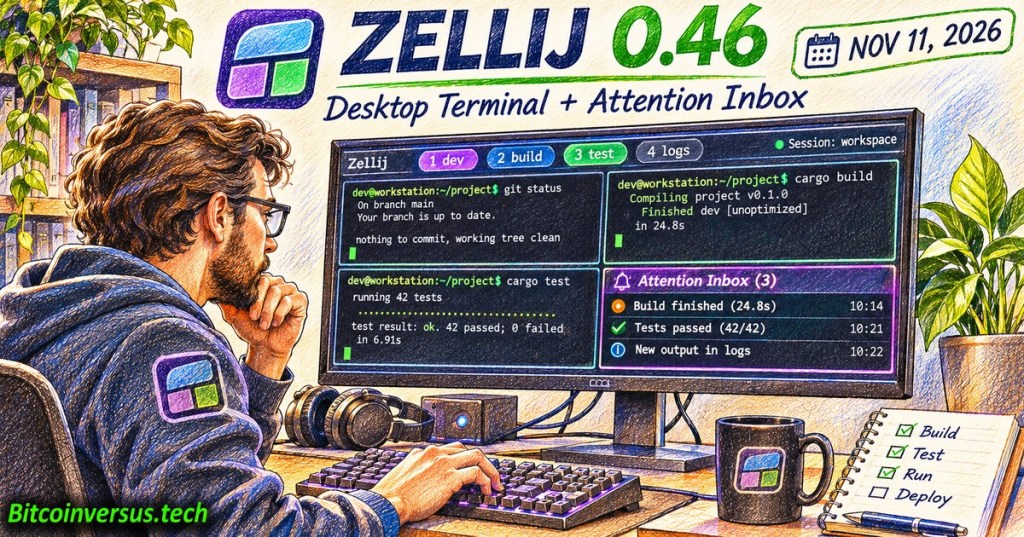
Zellij 0.46, released November 11, 2026, adds its own desktop terminal to the open-source terminal multiplexer. The release also introduces an attention inbox, live session previews, interactive settings and improved mouse controls. Developers can launch the new graphical window with zellij terminal on Linux, macOS and Windows while retaining the familiar option of running Zellij inside another terminal emulator. The project’s official release announcement documents the changes.
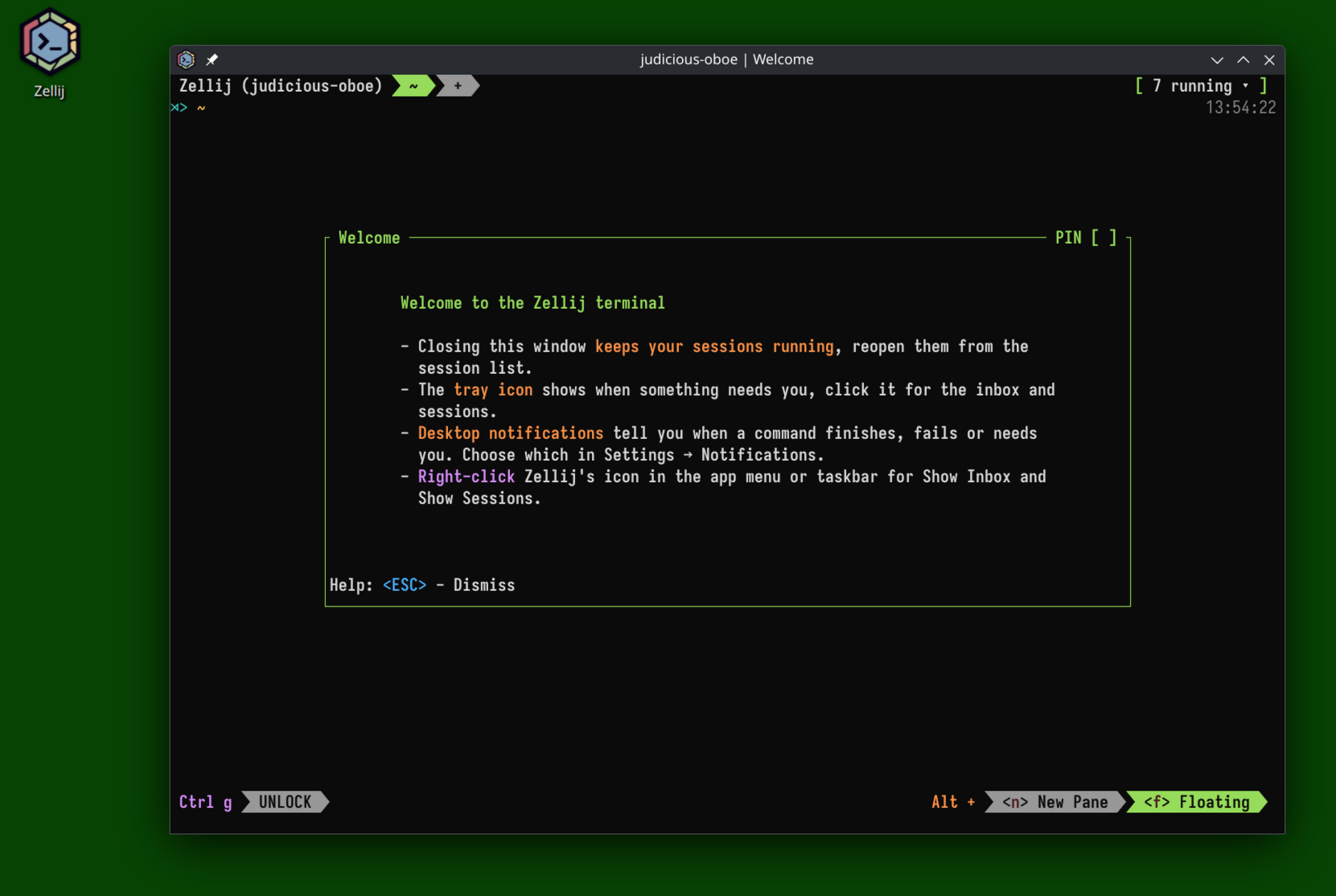
A developer-produced installation screencast and transcript shows the desktop window, system tray and session notifications. The official walkthrough is linked directly because a verified, embeddable YouTube ID was not available; a source link must not be described as a rendered video player.
From multiplexer to desktop application
A terminal multiplexer maintains tabs, panes and running shell sessions within an existing terminal. Zellij already managed those workspaces; the new optional window supplies terminal emulation and desktop integration in the same application. Closing its window can leave sessions running for later reattachment. Its tray or menu-bar icon gives users a route back to the session manager and pending attention notifications.
The project says the window is available on Linux’s X11 and Wayland, macOS and Windows. Importantly, existing command-line and remote workflows remain supported. The release notes warn that musl builds do not include the new desktop terminal; compatible GNU builds are required where applicable. A desktop upgrade is not mandatory for users who only want the existing multiplexer.
One inbox for commands and coding agents
The new Attention Inbox gathers indications from tasks requiring action across tabs and sessions, reducing repeated window switching during builds, tests or coding-agent work. Zellij cites OSC 7501 as a notification protocol supporting the feature. Whether an application can signal meaningful events depends on its own integration and version; installing Zellij alone does not make every terminal command report progress.
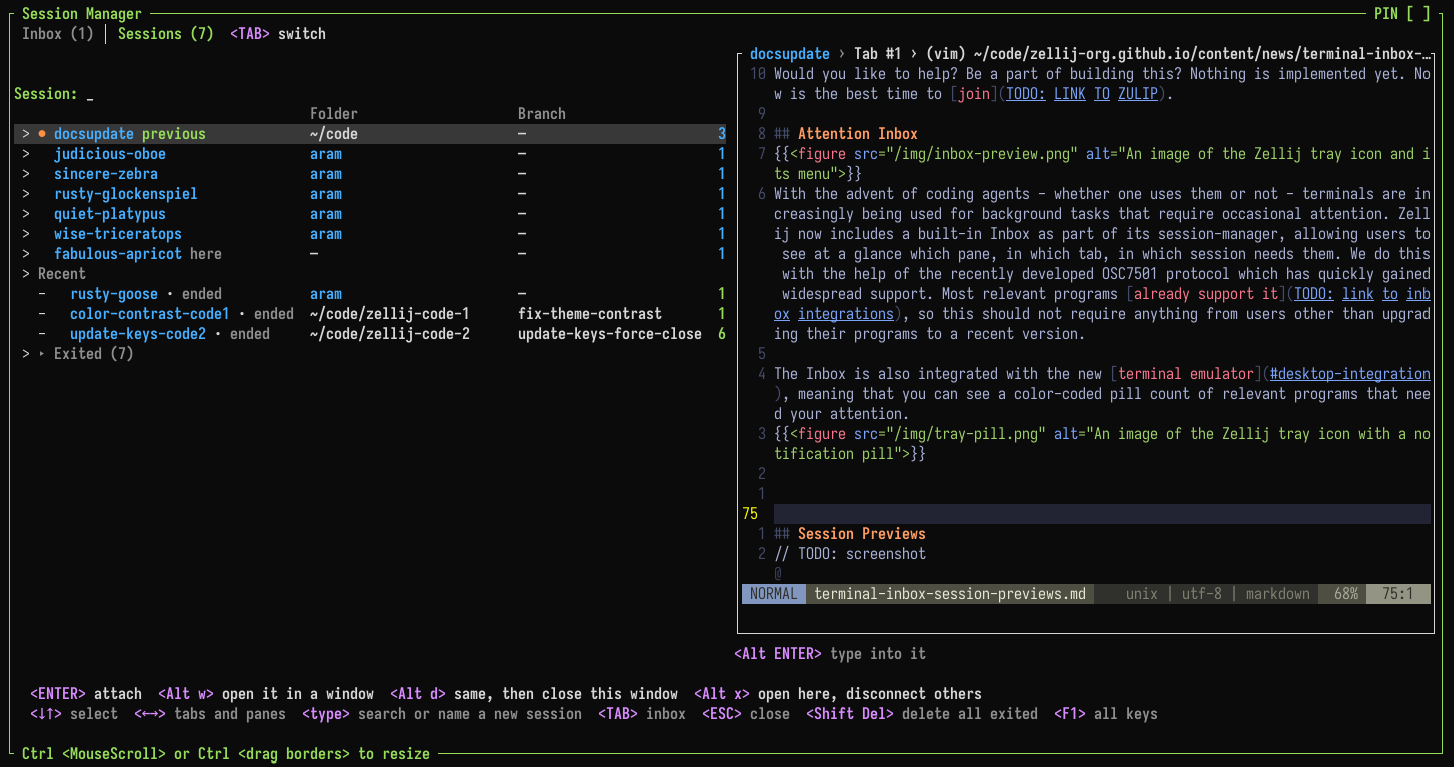
Session previews allow a quick look into another workspace and limited input without a full context switch. For developers running local builds, Bash scripts or long-running jobs, the feature can make context management more convenient. However, notifications do not guarantee a task’s correctness or completion, so operators must still inspect actual exit codes and logs.
Settings without manual configuration edits
The new settings screen supports live configuration of keyboard behavior, appearance, pane layouts, notifications and mouse controls while integrating with Zellij’s existing files. It includes a theme editor and right-click actions for managing panes. Zellij documents Ctrl o followed by c as one route to the settings screen under its default keybinding preset. Customized presets may differ.
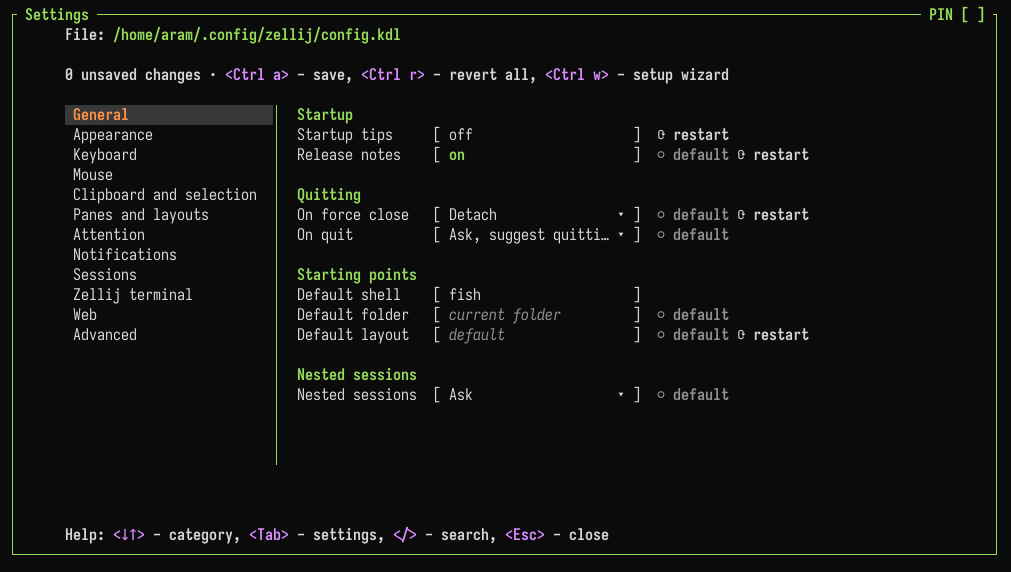
A terminal’s appearance and shortcuts are more than decoration. Monospace text layouts support stable alignment, while shell navigation fundamentals remain unchanged beneath the new graphical wrapper.
Compatibility and performance questions remain
Zellij reports optimizations for typing latency and output scrolling, but the developer’s benchmarks should not be mistaken for independent performance testing across every operating system and graphics stack. Plugin developers also face breaking API changes documented in the project’s changelog. Users should test existing layouts, extensions, keybindings and terminal applications before replacing a production workstation setup.
The release follows continued Rust tooling development, including Rust 1.100’s language and Cargo changes. Zellij’s developers describe a broader terminal-first desktop environment as a future ambition, not functionality delivered in version 0.46. The immediate release is a working desktop-terminal option layered over the existing multiplexer.
Verification sources: Zellij 0.46 developer announcement, November 11; official GitHub release; terminal documentation; settings documentation; LWN independent release brief. In-story screenshots are original developer captures rather than AI-generated interface reconstructions.
Editor’s Note: The November 11 release date, supported platforms, optional desktop terminal, notification behavior and caveats were checked against official Zellij material. The featured 1200 × 630 colored-pencil cover is original conceptual art with the neon-green Bitcoinversus.tech watermark; its terminal text does not depict an actual benchmark or recorded user session. Three authentic project screenshots, credited to the developer, appear in the article. No unverified YouTube or X embed was inserted; the official developer screencast is linked. Actual software installation and browser media playback were not independently tested.

BitcoinVersus.Tech is volunteer-run and publishes independent technical journalism. Optional support of 5,000 satoshis helps fund research. Scan the original QR from a second screen with a compatible Bitcoin wallet; on the same phone, use a wallet that supports importing a saved QR image. Independently verify recipient 3C9o19EH5HSiwEPyCTmEKzxhNCbo2X6TTb and 5,000 sats before sending. Bitcoin transfers are generally irreversible.
We volunteer daily to ensure the information on BitcoinVersus.Tech is Verifiably True. Software reporting is educational and does not constitute independent product certification, operational security approval, financial advice or investment advice.


Leave a Reply