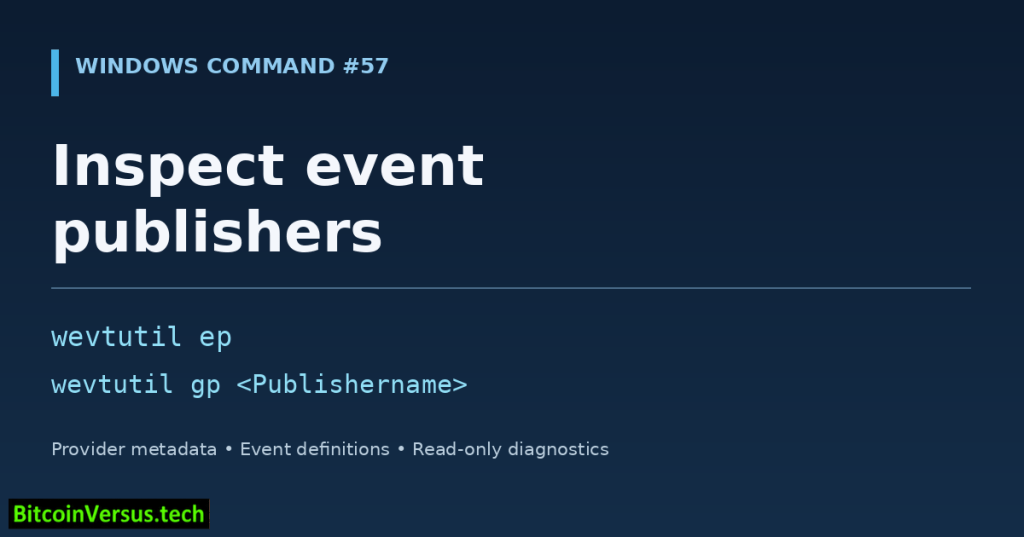
Windows Commands | Lesson 57 | Intermediate | 35–45 minutes | Windows 10/11 and Windows Server 2016–2025
An event log records observations, but its publisher defines what the observations mean. When two components produce the same numeric event ID, a technician who searches only for the number can misidentify the source of a fault. Windows supplies two read-only commands for examining registered event publishers: wevtutil ep and wevtutil gp.
Prerequisites and sequence
Use an authorized Windows lab, Command Prompt or PowerShell, and basic knowledge of Windows Event Viewer. Review Windows Command #56: log configuration, #55: event export, #54: querying events and OSITC.016: process creation auditing.
Learning objectives
- Distinguish publishers, event channels, registered definitions and recorded events.
- Enumerate publishers and retrieve metadata using ep and gp.
- Interpret event IDs, versions, levels, tasks, opcodes and keywords in context.
- Correlate publisher metadata with a recent event using a read-only workflow and recognize incomplete evidence.
- Identify privacy, authorization, change control and escalation boundaries.
1. Architecture: provider, channel, event and message resources
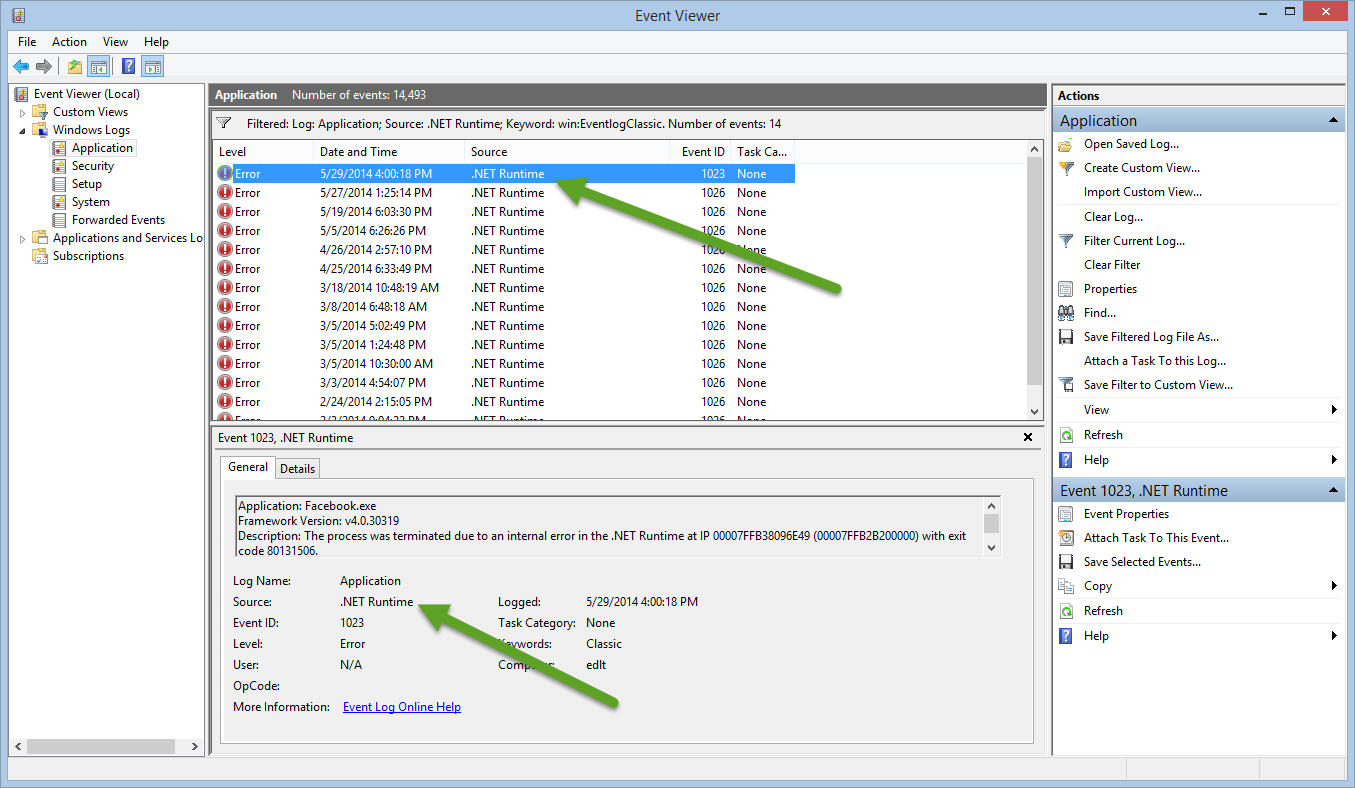
A provider or publisher is an instrumented component that can emit events. In manifest-based Windows Event Log, the instrumentation manifest describes a provider’s identity, event definitions and associated channels. A channel organizes event records. For example, an event may be written to the System channel, but System is not necessarily the name of its originating provider.
A recorded event is an occurrence with data and time information. Metadata is the definition used to interpret the occurrence. Windows can use registered resource and message files to resolve human-readable names and descriptions. If a collector lacks the appropriate resources, a message may fail to render even though the underlying event is preserved. Some legacy event sources and other ETW providers use different mechanisms, so the registered publisher list is not an exhaustive inventory of every possible tracing source.
2. Enumerate and inspect publishers
Run the following commands individually in a local lab. They request information rather than changing event log settings. Begin without elevation; follow the environment’s access rules if permissions prevent inspection.
wevtutil ep
The ep command enumerates publisher names registered on the local machine. Select an exact name from the result. Microsoft documents the Eventlog provider as an example; installed applications, Windows editions and versions affect which publishers are available.
wevtutil gp Microsoft-Windows-Eventlog
The gp command retrieves the selected publisher’s configuration information. Depending on registration and resources, examine its identifier, linked channels and message-resource paths. Do not confuse a file path for a provider’s message resources with the location of its recorded EVTX data.
wevtutil gp Microsoft-Windows-Eventlog /ge:true /gm:true /f:xml
The ge option asks for definitions of events the publisher can generate. The gm option requests message strings rather than numeric message references, and f:xml requests XML representation. A definition in the results does not prove that an event occurred, that the relevant channel is enabled or that a collector received the event.
3. Interpret definitions without confusing their meaning
- Event ID: numeric identifier within the provider’s event definitions; use provider identity and version when interpreting it.
- Version: revision of the event definition; payload interpretation can differ between versions.
- Level: severity category. Common standard values are critical 1, error 2, warning 3, informational 4 and verbose 5.
- Task and opcode: describe the activity category and operation within that activity; meanings depend on the provider.
- Keywords: bitmask categories used to classify and filter events; several flags may be set together.
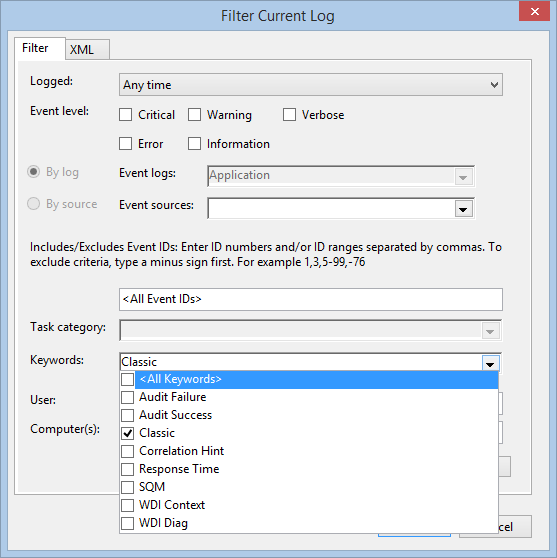
Imagine two fictional providers, Lab.Storage and Lab.Network, both defining event 100. One definition could refer to a disk timeout and the other to a link transition. The number alone is inadequate; record provider name or GUID, ID, version and channel before attributing the fault. The example is hypothetical, not a measured Windows incident.
4. Safe correlation lab: definition versus observation
First enumerate publishers and inspect the Eventlog provider as shown above. Then read up to five recent System events in XML form using the documented query command:
wevtutil qe System /c:5 /rd:true /f:xml
For one returned event, locate the Provider element, EventID, Version, TimeCreated and Channel within its System section. Compare the exact provider name with the registered publisher list. Substitute the observed name in wevtutil gp "PublisherName" /ge:true. Locate the applicable definition if available, then compare the event version and payload fields. Quotation marks protect names containing spaces.
If the provider is not registered, the definition is missing, or the version differs, document the discrepancy. Do not infer tampering from a missing message alone. Registration, software updates, localization, forwarded records and permission boundaries are possible explanations. Check the applicable channel configuration with wevtutil gl System and its status with wevtutil gli System. A channel can be configured differently from its current operational status.
Expected evidence is a locally observed provider name, ID, version and matching definition when available. There is no fixed count of registered publishers or guaranteed matching recent event. Commands were checked against Microsoft documentation; no Windows runtime was available for execution during preparation.
5. Security and operational boundaries
Keep the lab read-only. Publisher metadata may disclose installed software and resource paths; recorded events can expose account names, hostnames and operational details. Avoid sharing unredacted output outside an authorized incident record. Never pass credentials through the command line or query remote machines without permission.
Installing or removing manifests with wevtutil im or wevtutil um, changing log settings with sl, and clearing records with cl alter state and are outside the lab. Production changes require a service owner, change approval, an evidence-preservation decision, backup and rollback plan, and post-change checks. Escalate unexplained permission or missing-metadata problems rather than altering access controls.
Glossary
- Publisher: registered source of event definitions.
- Manifest: XML instrumentation description of providers and their events.
- Channel: destination or grouping for event records.
- Message resource: registered material used to resolve human-readable descriptions.
- Event record: an actual recorded occurrence, not an event definition.
Practice exercises
- A. Explain how a provider differs from a channel and a recorded event.
- B. Run ep, choose a registered publisher and run gp with its exact name.
- C. Inspect metadata with ge:true. Identify an event ID, version, level or other available definition fields; explain why an ID alone is insufficient.
- D. Query recent System events, choose a provider and attempt to match its definition. Record any limitation rather than guessing.
- E. Draft a short incident note listing the observed facts, redaction needs and actions requiring change approval.
Knowledge check
- 1. Which command lists registered publishers?
- 2. Does ge:true return a chronological history of recorded events?
- 3. Why can an event description be missing from a forwarded record?
- 4. What fields help identify the correct event definition?
- 5. May an operator install a manifest merely to complete the read-only exercise?
Answer key
A. A provider defines and emits events, a channel groups records, and a record represents an occurrence. B. Use wevtutil ep and wevtutil gp followed by the selected exact name. C. Interpret fields in the scope of the provider and version. D. Use the record’s provider, ID and version; explain missing metadata or access restrictions without claiming a cause. E. Separate evidence from hypotheses, redact sensitive fields and obtain approval for changes.
Knowledge check: 1. wevtutil ep. 2. No, it retrieves definitions. 3. The viewer may lack the appropriate publisher message resources. 4. Provider identity, event ID, version and channel context. 5. No; manifest installation modifies registration and requires authorization.
Sources and supplementary learning
- Microsoft Learn: wevtutil syntax and examples
- Microsoft Learn: Getting a provider’s metadata
- Microsoft Learn: EventManifest schema
- Microsoft Learn: Event schema elements
- Motasem Hamdan, Event Log Management in Windows (May 29, 2021): supplementary walkthrough of Event Viewer, command-line log queries and provider searching. Direct link rather than an untested player.
Cover: original typographic editorial illustration of command syntax, not a Windows screenshot. The approved watermark was copied unchanged from the preceding lesson cover. Body screenshots are credited Microsoft documentation examples.
We volunteer daily to ensure the credibility of the information on this platform is Verifiably True. If you would like to support to help further secure the integrity of our research initiative, please scan the QR code below.


Leave a Reply