A vCPU, or virtual CPU, is the processor resource that a virtual machine sees and uses. It is not a separate physical chip. Instead, a hypervisor schedules that virtual processor onto the real CPU resources inside the host server.
That sounds simple until the words socket, core, thread, logical processor, and vCPU all appear in the same diagram. The key is to keep the physical hardware separate from the virtual resources presented to the guest operating system.
Start With the Physical CPU
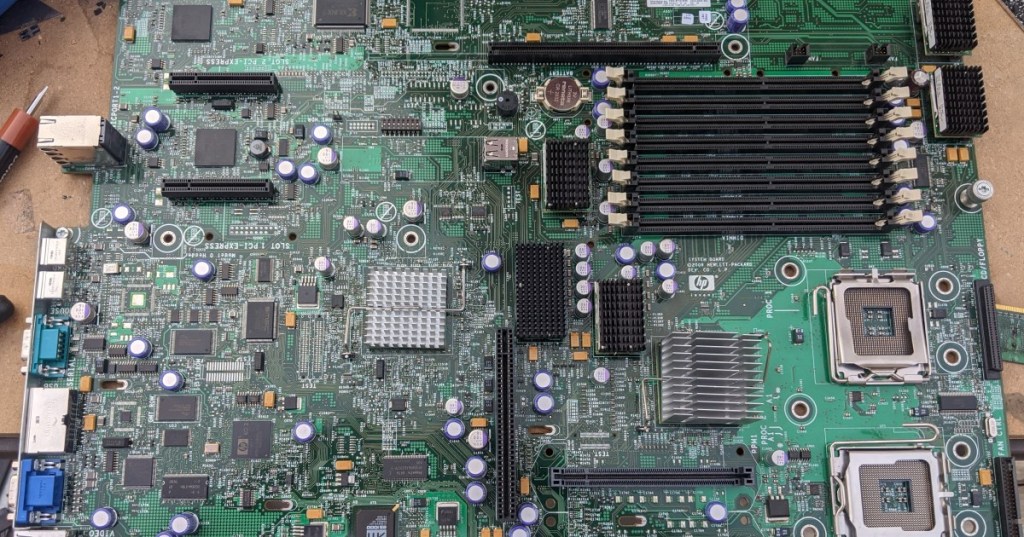
A physical CPU is the actual processor package installed in a motherboard socket. Modern server processors contain many independent processing cores inside one package. A server can also have more than one physical socket, which means it may contain two or more separate processor packages.
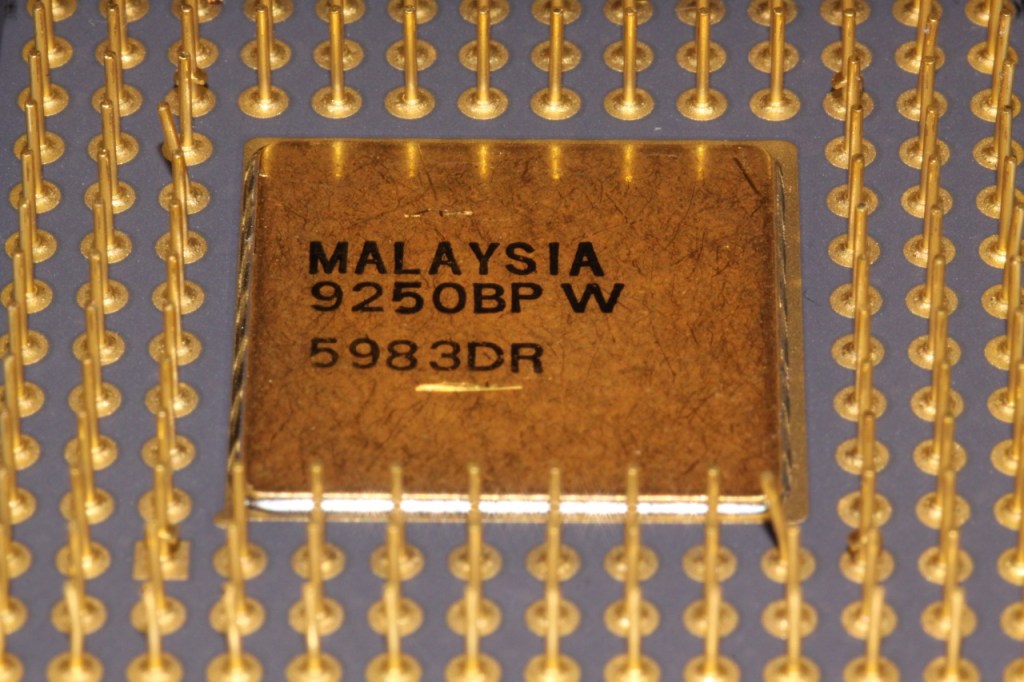
The hardware underneath virtualization still obeys normal CPU rules. Core count, clock speed and IPC, memory bandwidth, and CPU cache all affect the amount of real work the host can perform.
A Core Is a Physical Execution Engine
A CPU core is a real processing engine inside the processor. A many-core server chip can execute work on many cores in parallel, which is why core count matters so much in virtualization. More physical cores generally give the hypervisor more execution capacity to schedule among its guests.
Modern server platforms push this idea far beyond desktop PCs. BitcoinVersus.Tech has covered AMD EPYC systems with hundreds of cores and Intel Xeon architectures built around large multi-die CPU designs.
A Hardware Thread Is Not the Same Thing as a Core
Some processors support simultaneous multithreading. Intel calls its implementation Hyper-Threading. With Hyper-Threading enabled, one physical core can expose two logical processors to software. The two logical processors share parts of the same physical core rather than becoming two independent physical cores.
Intel’s 2026 Xeon explainer distinguishes physical cores, Hyper-Threading, and vCPUs directly: a core is physical hardware, Hyper-Threading exposes logical processors, and a vCPU is a virtual CPU resource assigned to a VM.
This connects directly to the difference between processes and threads. Software threads are units of work the operating system schedules. Hardware threads or logical processors are CPU execution contexts that can receive that work.
A vCPU Is What the Guest Operating System Sees
When an administrator gives a VM four vCPUs, the guest operating system typically behaves as though it has four logical processors available. Windows Task Manager or Linux tools such as lscpu can report those processors without exposing the entire physical host.
The VM can then schedule its own applications, processes, and threads across those vCPUs just as a physical operating system schedules work across logical processors.
The Hypervisor Schedules vCPUs Onto Real Hardware
The hypervisor is the scheduler between the virtual and physical worlds. If several VMs each have multiple vCPUs, the hypervisor decides when and where those virtual processors execute on the host’s available physical CPU resources.
This means a vCPU is best understood as an allocatable virtual processor, not as a promise that one particular physical core belongs permanently to one VM. The exact mapping depends on the hypervisor, host CPU topology, cloud platform, VM type, and whether simultaneous multithreading is enabled.
One vCPU Does Not Always Equal One Physical Core
This is the most important rule in the entire topic. On many platforms, one vCPU corresponds to one logical processor or hardware thread. If a physical core exposes two hardware threads, two vCPUs may ultimately share that one core’s execution resources.
But the mapping is not universal. Microsoft’s Azure vCore customization documentation shows that a hyperthreaded Standard_D8s_v6 configuration can expose eight vCPUs from four physical cores with two threads per core. Microsoft also allows supported VM configurations to disable SMT or constrain the available vCPU count.
Other Azure VM families use full physical cores. Microsoft documents Ampere Altra-based Dplsv5 virtual machines as providing an entire physical core for each vCPU. That is why a vCPU count by itself does not tell you the complete CPU topology.
vCPU Oversubscription Lets Many VMs Share Fewer Cores
A virtualization host can assign more total vCPUs across its VMs than it has physical cores. This is called CPU oversubscription or overcommit. It works because many workloads spend part of their time waiting for storage, networking, user input, databases, locks, or other events rather than consuming the CPU continuously.
For example, a host with 32 physical cores might support VMs whose configured vCPU totals add up to more than 32. That can be efficient when the guests are lightly or intermittently loaded. It becomes a problem when too many guests need heavy CPU time at once.
More vCPUs Can Sometimes Make a VM Slower
Adding vCPUs is not automatically a performance upgrade. A VM with more virtual processors gives the guest more parallel execution capacity, but the hypervisor must also find physical execution time for all of them.
If the host is heavily oversubscribed, a large VM can spend more time waiting for CPU scheduling opportunities. Some applications also cannot use many threads effectively, so extra vCPUs may sit idle. That is why VM sizing should match the workload rather than simply choosing the largest CPU count available.
CPU Ready Time Reveals Scheduling Pressure
Virtualization platforms expose metrics that help show whether a VM is waiting for host CPU time. VMware environments commonly call this CPU ready time: the guest has runnable work, but its vCPU is waiting for the hypervisor to schedule it on a physical processor.
High CPU usage inside a VM and high host contention are different problems. A guest can show moderate utilization yet still feel slow if it frequently waits for physical CPU scheduling. Troubleshooting therefore has to look at both the guest and the host.
vCPU Performance Depends on the Physical CPU Underneath
Two VMs with four vCPUs are not guaranteed to have the same performance. One may run on a newer host with faster cores, larger caches, higher memory bandwidth, and newer instructions. Another may run on older hardware with the same nominal vCPU count.
This is the same reason GHz alone does not determine CPU performance. Core architecture, IPC, cache hierarchy, memory subsystem, simultaneous multithreading, host load, and virtualization overhead all affect the real throughput behind a vCPU.
NUMA Can Matter on Large Virtual Machines
Large multi-socket servers often use NUMA, or non-uniform memory access. Each CPU socket has memory that is physically closer to it, so memory access can be faster when CPU work stays near the memory attached to the same NUMA node.
Large VMs may span multiple NUMA nodes. Hypervisors can expose virtual NUMA topology to the guest so the operating system and applications can make better scheduling and memory-placement decisions. This becomes especially important for databases, analytics, high-performance computing, and other large memory-intensive workloads.
Cloud VM Sizes Bundle vCPUs With Other Resources
Cloud providers usually sell VM sizes as resource bundles rather than raw CPU time alone. A size may define a certain number of vCPUs along with RAM, storage throughput, disk limits, network bandwidth, and accelerator options.
That is why changing a cloud VM size can affect far more than processor count. A larger size may increase memory capacity, network throughput, storage IOPS limits, and the number of virtual NICs along with vCPUs.
This research-computing Bluesky post gives a real scale example: 625 VMs and 20,000 vCPUs used for a large indexing workload.
Windows and Linux Both See vCPUs as Processors
Inside a VM, Windows Server schedules work across the processors exposed by the hypervisor. A Linux kernel does the same thing through its own CPU scheduler.
The guest generally does not control which exact physical core executes each instruction. Its job is to schedule software across the vCPUs it can see. The hypervisor then schedules those vCPUs across the host hardware.
vCPU Pinning Can Tie a VM Closer to Specific Cores
Some virtualization platforms allow CPU pinning or processor affinity. Instead of allowing a vCPU to move freely across many physical CPUs, an administrator can restrict it to specific host processors.
Pinning can help specialized latency-sensitive or real-time workloads, but it reduces scheduling flexibility and can create new bottlenecks if it is configured poorly. General-purpose VMs usually benefit from letting the hypervisor manage placement dynamically.
How to Read a Simple CPU Topology
Imagine a server with two physical CPU sockets. Each CPU has 16 physical cores, and each core exposes two hardware threads through SMT. The host therefore has 32 physical cores and 64 logical processors.
A hypervisor could create several VMs and assign each one a different number of vCPUs. One VM might receive four vCPUs, another eight, and another sixteen. Those vCPUs are virtual scheduling entities backed by the host’s pool of 64 logical processors—not new physical cores created out of software.
The Simple Way to Remember vCPU
A vCPU is the virtual processor a VM sees. The hypervisor schedules that vCPU onto real CPU cores or hardware threads on the physical host.
Physical socket → physical cores → optional hardware threads → hypervisor scheduling → vCPUs presented to the VM. Keep that chain in order and the difference between a core, thread, logical processor, and vCPU becomes much easier to understand.
Editor’s Note
Featured photograph: Cole L via Wikimedia Commons/Flickr, CC BY-SA 2.0, cropped to 1200×630. Body CPU photograph: Pascal via Wikimedia Commons/Flickr, CC0 1.0. The social embed is directly relevant to large-scale VM and vCPU use.
Support and donation options are available through BitcoinVersus.Tech.
BitcoinVersus.tech is not a financial advisor. Content is provided for informational purposes.


Leave a Reply