Virtual memory is one of the main reasons a modern computer can run many programs safely at the same time. Instead of letting every application write directly into physical RAM, the operating system gives each process its own virtual address space and translates those addresses to real memory behind the scenes.
The easiest way to remember it is this: RAM is the fast workspace, virtual memory is the address system that organizes that workspace, and pagefiles or swap can provide slower storage-backed space when RAM is under pressure. Virtual memory is not the same thing as a virtual machine, even though both use the word “virtual.”
Start With Physical Memory
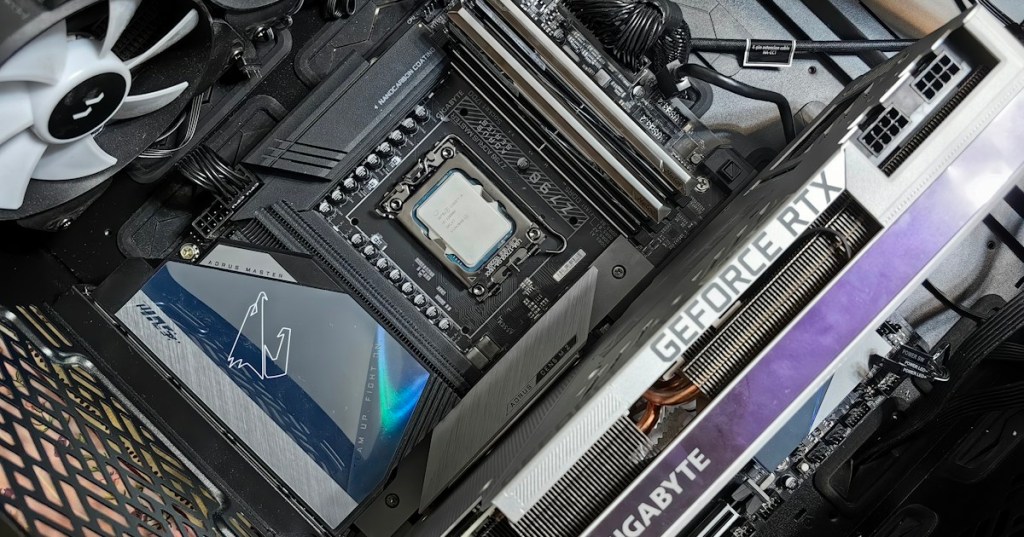
Physical memory means the actual memory hardware installed in a computer. On a desktop or server, that usually means DDR memory modules connected through the motherboard to the processor’s memory controller. BitcoinVersus.Tech has also covered how modern servers can scale this hardware dramatically, including 512 GB DDR5 server modules.
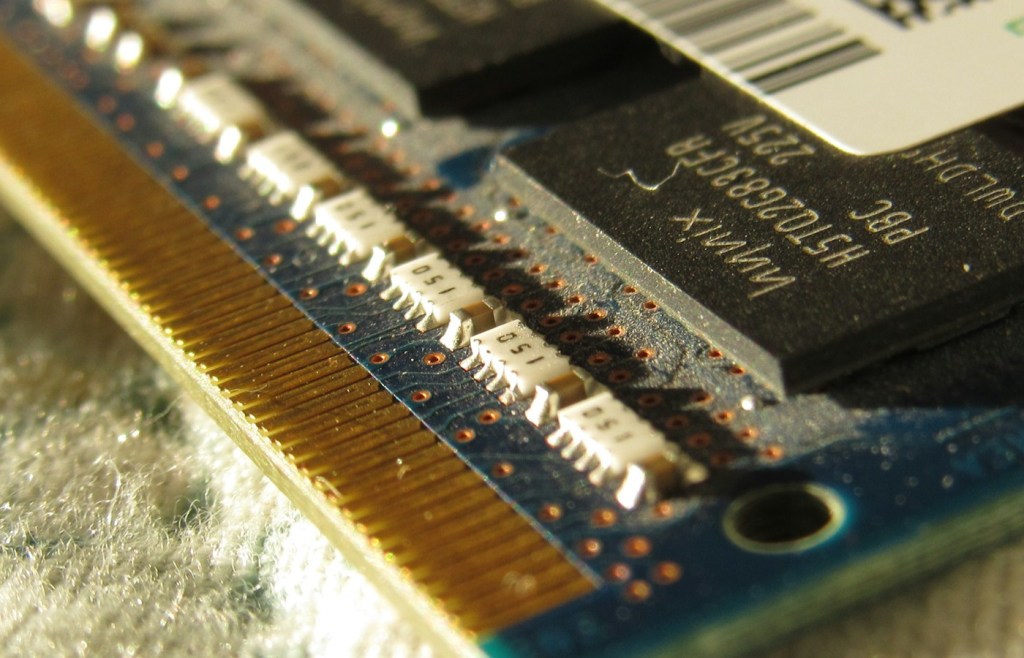
RAM is fast, but it is finite. Open a browser, game, IDE, database, VM, or large media project and every program wants memory. The kernel has to decide which memory stays resident, which pages can be reclaimed, and how each process is isolated from the others.
Virtual Memory Gives Each Process Its Own Address Space
A process does not normally say, “put my data in physical RAM chip address X.” It works with virtual addresses. Hardware and the operating system translate those virtual addresses into physical memory locations. Microsoft describes this as a private virtual address space for each process, backed by page tables that translate virtual addresses into physical addresses.
This is one of the reasons a crash in one application usually does not overwrite the memory of another application. It also lets the operating system move data around in physical RAM without forcing normal applications to care about the exact hardware location. Microsoft’s virtual-address-space documentation explains this translation directly.
The idea connects closely to processes and threads. Threads inside the same process can share that process’s virtual address space, while separate processes normally receive separate protected address spaces.
Memory Is Managed in Pages
Virtual memory is typically divided into fixed-size chunks called pages. Physical RAM is divided into corresponding page frames. When the CPU needs data, the system translates a virtual page into the physical frame that currently holds it.
A page table stores those mappings. Processors also use a small high-speed translation cache called the TLB, or translation lookaside buffer, so the CPU does not have to walk page tables from scratch for every memory reference. This sits alongside other fast processor memory structures such as L1, L2, and L3 CPU cache, although the TLB and data caches serve different jobs.
A Page Fault Means the Needed Page Is Not Ready Yet
If a program references a virtual page that is not currently available in the way the CPU expects, the processor raises a page fault. The kernel pauses that memory access, determines what should back the page, fixes the mapping, and then allows the program to continue when possible.
Page faults are not automatically errors. They are a normal part of demand paging. A fault can happen because a page needs to be loaded from storage, because a new page must be allocated, or because the operating system must update a mapping. The expensive cases are the ones that require slow storage I/O.
Windows Uses a Pagefile
On Windows, storage-backed virtual memory is commonly associated with pagefile.sys. When memory pressure rises, Windows can move less-active pages out of RAM and keep their contents in the pagefile so faster physical memory can be reused for more active work.
The pagefile is therefore not “fake RAM” in the simple sense. It is one part of the system’s broader virtual-memory design. Microsoft also uses pagefile capacity for parts of crash-dump support, which is another reason disabling it blindly can create problems.
Linux Uses Swap
On Linux, the analogous storage-backed mechanism is swap. Swap can be a dedicated partition or a file. BitcoinVersus.Tech covered the practical basics earlier in Swap File Overview (Linux OS).
The Linux kernel’s own memory-management documentation describes virtual memory, demand paging, user-space mappings, page tables, reclaim, and mechanisms such as zswap. The details are complex, but the high-level goal is simple: keep the most useful data in fast RAM and manage the rest without breaking applications.
Pagefile and Swap Are Much Slower Than RAM
Even a fast NVMe SSD is far slower than DRAM for random memory access. That is why a machine can technically keep running while heavily paging and still feel painfully slow. The system is spending too much time moving memory pages between fast RAM and slower storage.
This is also why the difference between RAM and flash storage matters. Both hold data, but they are built for different latency, bandwidth, endurance, and persistence requirements. The older storage-device overview provides the broader HDD, SSD, and removable-storage context.
Real-world memory pressure still matters on modern PCs: this TechRadar post highlights Windows application RAM usage as an everyday performance concern.
Heavy Paging Can Turn Into Thrashing
If a workload needs far more active memory than the machine has available, the operating system may spend so much time moving pages in and out that useful work slows dramatically. This condition is commonly called thrashing.
Symptoms can include long pauses, storage activity staying high, applications becoming unresponsive, and performance improving immediately after memory-heavy programs are closed. Adding RAM can help when the real bottleneck is sustained memory pressure, but it is better to verify the cause first instead of guessing.
How to Check Virtual-Memory Pressure
On Windows, Task Manager, Resource Monitor, and Performance Monitor can show memory use, commit, pagefile activity, working sets, and paging-related counters. A high memory percentage by itself does not prove there is a problem; the important question is whether the system is under sustained pressure and doing expensive paging.
On Linux, simple commands such as free -h, vmstat 1, and swapon --show reveal physical memory, available memory, swap capacity, and paging activity. The Linux kernel may also use otherwise-idle RAM for cache, so “low free memory” is not automatically the same as “out of memory.”
Virtual Memory Is More Than Emergency Overflow
The biggest misconception is that virtual memory exists only when a computer runs out of RAM. In reality, modern operating systems use virtual addressing all the time. It enables process isolation, flexible allocation, memory-mapped files, shared libraries, copy-on-write behavior, and large address spaces.
The pagefile or swap area is simply one possible backing store for pages. Virtual memory is the entire abstraction that separates what a process thinks its memory looks like from where those bytes physically live at any instant.
Virtual Memory vs. Virtual Machines
A virtual machine virtualizes an entire computer environment. A hypervisor divides physical server resources among VMs, including vCPUs, RAM, storage, and networking.
Virtual memory works one level deeper inside an operating system. It virtualizes a process’s view of memory. A VM can therefore have its own guest operating system, and that guest operating system can then run its own virtual-memory system inside the VM.
This connects the newer BitcoinVersus virtualization explainers to the older client-side virtualization guide: virtualization can happen at several layers, from whole machines down to memory addresses.
The Simple Way to Remember Virtual Memory
Programs use virtual addresses. The operating system and hardware map those addresses to physical RAM. When necessary, less-active pages can be backed by slower storage such as a Windows pagefile or Linux swap.
So the chain is: application → virtual address → page table → physical RAM → pagefile or swap when storage backing is needed. Keep that order straight and virtual memory becomes much easier to understand.
Editor’s Note
Featured photograph: Andrey Matveev via Unsplash, cropped to exactly 1200×630. Body RAM photograph: Omar Sabra via Unsplash. Both are used under the Unsplash License. The YouTube videos and X post are directly relevant to virtual memory, paging, and modern memory pressure.
Support and donation options are available through BitcoinVersus.Tech.
BitcoinVersus.Tech is not a financial advisor. Content is provided for informational and educational purposes.


Leave a comment